
Usage Reporting can now be found in the User Enrolment Reports area via the admin menu. Follow the below instructions to find the new location of Usage Reporting:
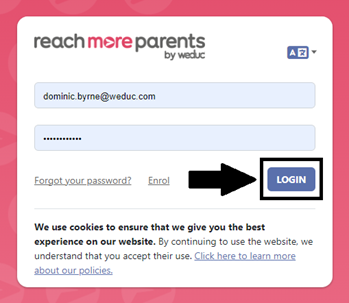
1) Log in to ReachMoreParents.
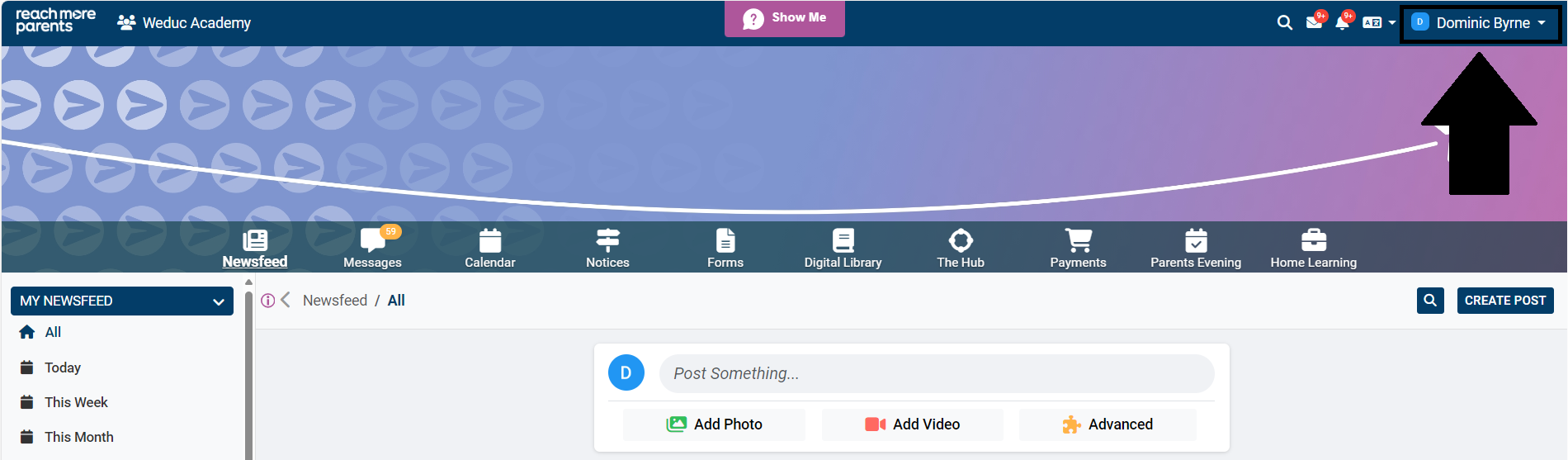
2) Click your name in the top-right corner of the screen.
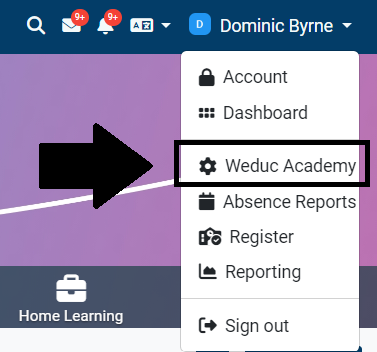
3) Click your school name to access the admin menu.
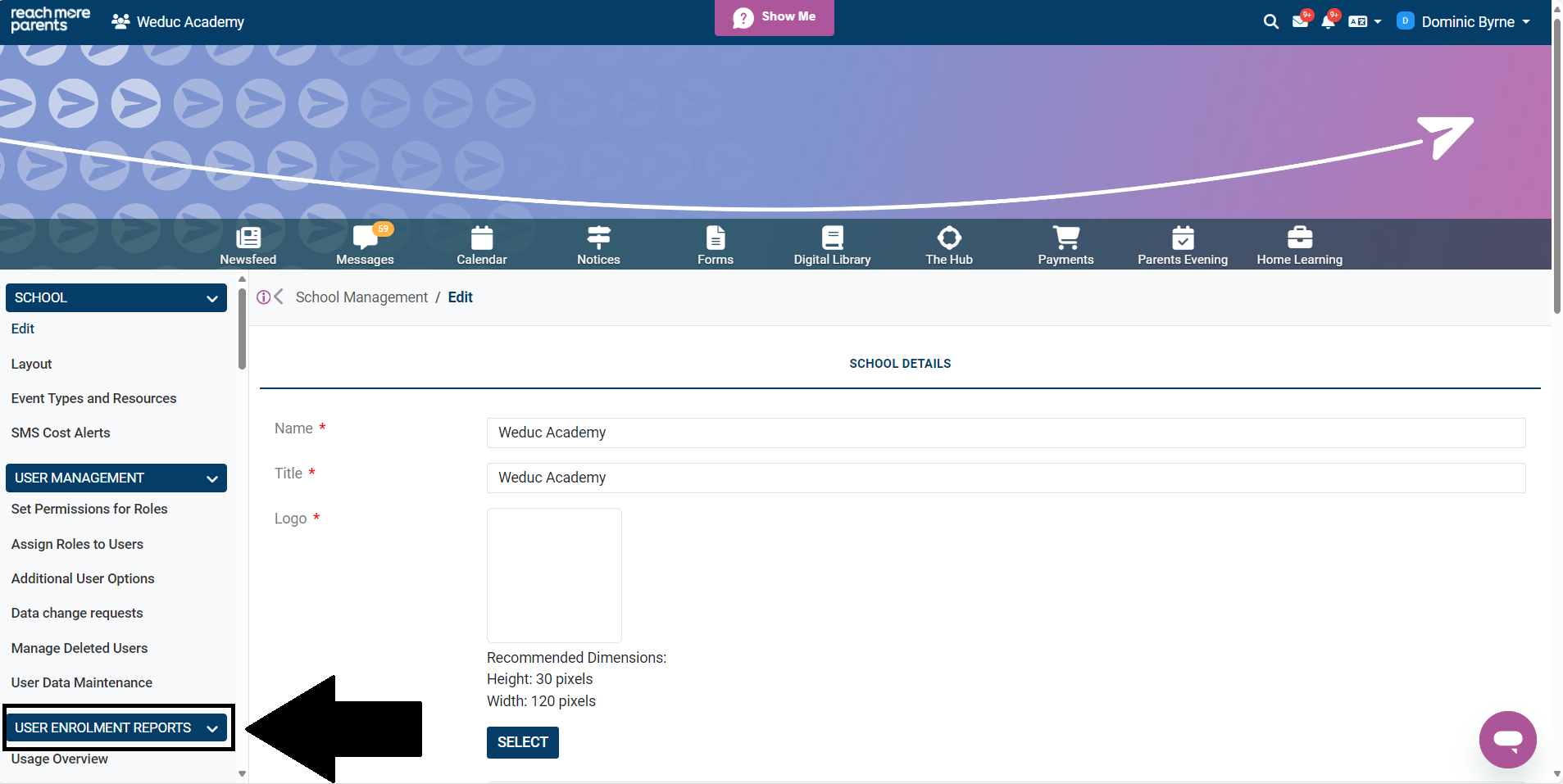
4) Scroll down the navigation pane on the left side of the screen until you see the User Enrolment Reports area.
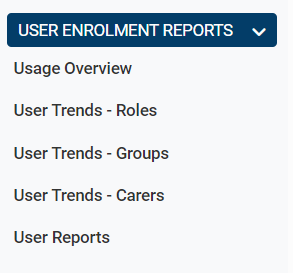
If you used the Usage Reporting area to access specific reports, the names may have changed slightly. The new names have been summarised below:
Tables can't be imported directly. Please insert an image of your table which can be found here.
Old NameNew Name