
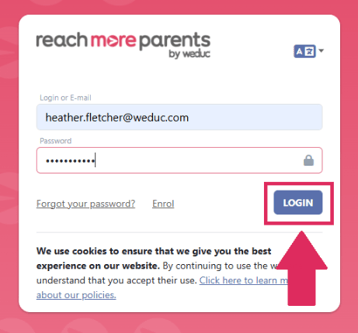
1) Log in to ReachMoreParents.
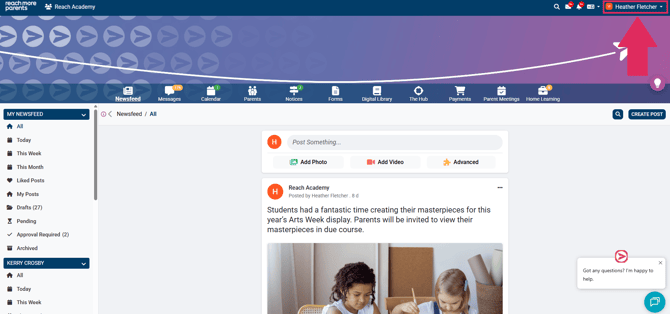
2) Click on your name in the top right hand corner.
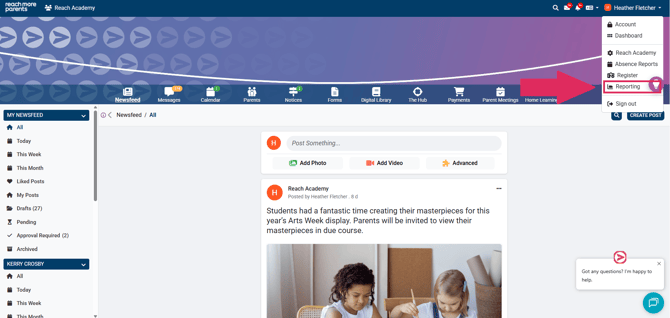
3) Select 'Reporting.'
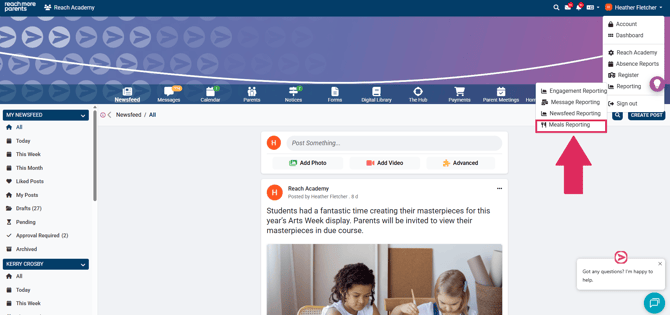
4) Select 'Meals Reporting.'
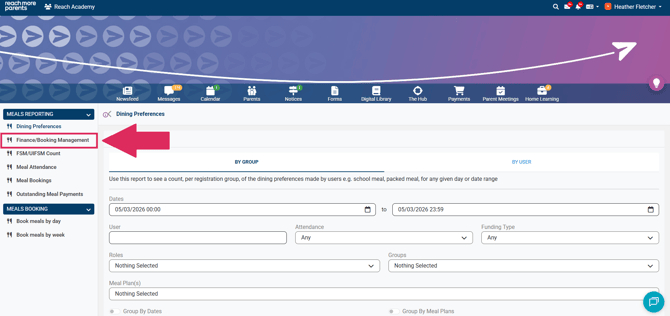
5) Select the 'Finance/Booking Management' Report.
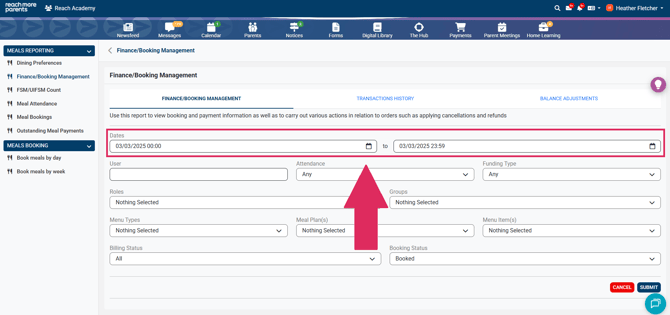
6) Select the relevant date period,.
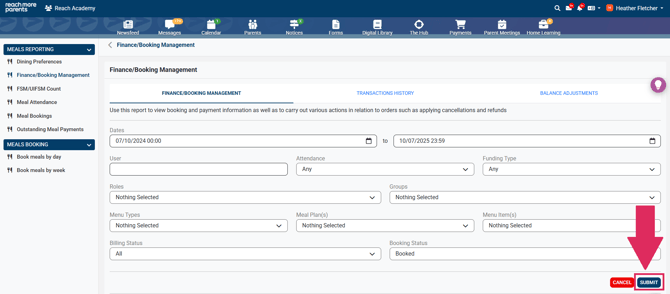
7) Press 'Submit.'
8) Type the student's name that you need to cancel/refund into the search bar.
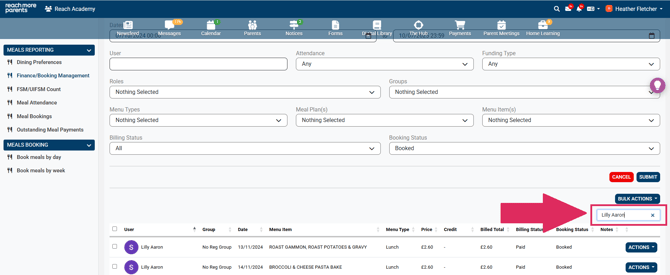
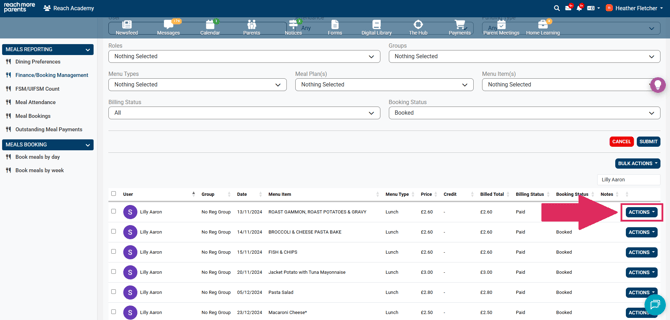
9) Locate the order that needs to be cancelled/refunded and select 'Actions' on the right hand side.
10) Select 'Cancel/Refund.'
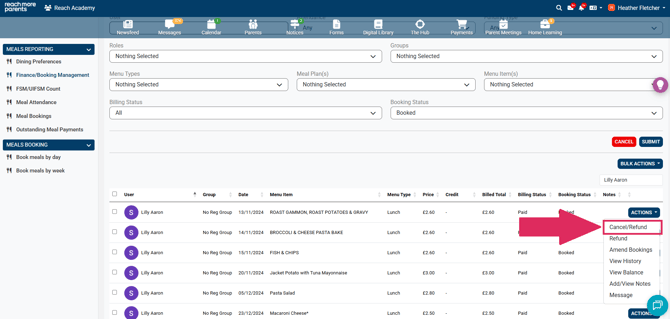
This will cancel the booking and refund the money back to the Student's Meal Ordering wallet to be used at another time.