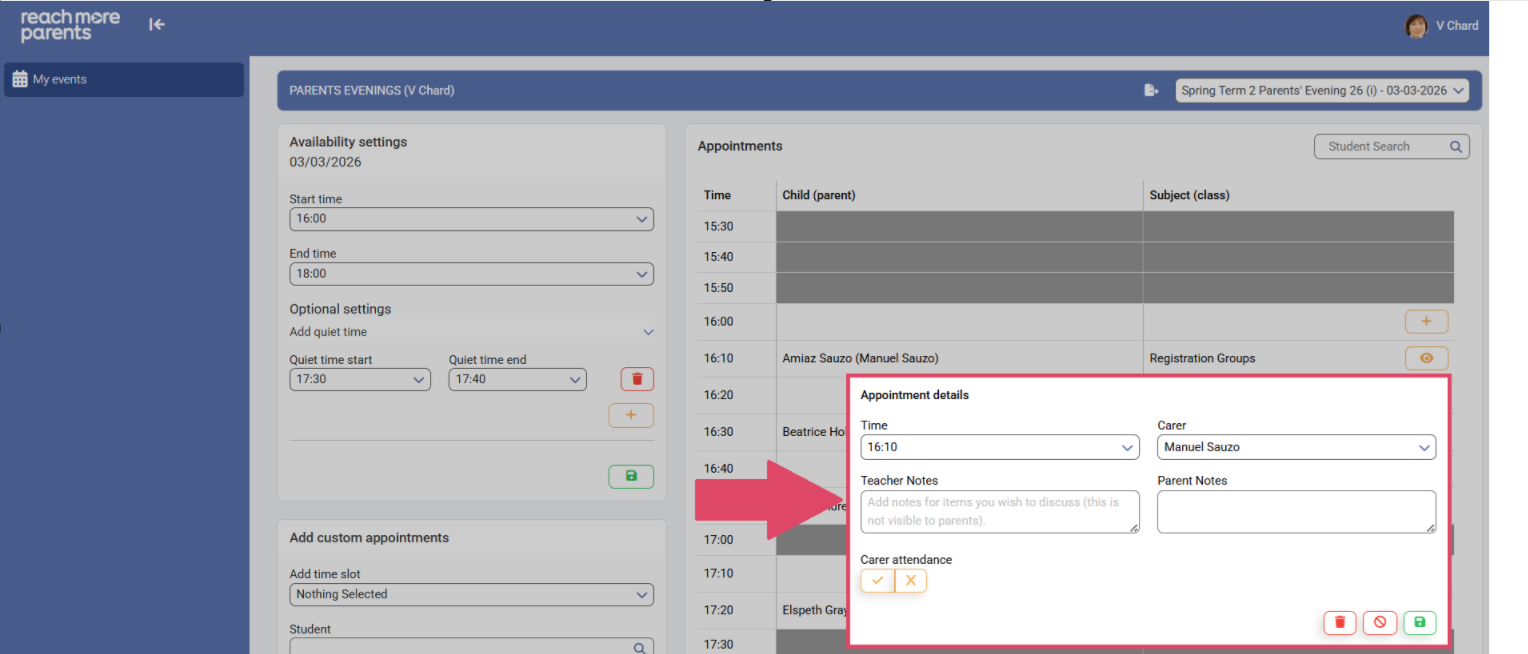
When you're reviewing the appointments you have on your schedule for a PEMS event, you may need to delve a little deeper into the specifics of an appointment for a child. In this article, we will be demonstrating how to access the "Appointment Details" in PEMS as a Teacher.
Firstly, you need to access PEMS as a teacher following the steps below:
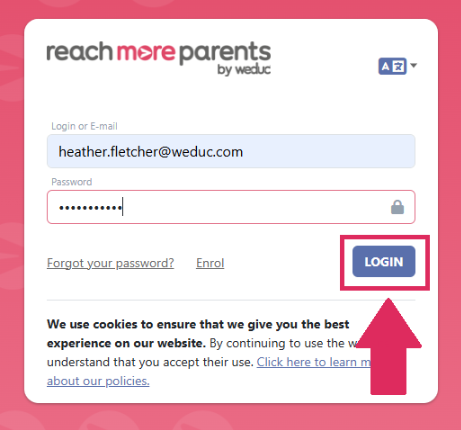
1) Log in to ReachMoreParents.
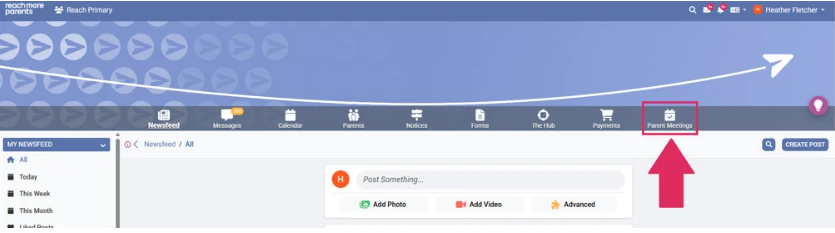
2) Click on the Parent Meetings icon
From here, you need to continue with the following steps:
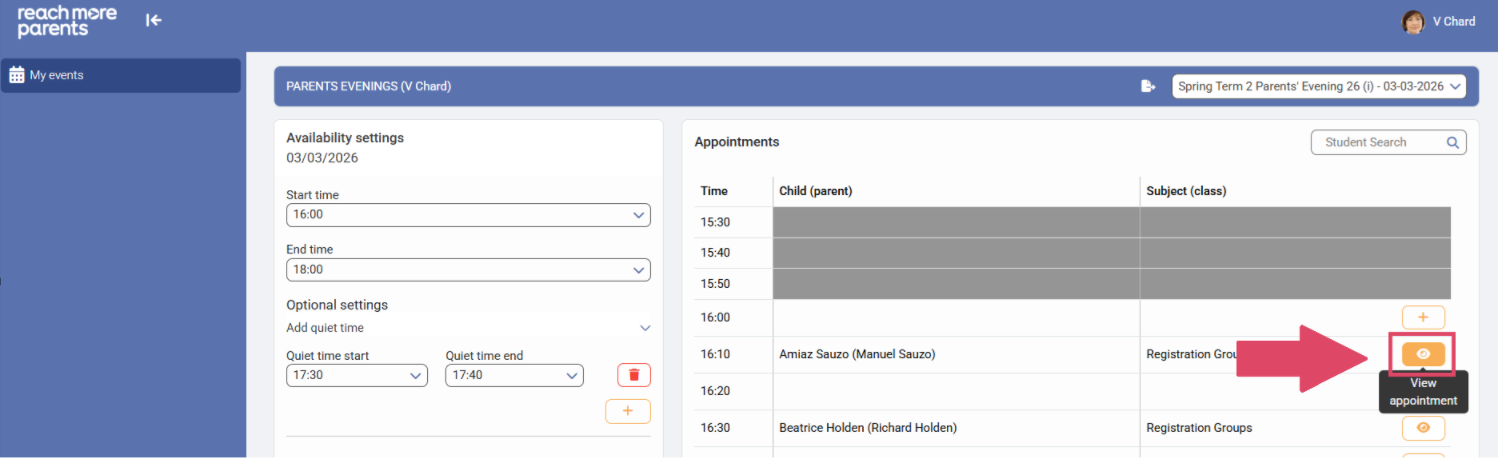
1) Click on the Event tile for the event you need to review an appointment for

2) Click on the eye icon to "View appointment" details
3) In the Appointment details block, you will see the Time for the appointment, the Carer(s) who are booked to attend that appointment, the Teacher Notes presently against the appointment and the Parent Notes presently against the appointment