
As a Teacher hosting appointments at a Parent Event, you will need to view your appointment schedule to know who to expect at your desk and when to expect them. In this article, we will detail how to view your schedule as a Teacher.
Firstly, you need to access PEMS as a Teacher:
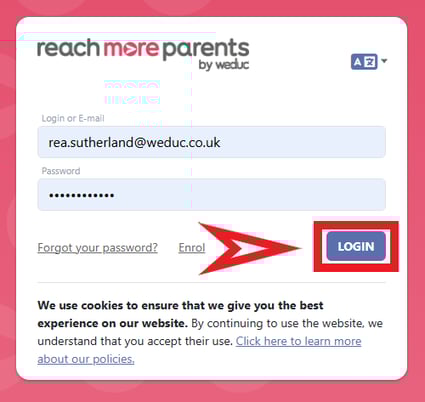
1) Log in to ReachMoreParents.
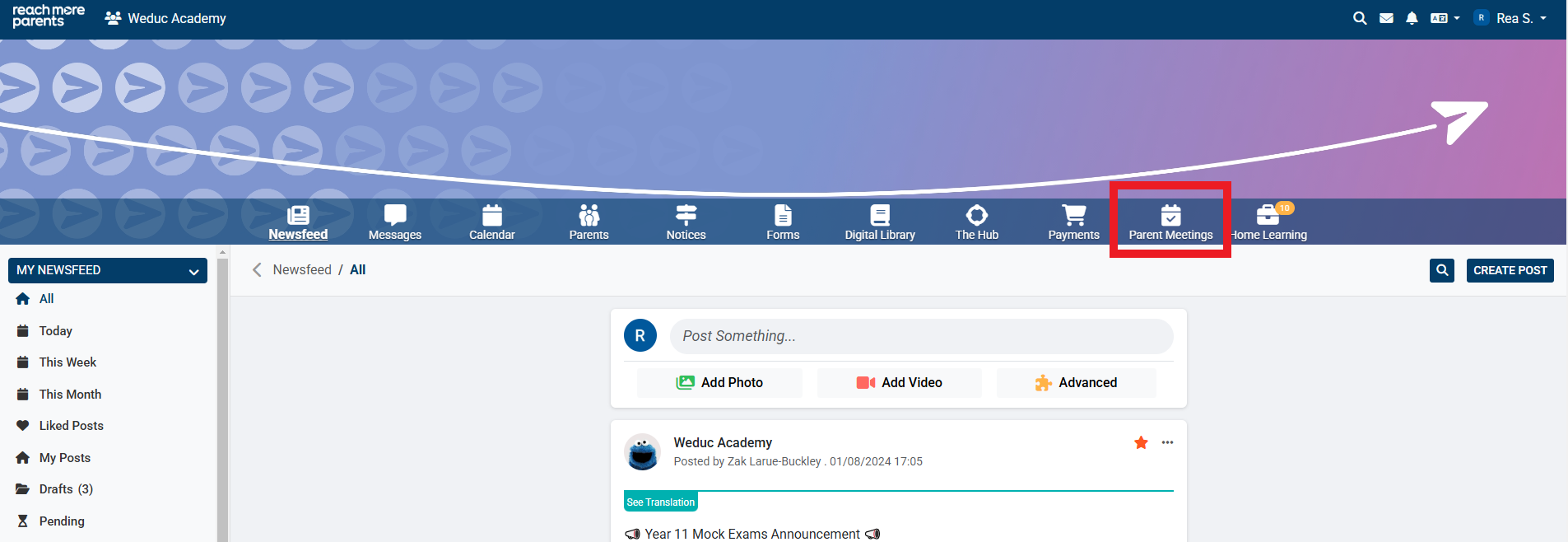
2) Click on the Parent Meetings icon
From this point, you will need to carry out the below steps:
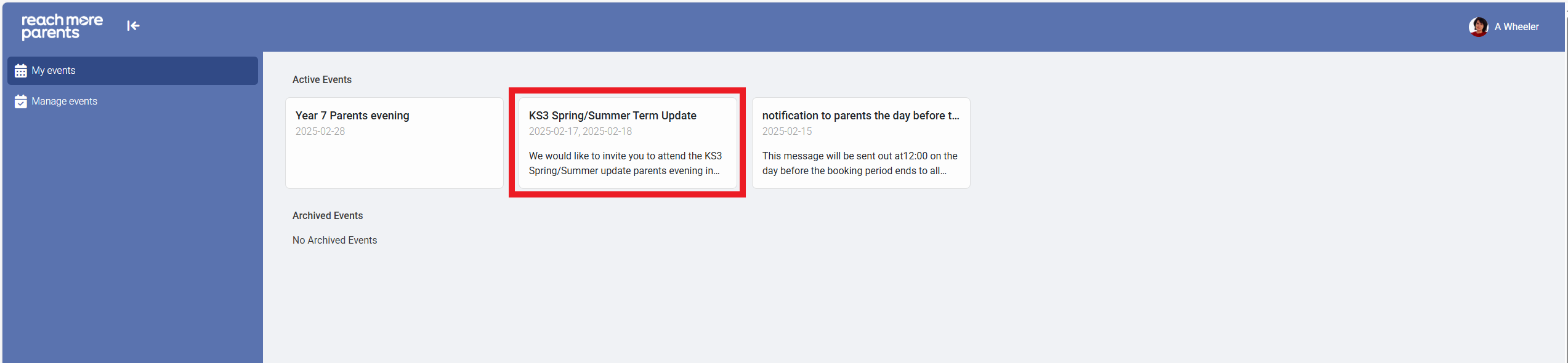
3) Click on the Event Title tile for the event you need to review your schedule for
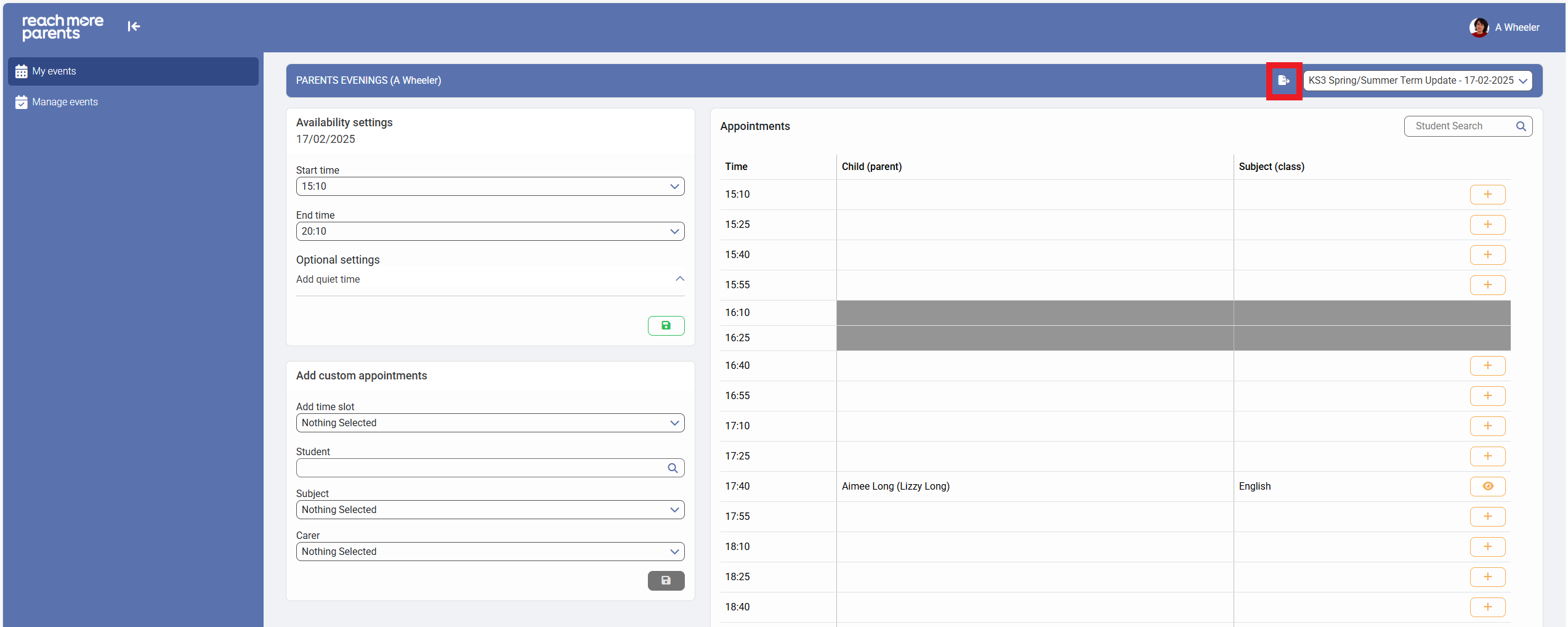
4) In the Appointments block, you will see the Time, Child (Parent) and Subject (Class) columns. Where an appointment has been booked in that slot, you will see that information per appointment time slot
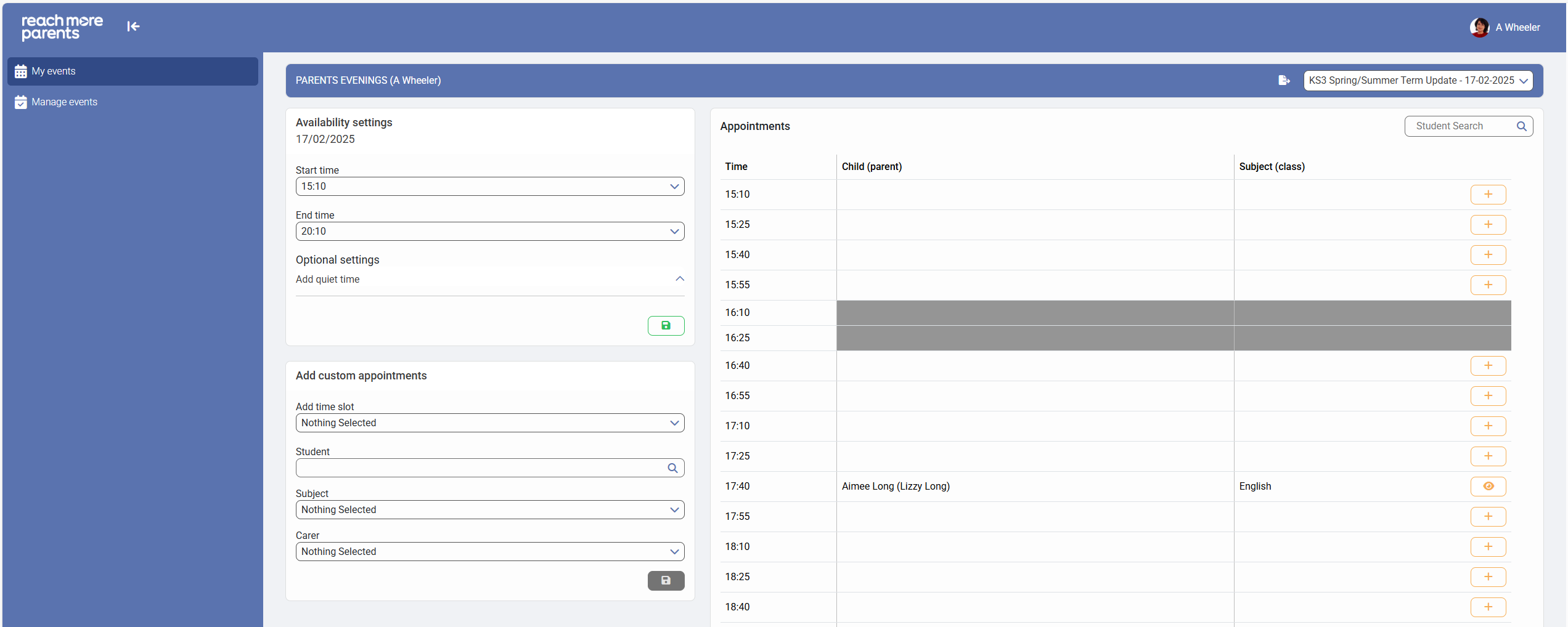
5) As a Teacher, you can export your schedule from this view using the "Export" button within this table heading
For further detail on how to export and review your schedule offline as a teacher, follow the link here.