
If you need to take your schedule offline for the purpose of the PEMS event, this article will instruct you how to do so.
Firstly, you need to access PEMS as a Teacher:
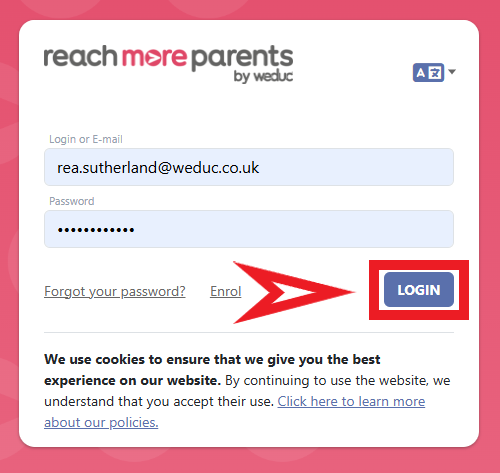
1) Log in to ReachMoreParents.
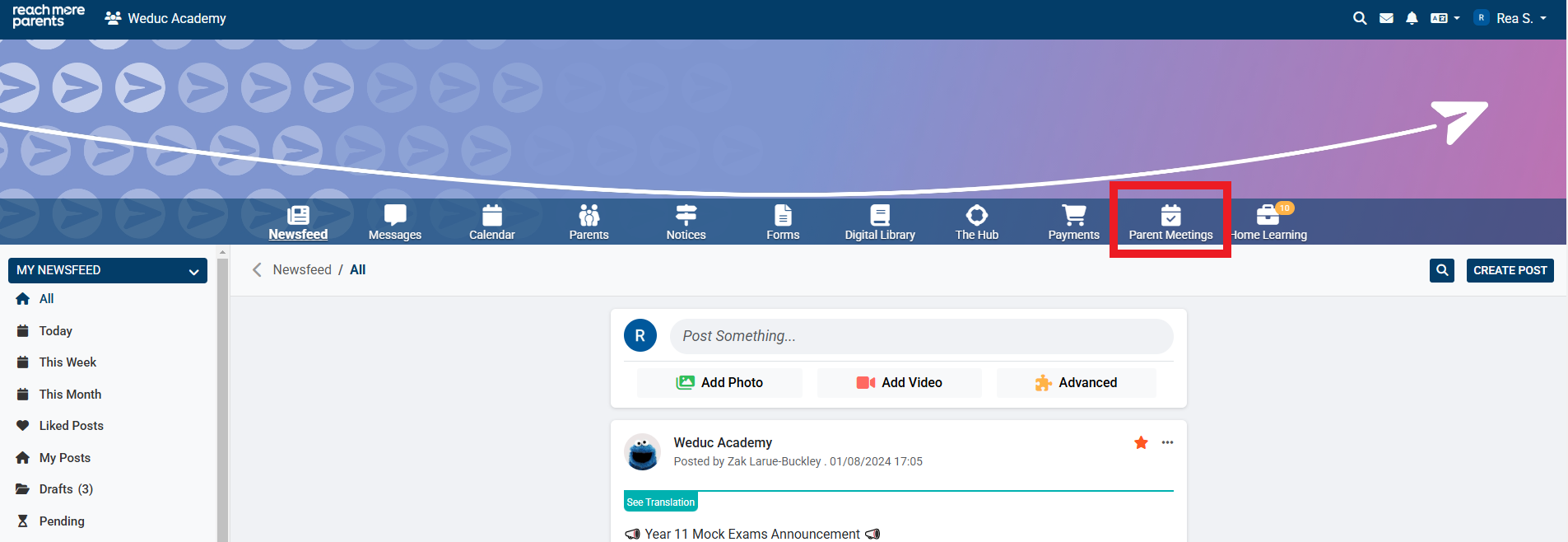
2) Click on the Parent Meetings icon
To continue the process, carry out the steps below:
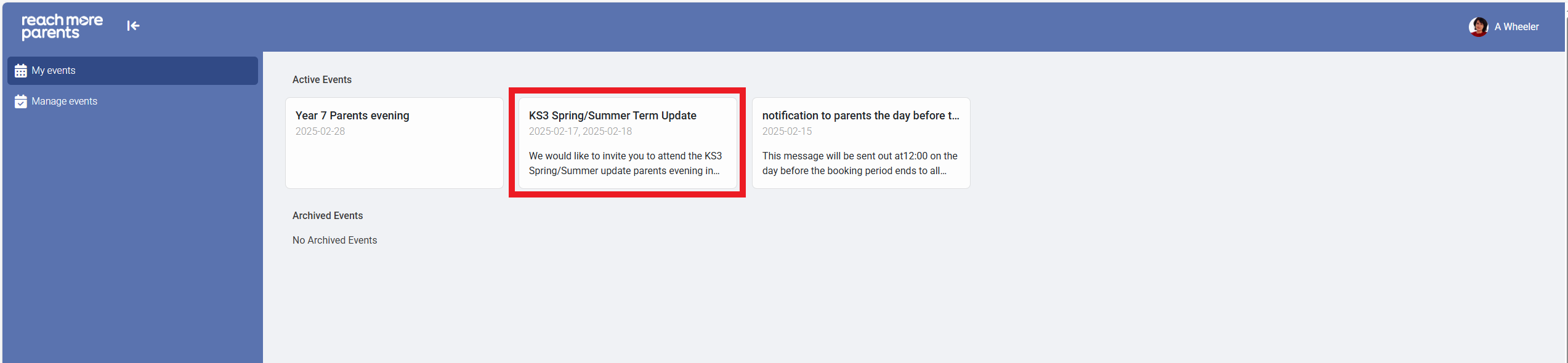
3) Click on the Event tile where you need to export your bookings
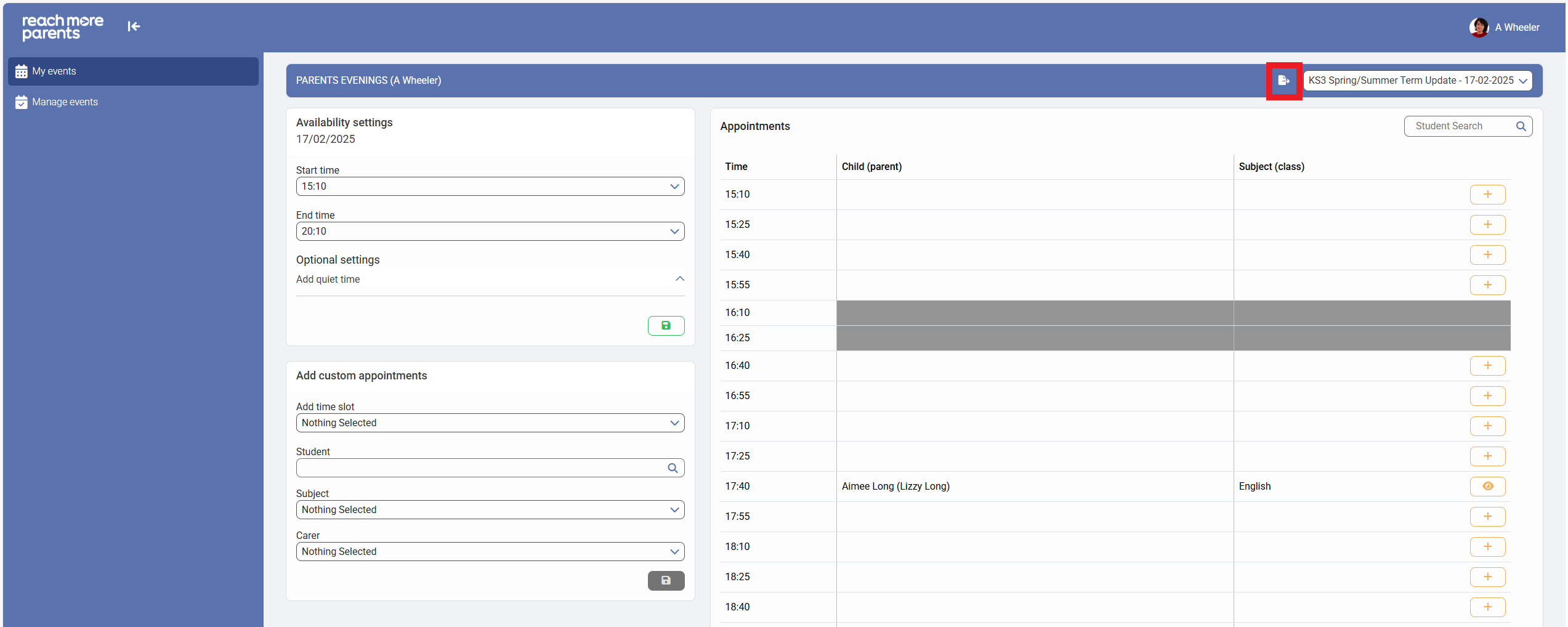
4) Click on the "Export" button in the Appointments heading
5) When the file is ready to download, the "Download file" link appears
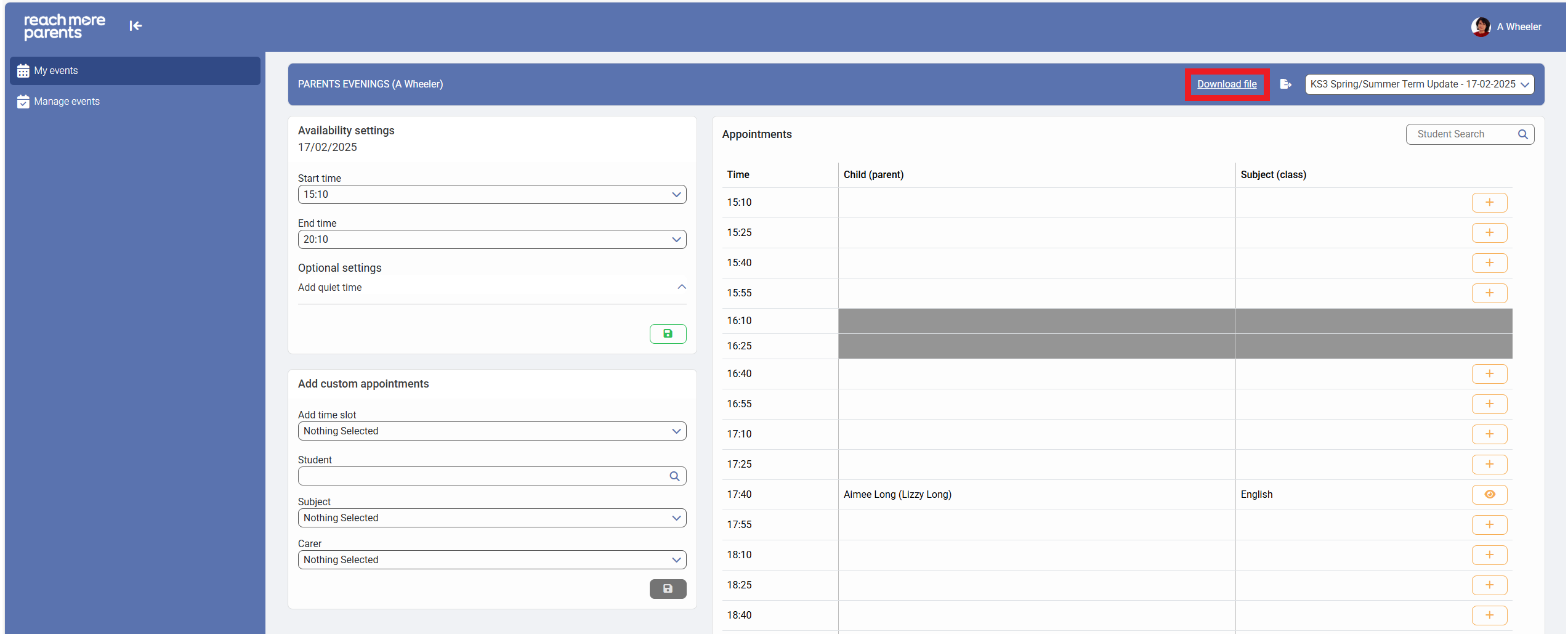
6) Click on "Download file"
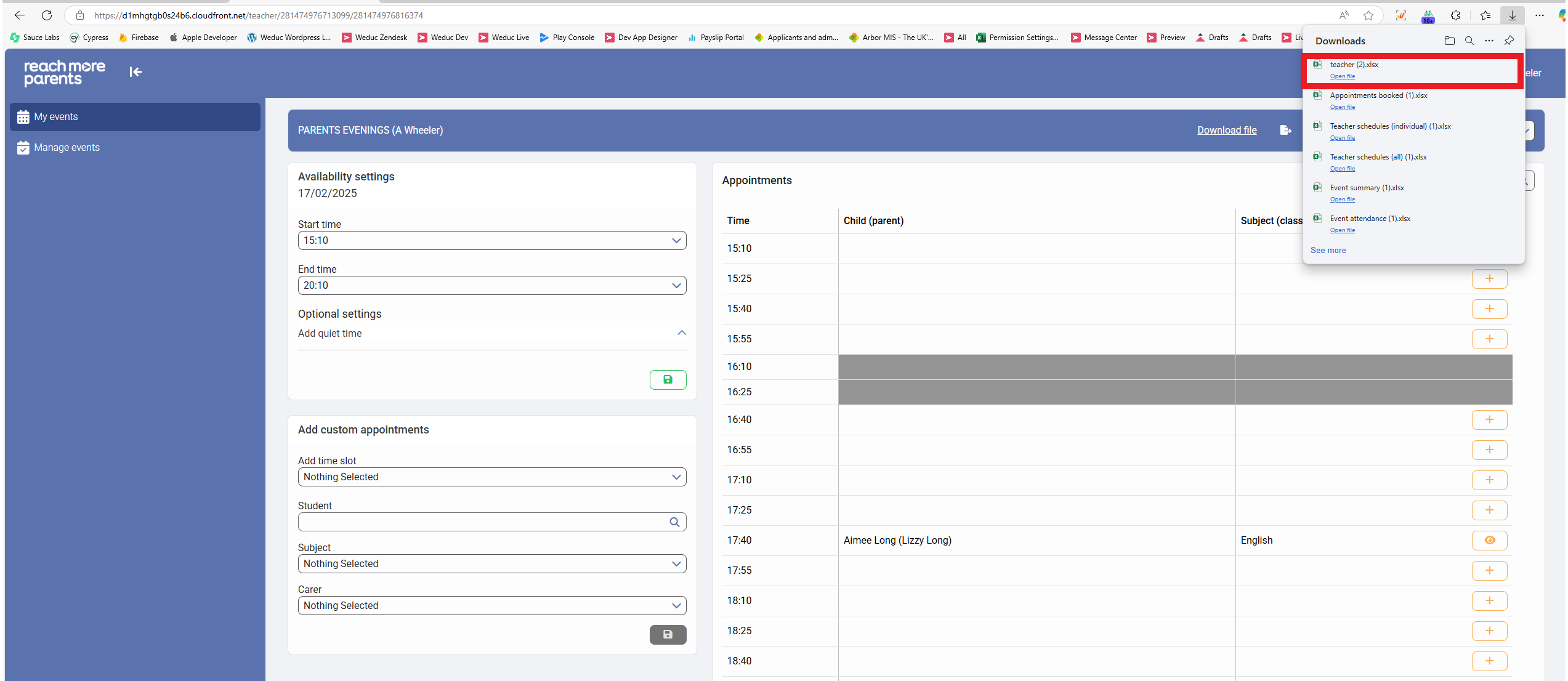
7) Open the excel file and the schedule will be listed in full with "Event Date", "Appointment Times", "Student", "Assigned Parent(s)", "Class (Subject)", "Teacher notes", "Parent notes" and "Parent Attended" headings
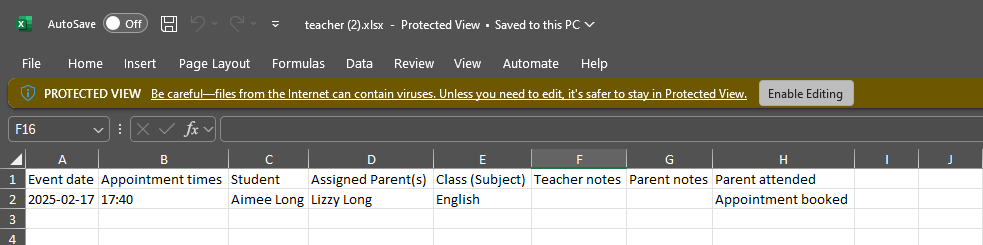
8) This file can be accessed offline on your device or printed if you require a paper copy on the day of the event