
When circumstances change for either yourself, or the parent / carer who has booked an appointment with you, there may be a need to amend the appointment to a different time on the event date.
In this article, we will cover how to access the appointment you need to change and amend the appointment time as needed.
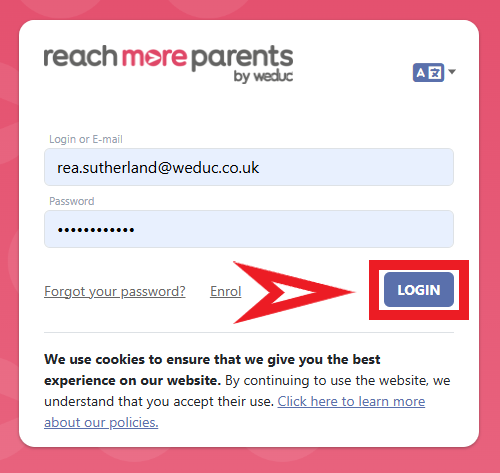
1) Log in to ReachMoreParents.
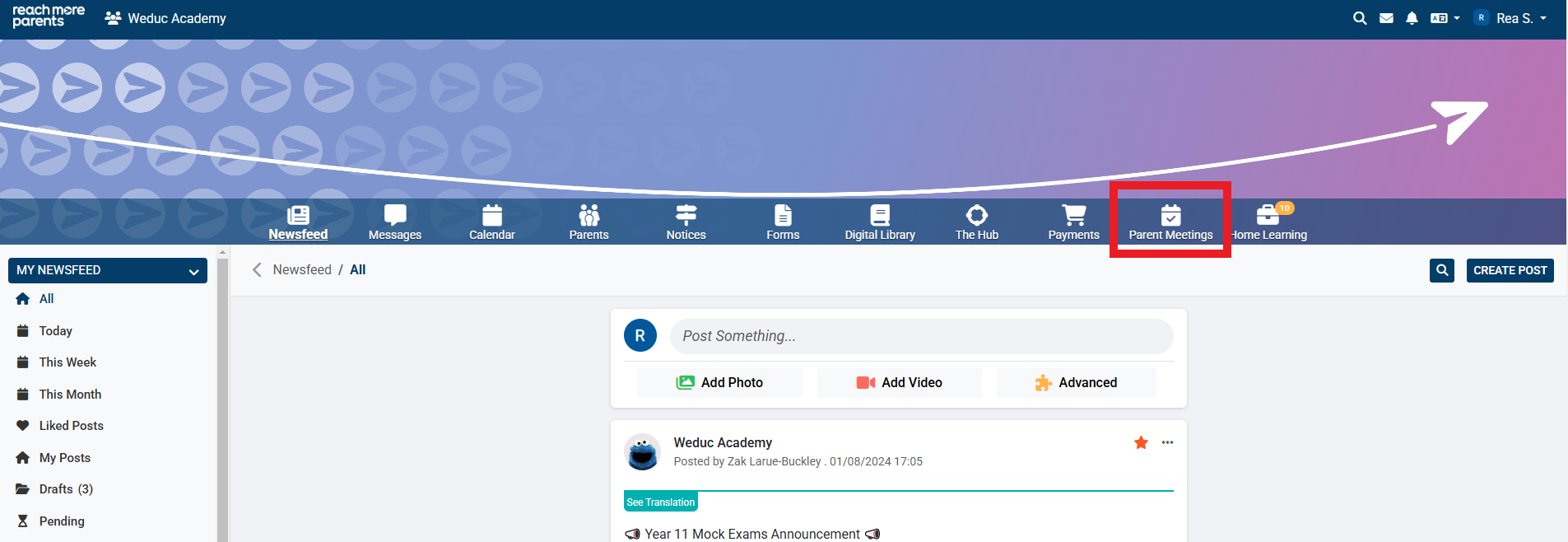
2) Click on the Parent Meetings icon
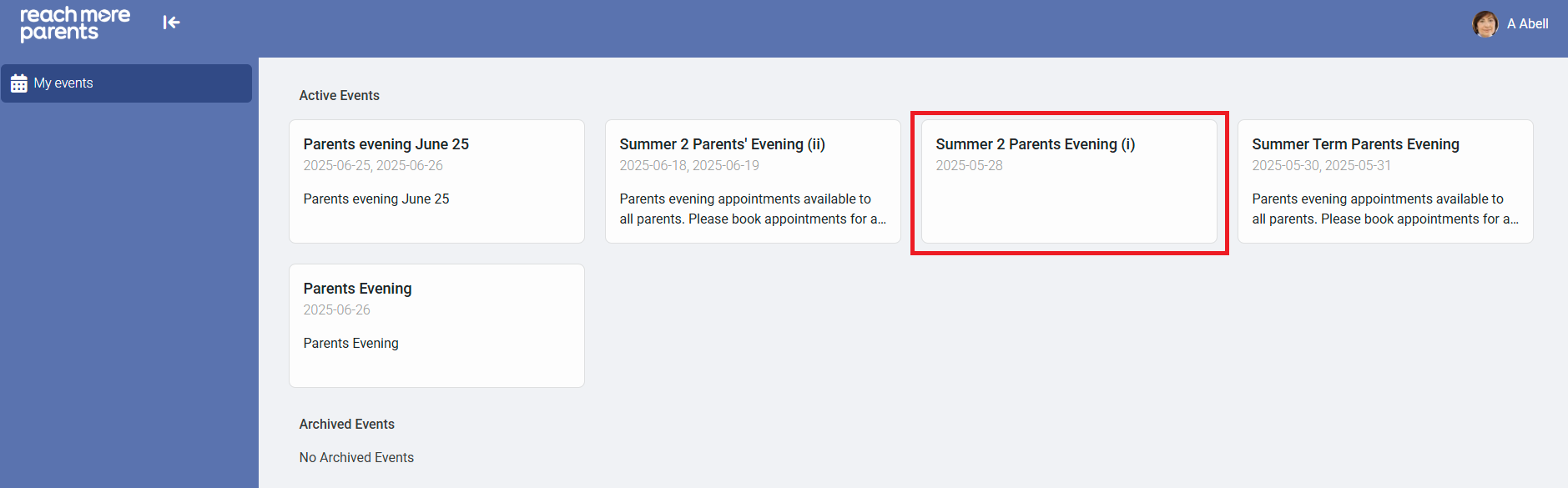
3) Click on the Event tile where the appointment you need to amend is located
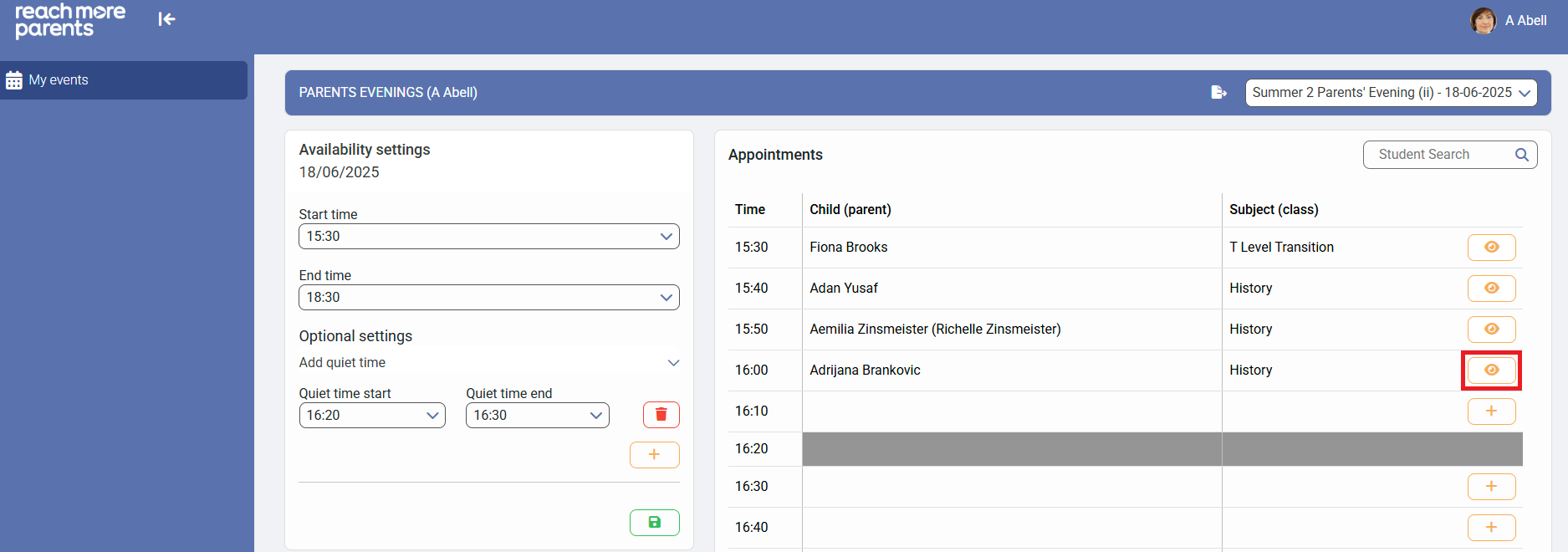
4) Click on the eye icon to "View appointment" details
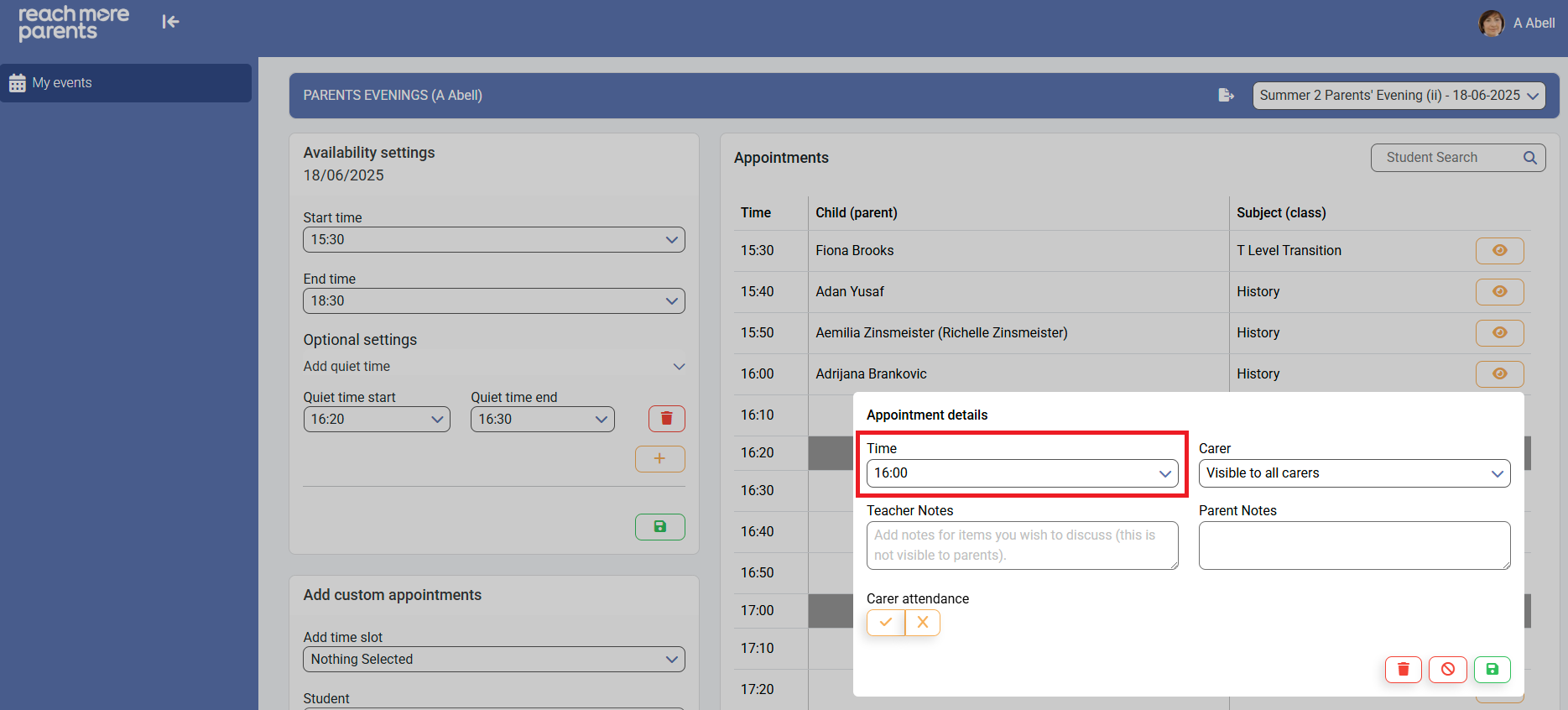
5) Click on the "Time" field in the "Appointment details" block
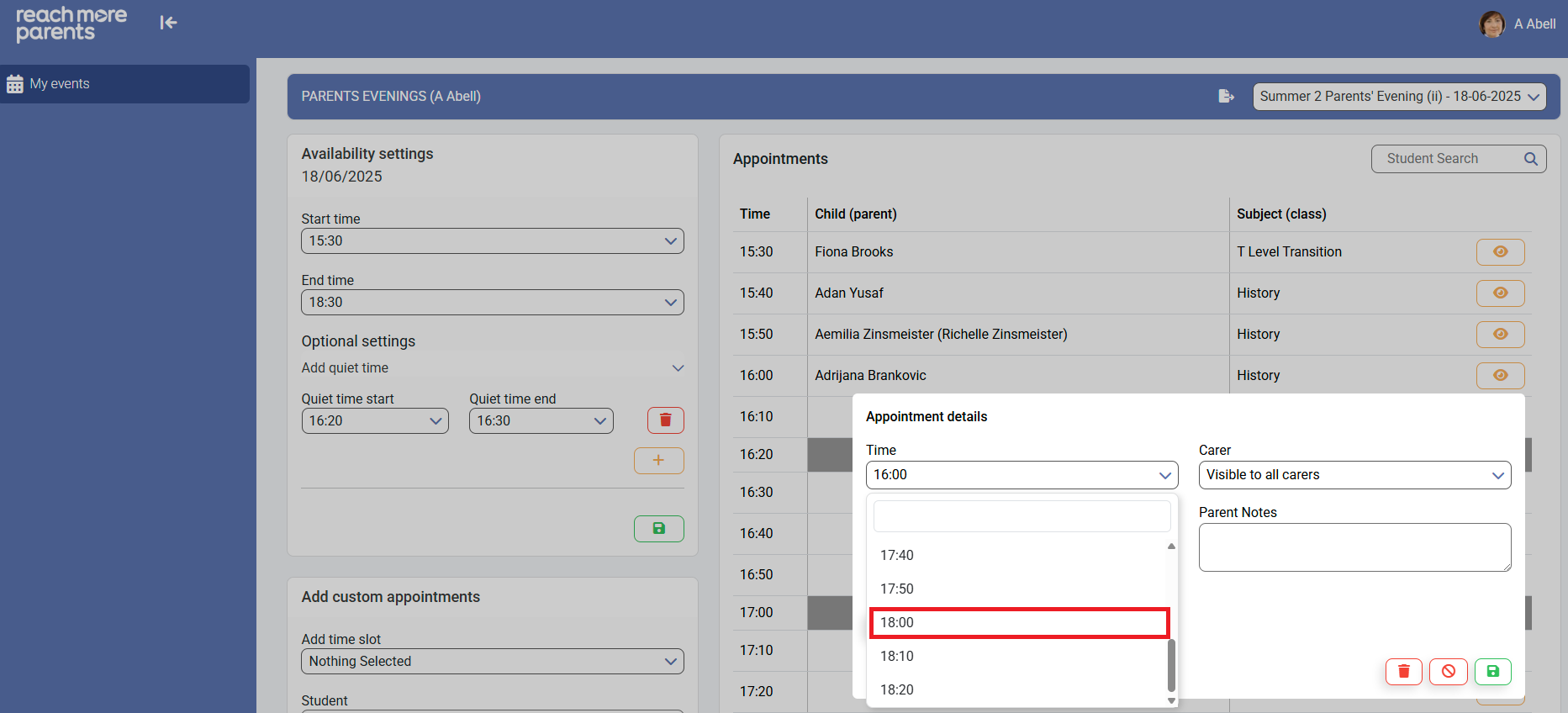
6) Choose the new time for this appointment from the selector
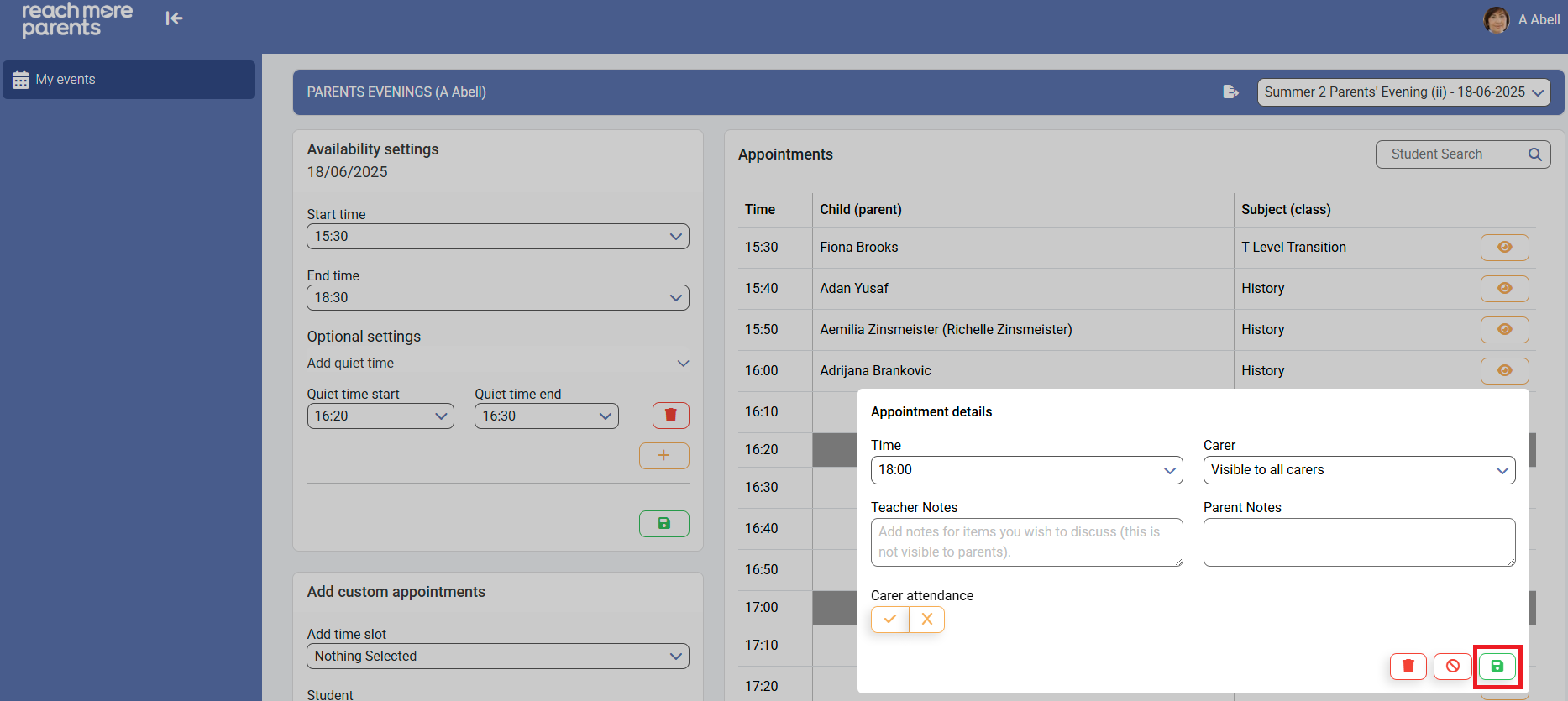
7) Click on "Save" to accept your changes
If you need to return to the Full Guide for Teachers, you can do so by clicking here.