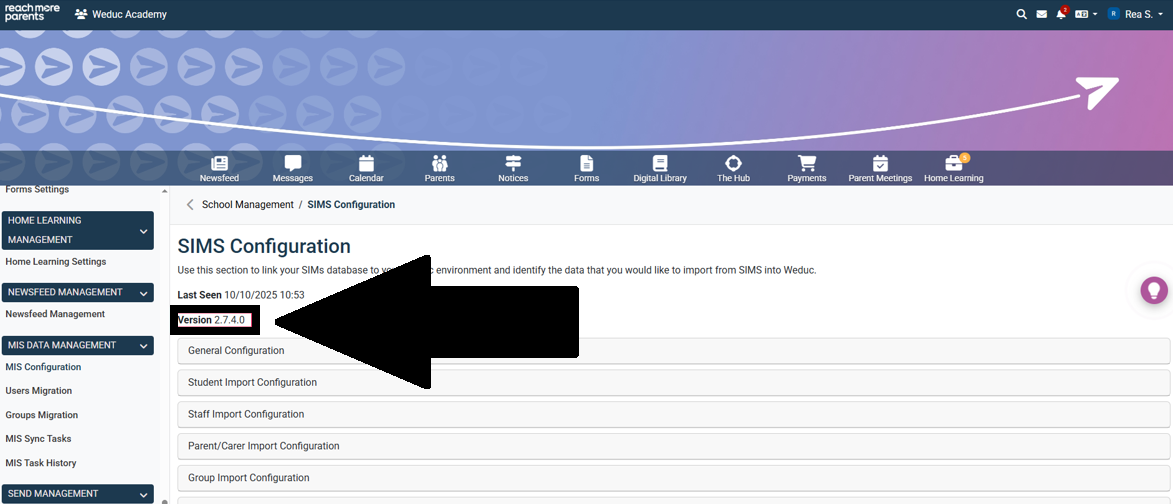
When you are notified of an update to the Weduc Connector (ReachMoreParents’ direct connection to the SIMS MIS), you will need to trigger the update of the connector from within your ReachMoreParents platform. This guide outlines the steps needed to make the update.
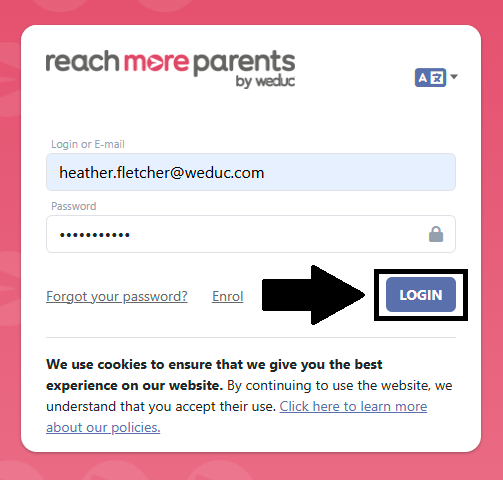
1) Login to ReachMoreParents.
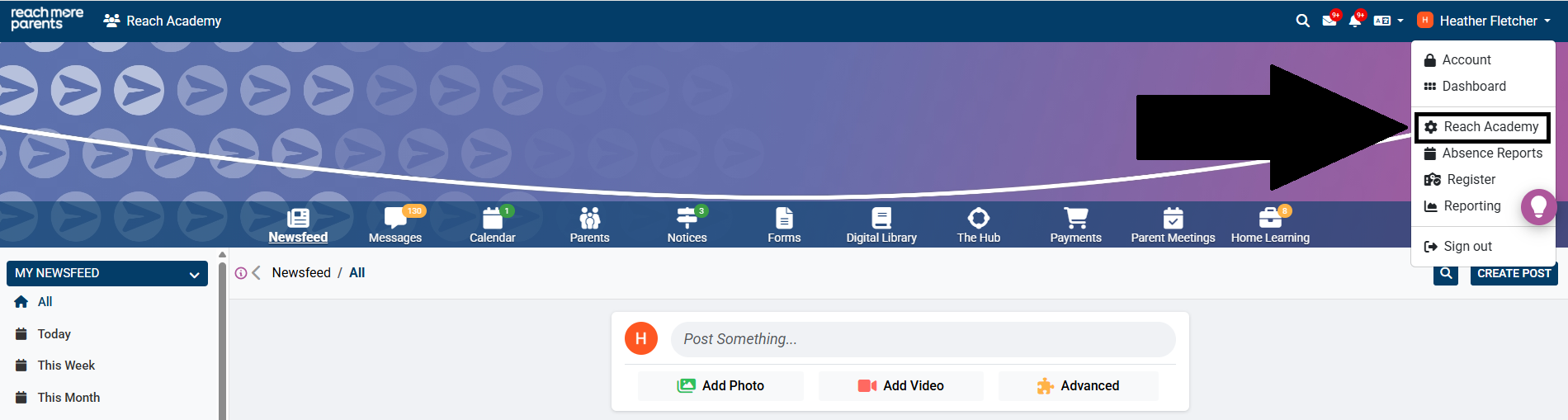
2) Click on your name in the top right hand corner and select the cog icon.
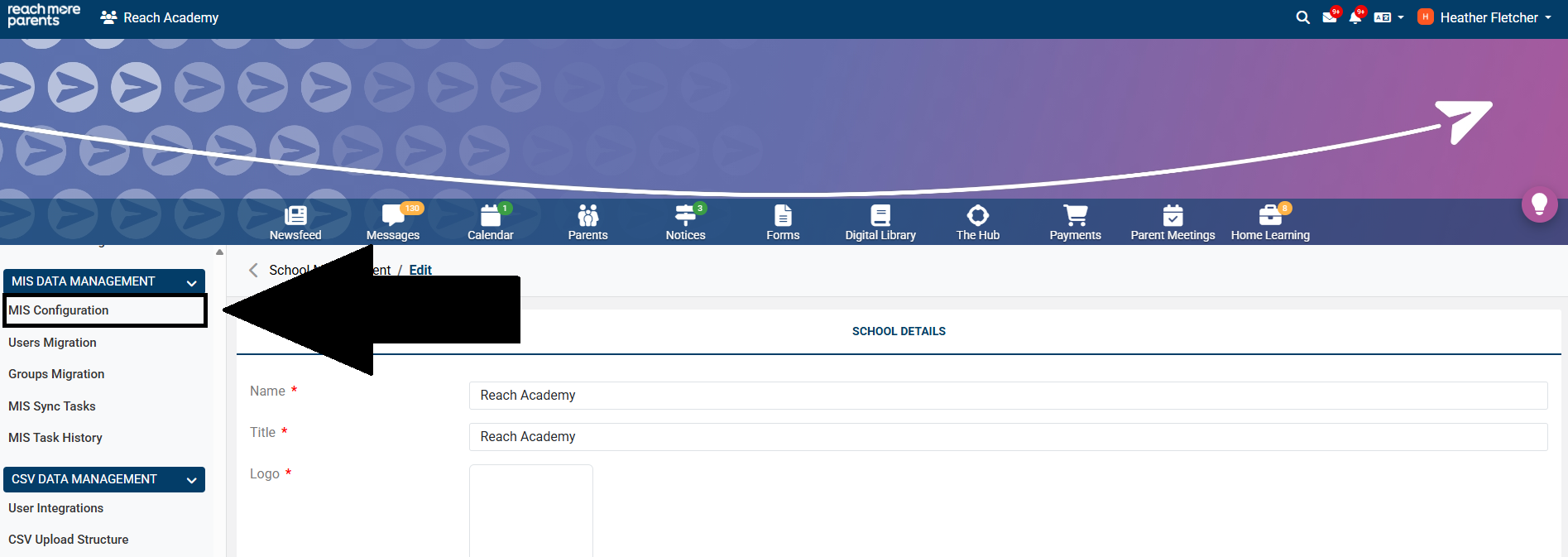
3) Click 'MIS Configuration' within the 'MIS Data Management' menu.
4) If an update is available, you will see 'Update: A new Weduc Connector version is available.'
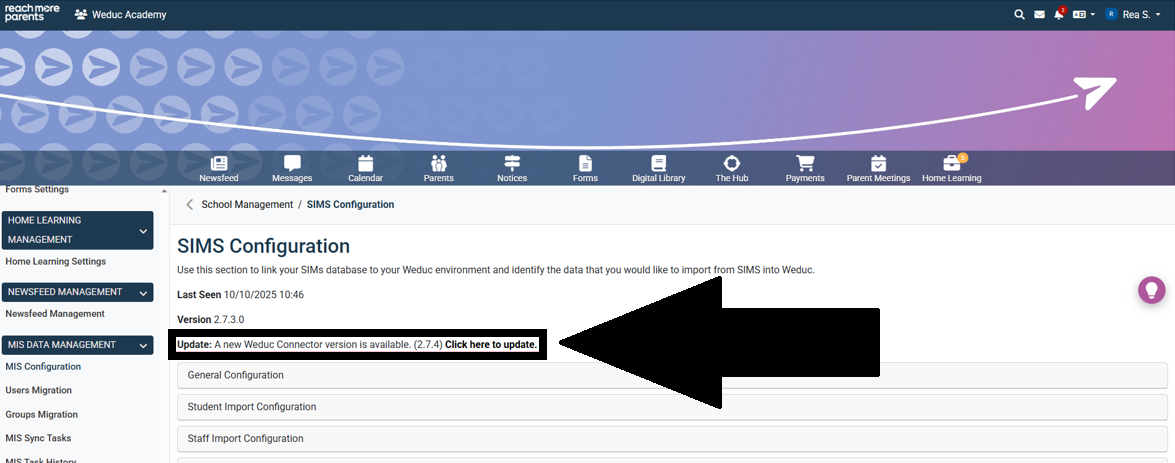
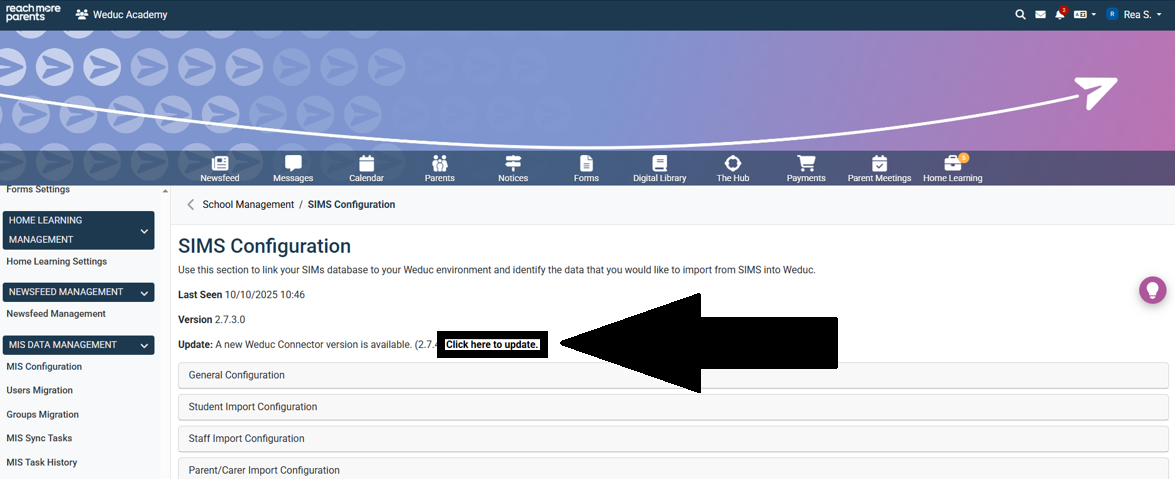
5) Click on the 'Click here to Update' link.
6) When the update is running, you will see: 'Update: Weduc Connector is updating.'
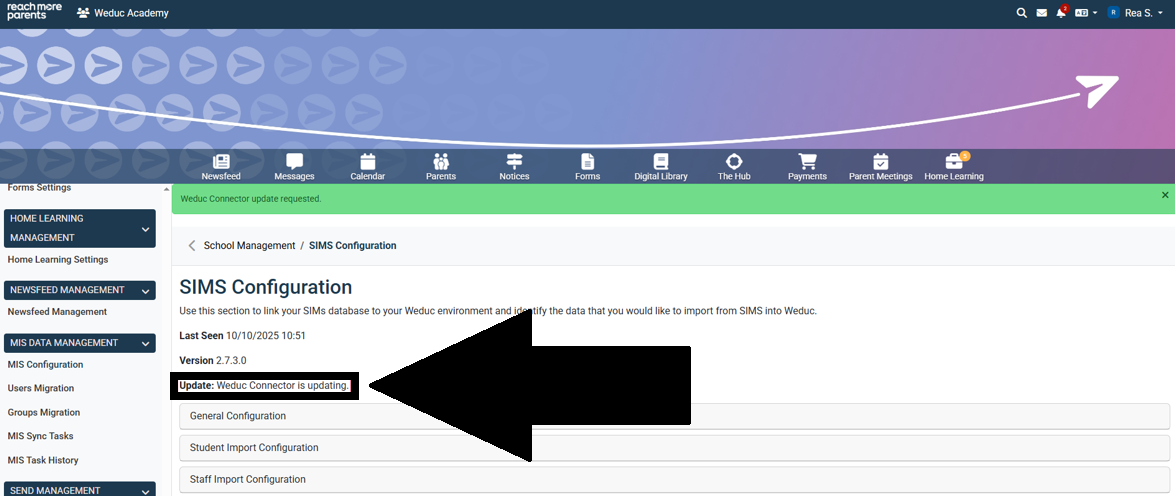
7) Once the update has taken place, all update notifications will be removed and the latest update version will be displayed on screen.