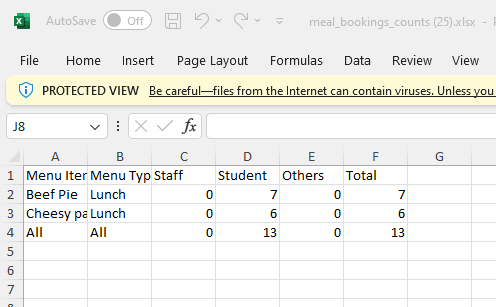
Schools may typically need to provide kitchen staff with a breakdown of how many meals items have been ordered each day so they can start cooking.
Follow the below instructions to produce this report.
1) Log in to ReachMoreParents.
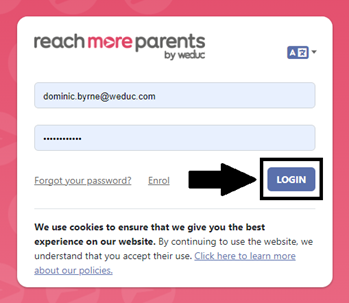
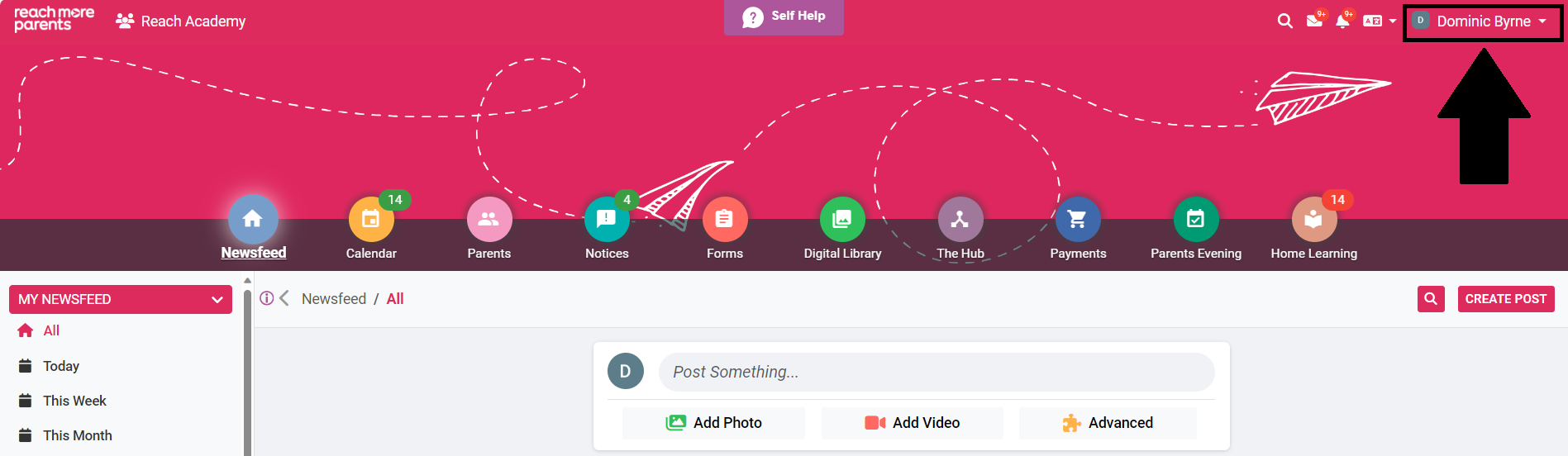
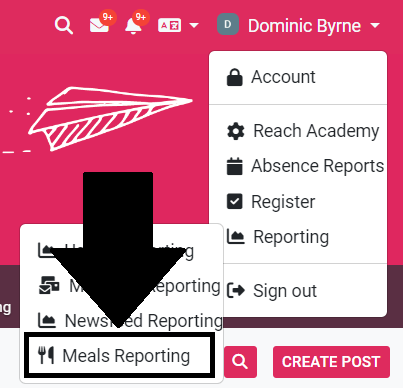
2) Click on your name in the top right hand corner.
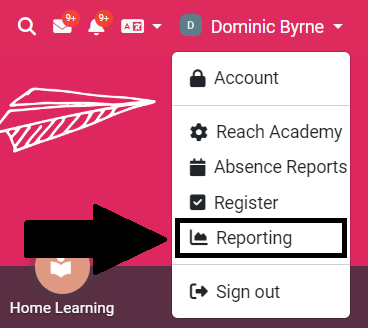
3) Click Reporting.
4) Click Meals Reporting.
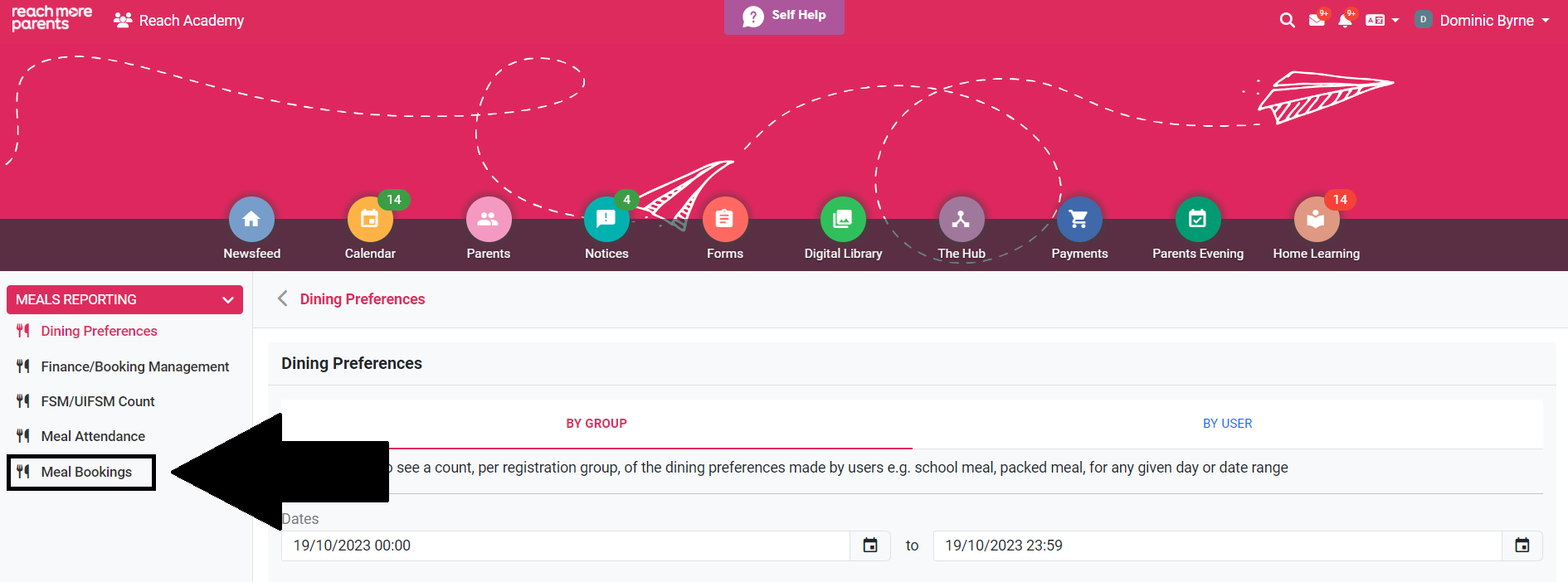
5) Click Meal Bookings.
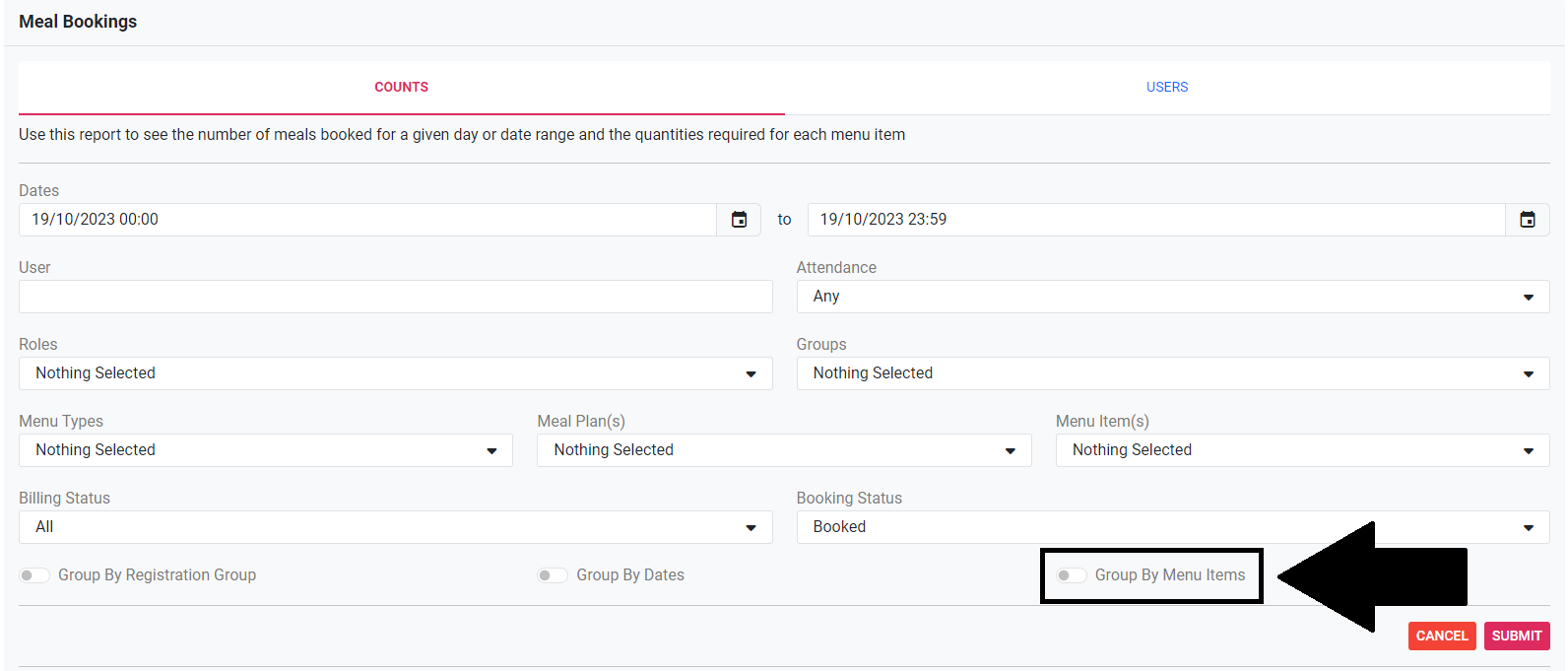
6) Click Group by Menu Items. *If you use a Simple Meal Plan only, skip this step.
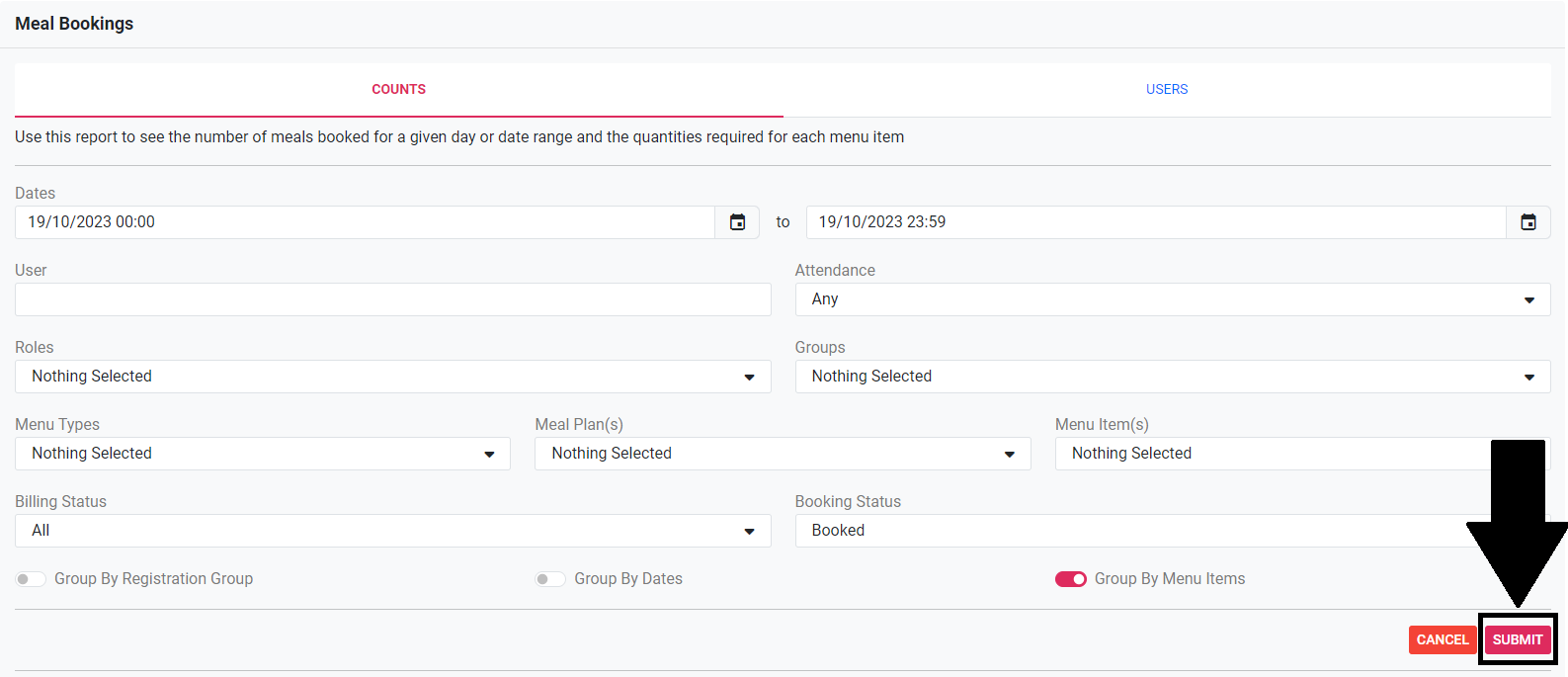
7) Click Submit.
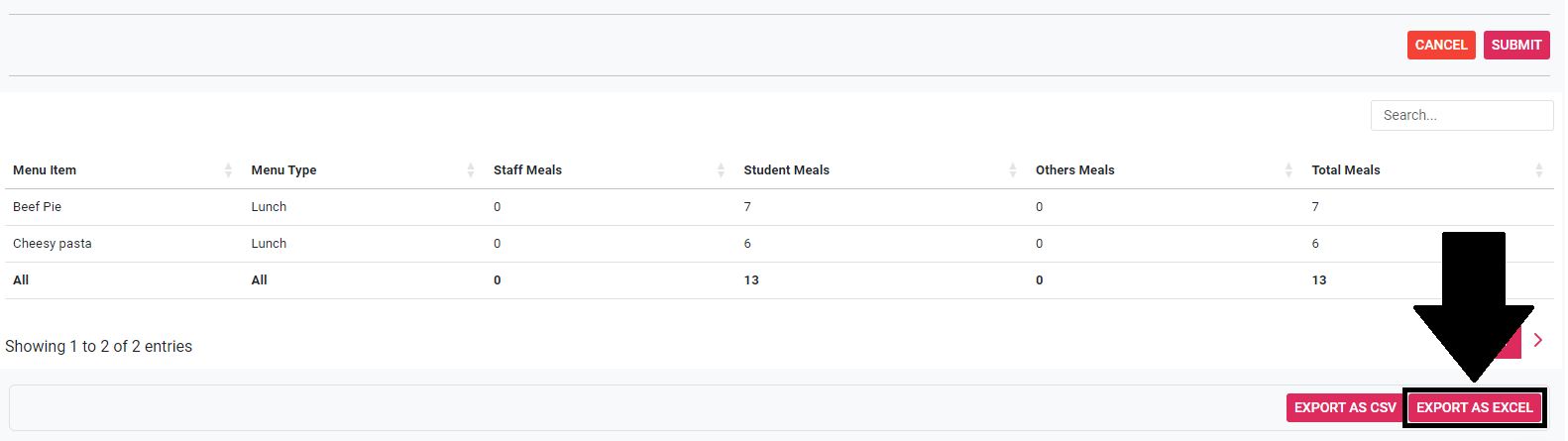
8) Click Export as Excel.
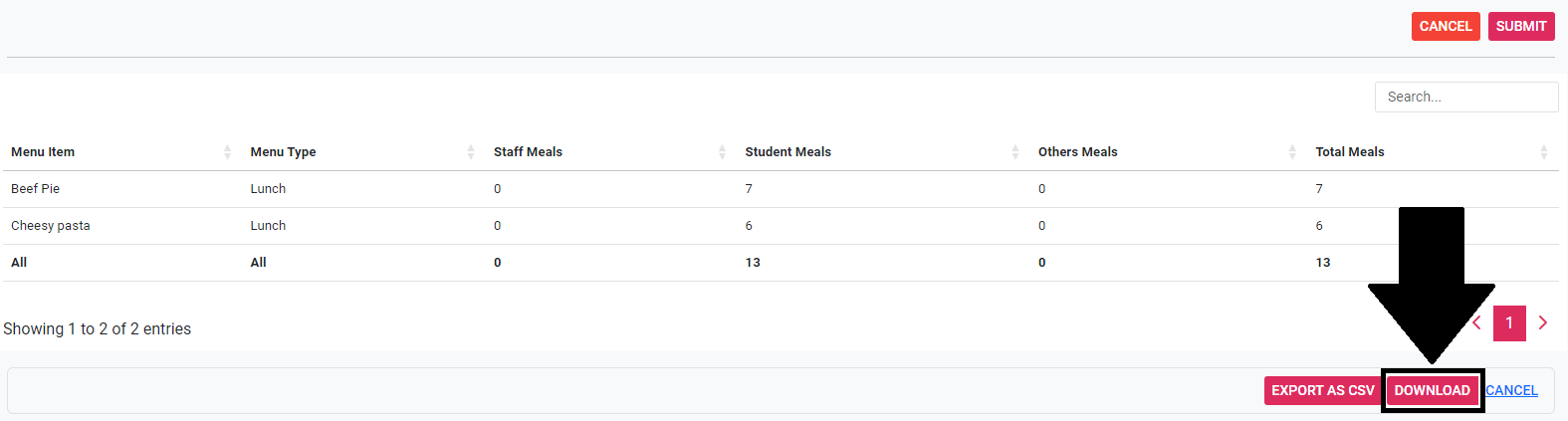
9) Click Download.
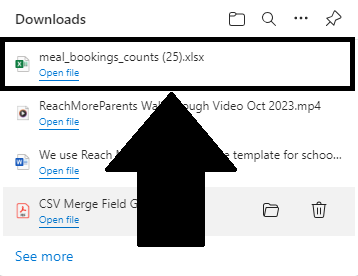
10) Open the Excel spreadsheet from your Downloads.
11) Print out paper copy or attach to an email to provide to kitchen staff.