It is possible to see who has read/received a message that has been sent in the following way: (This is subject to permission settings).
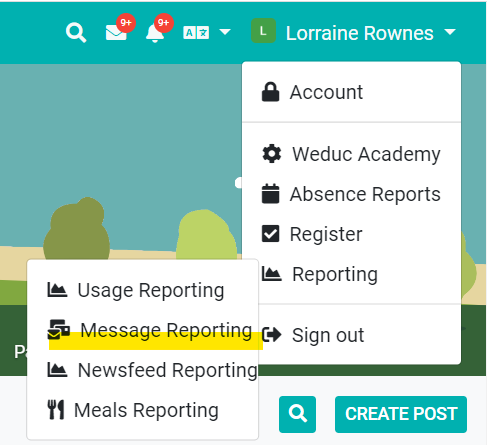
1. Click on the dropdown next to your name in the top right hand corner, select Reporting, followed by Message Reporting
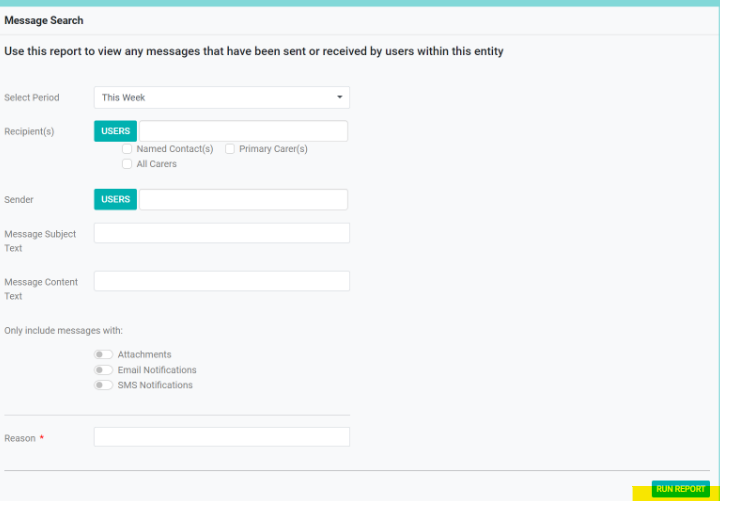
2. Complete the required fields that will enable you to find the message that you wish to view, followed by Run Report:
3. Scroll down the screen to view Report Result. This will then show messages and how they were sent.
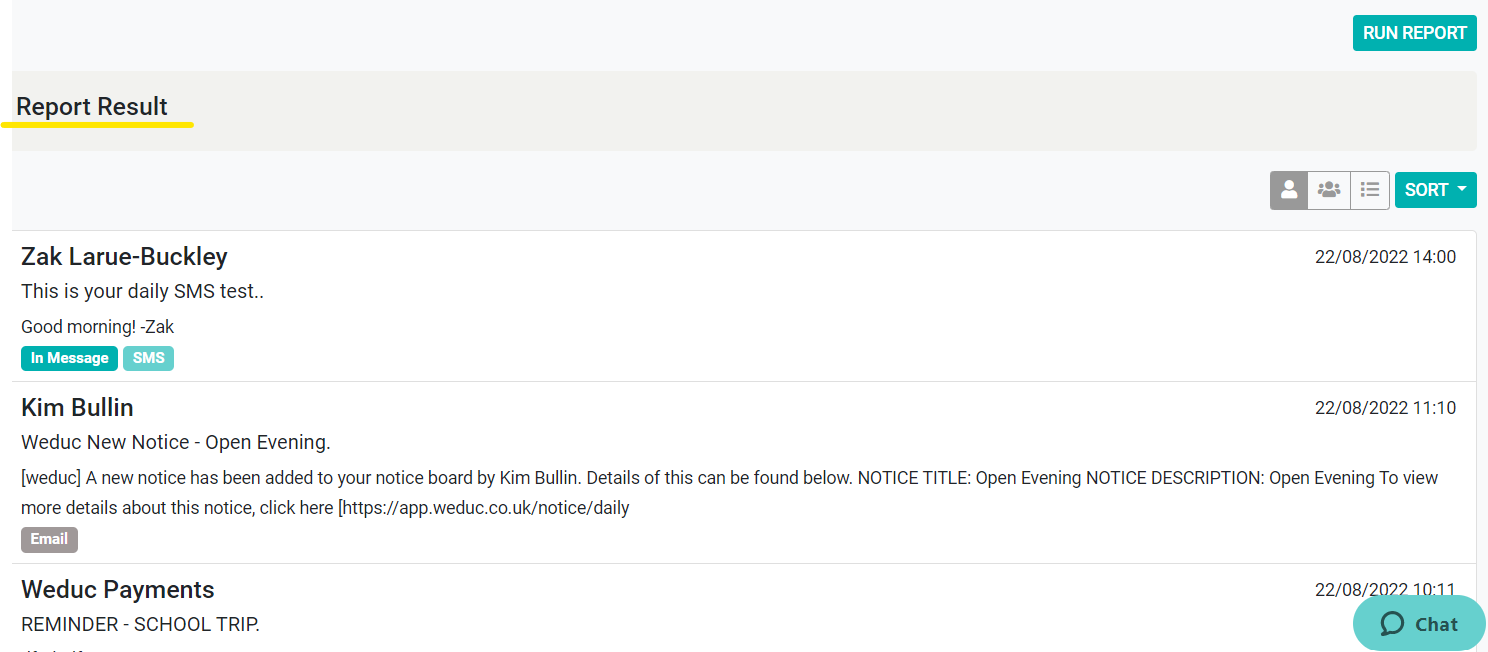
In Message - Message sent as an in App Message within Weduc
SMS - Sent as an SMS
Email - sent as an email
4. Select the message that you are looking for, by clicking on it. From this screen you will be able to View Responses,
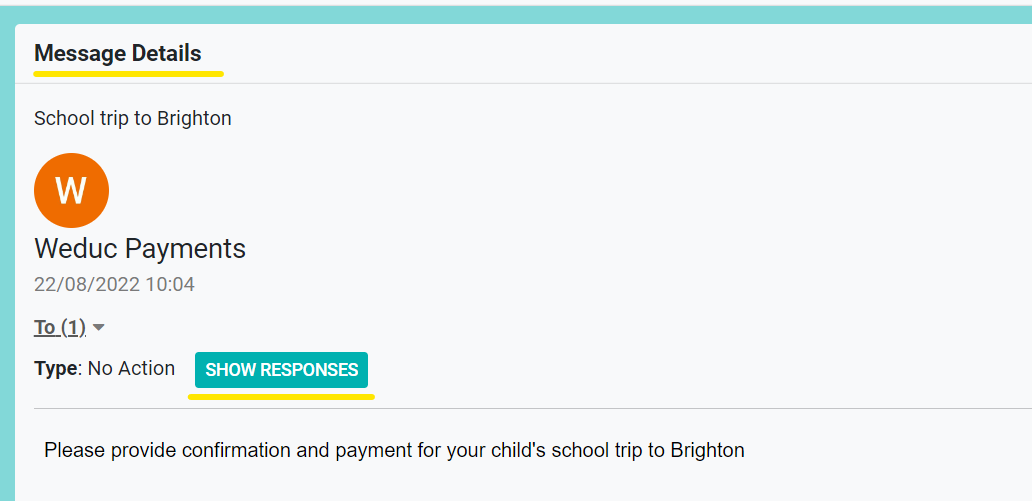
5. This will show a summary of the responses for the messages - Read/Unread. By clicking on View Response Details, you will have a more details breakdown of the recipients, which pupil they are linked to, and their response.
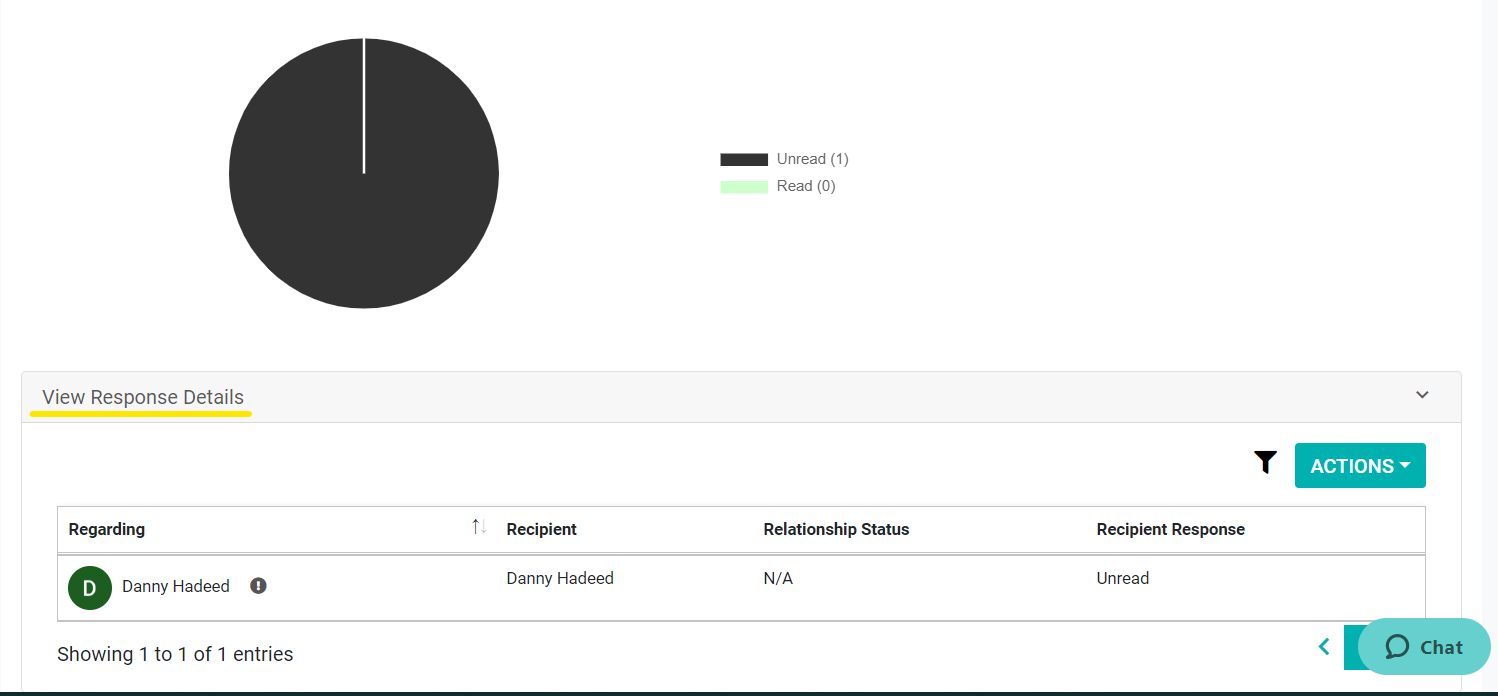
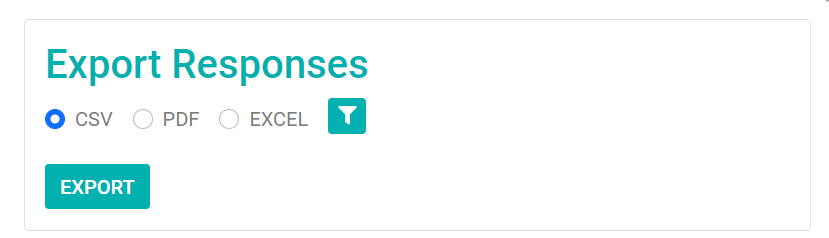
6. This list can then be exported as a either a CSV, Excel or PDF File. by clicking on the Actions button.