
Open the connector on the server (run as Administrator if asked)
Go to settings on the menu
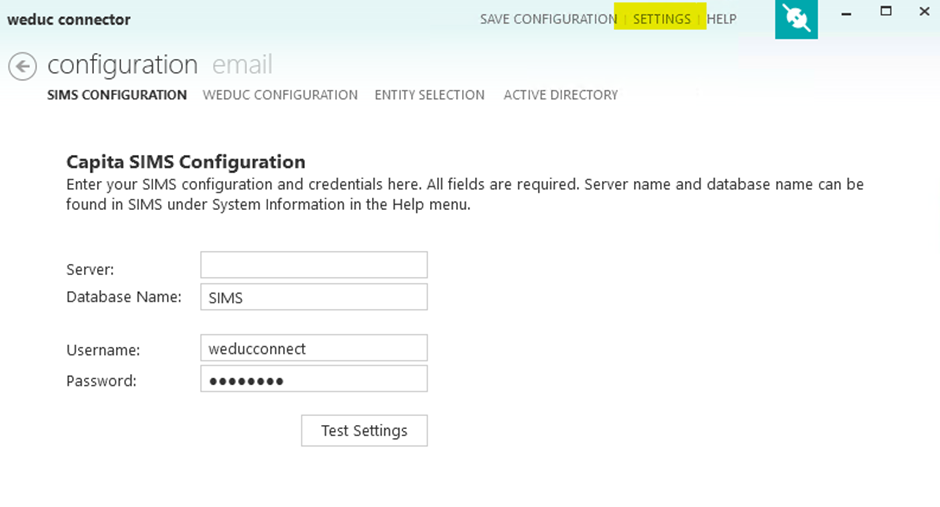
Select Clear Cache then export Groups XML

Navigate to C:\ProgramData\Weduc\Weduc Connector on the server

Right-click the XmlExport folder and send it to a compressed file
Email the compressed file to support@weduc.com
