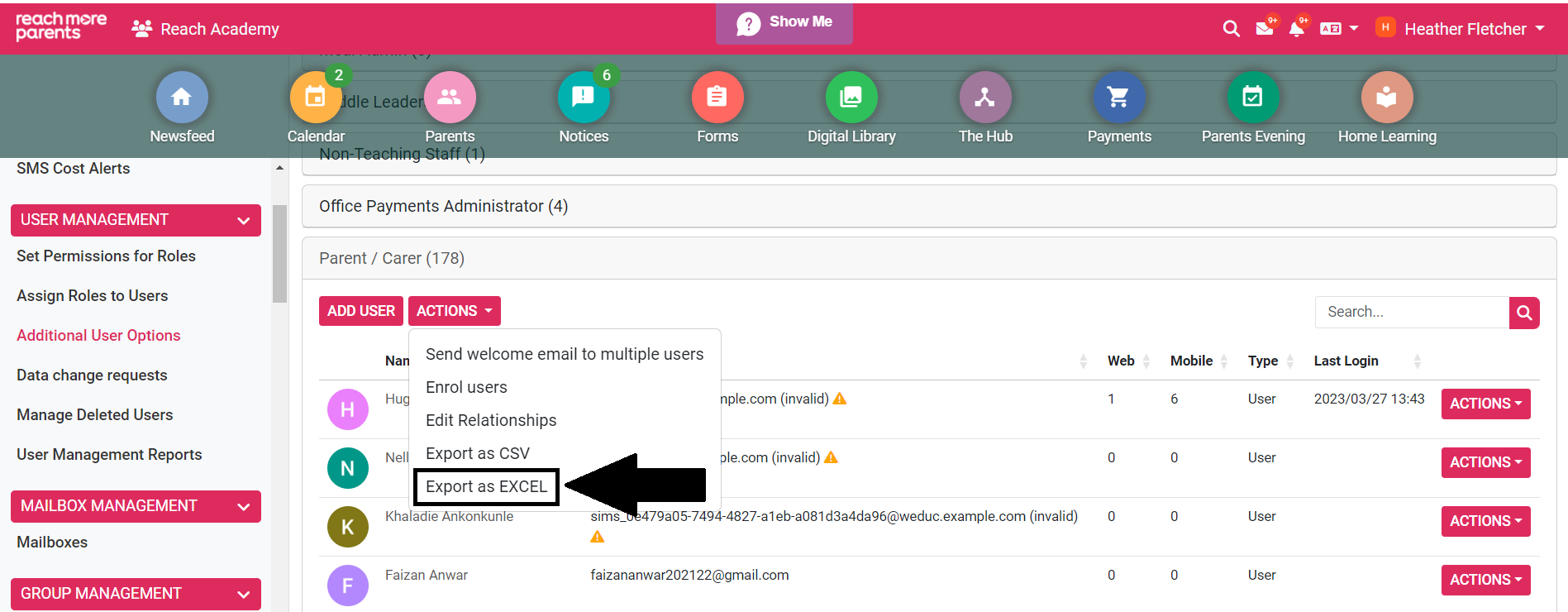
Exporting a list of users to Excel or CSV can be easily done from within the Additional User Options area in your ReachMoreParents platform.
You can find instructions for exporting a list of users below:
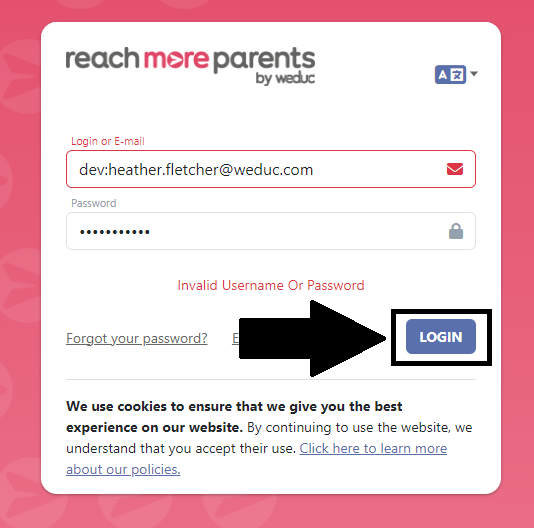
1) Log in to ReachMoreParents.
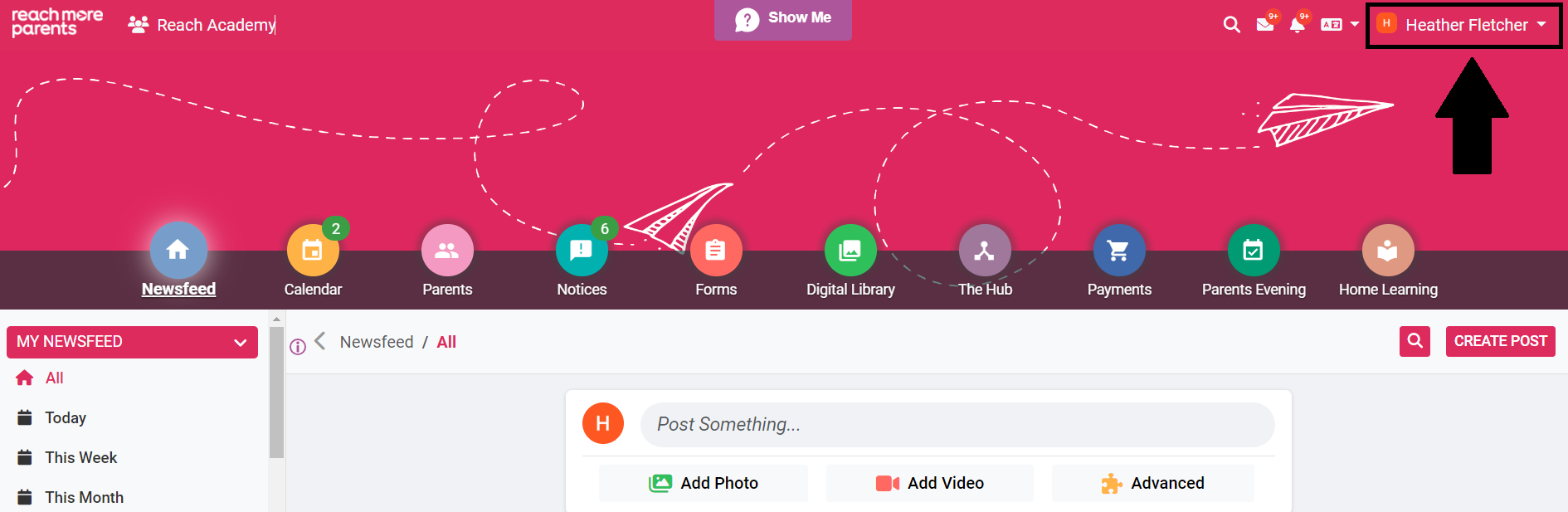
2) Click on your name in the top right hand corner.
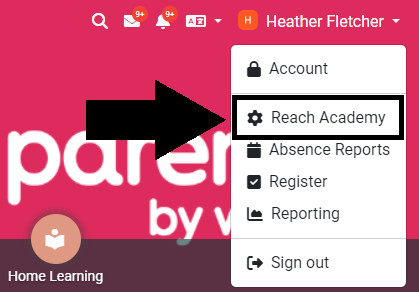
3) Click your school name to access the admin menu.
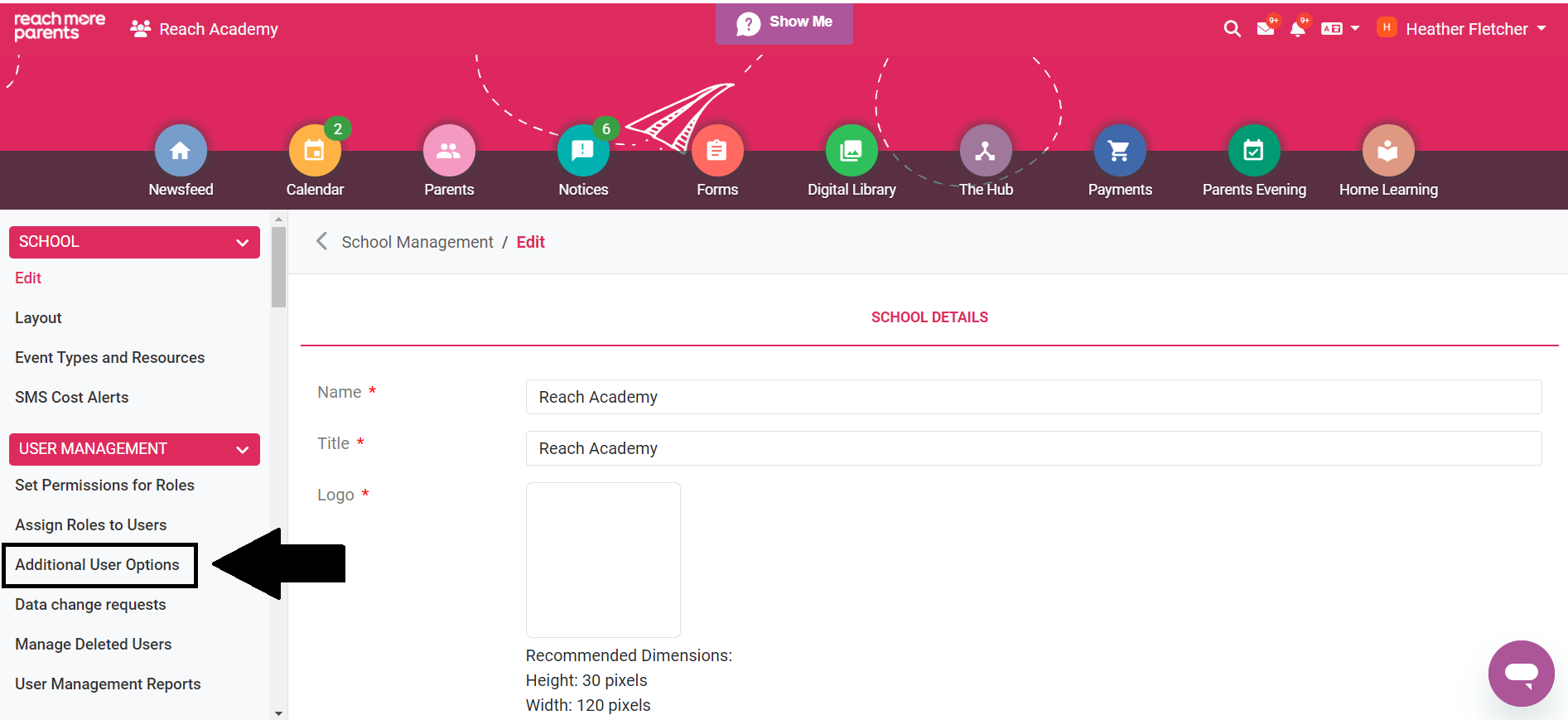
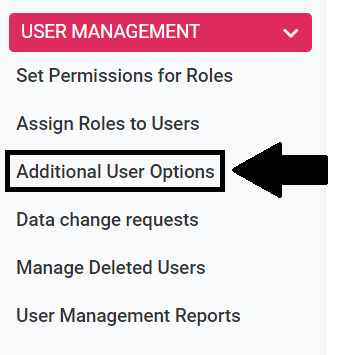
4) Click Additional User Options under the User Management section.
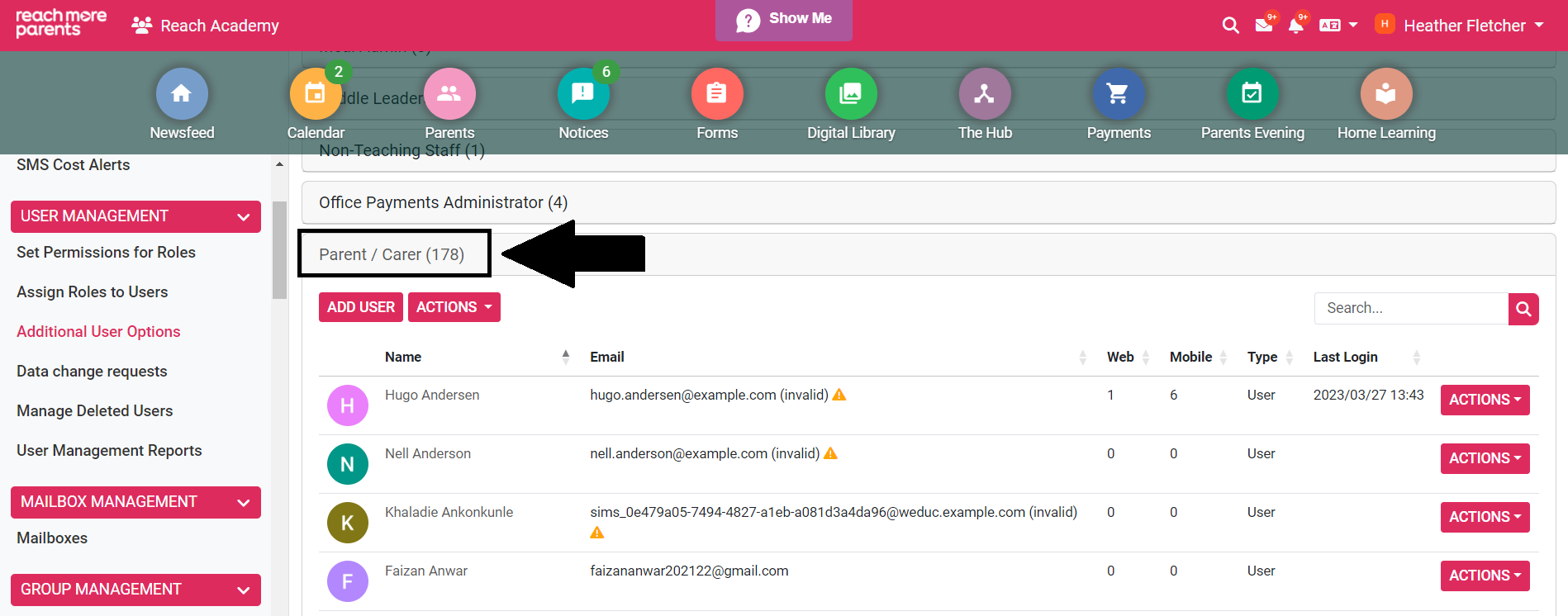
5) Click the role you would like to export the data from.
6) Select the Actions button at the top of the list of names.
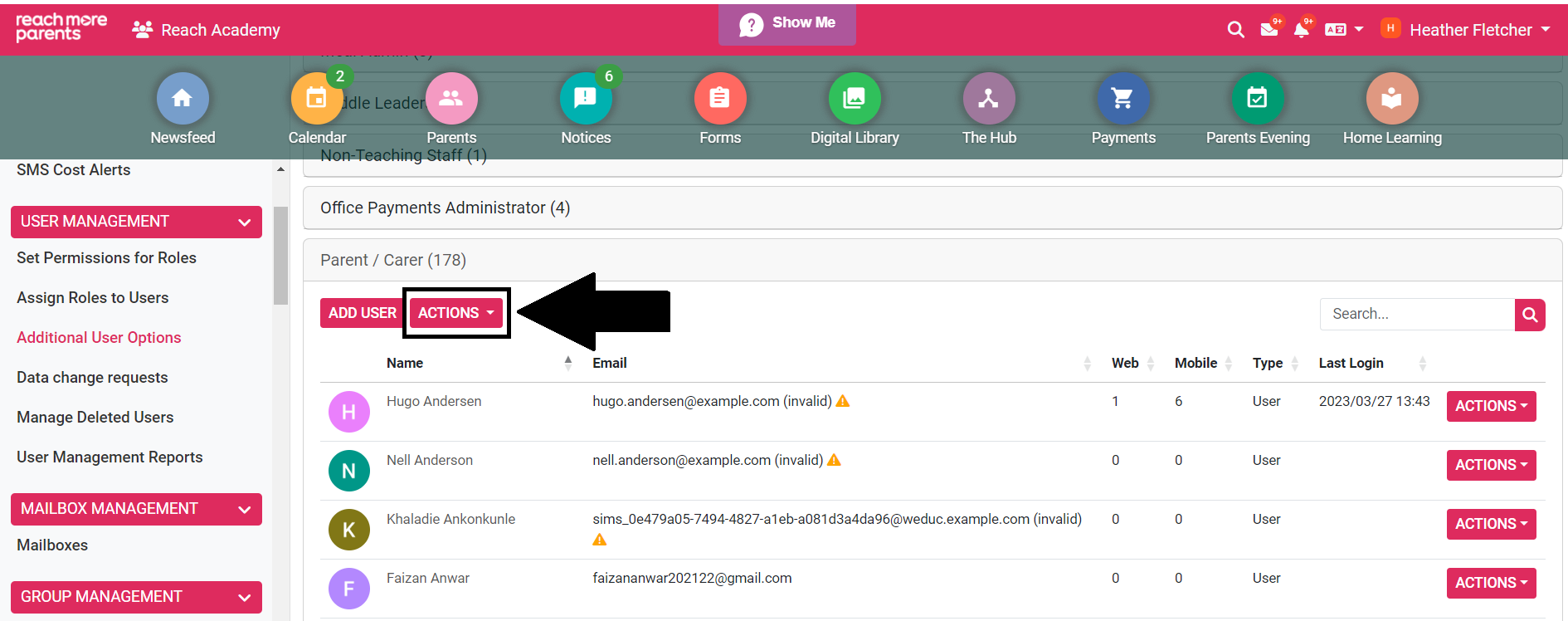
6) Select Export as Excel (or CSV if preferred).