
1) Firstly, type out your message or import a template in the Messaging area
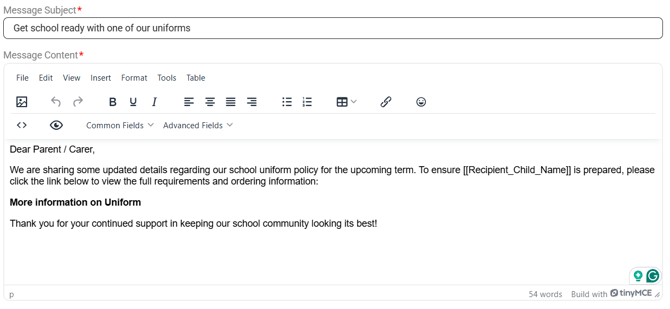
2) Highlight the word or phrase you would like recipients to click on for the link
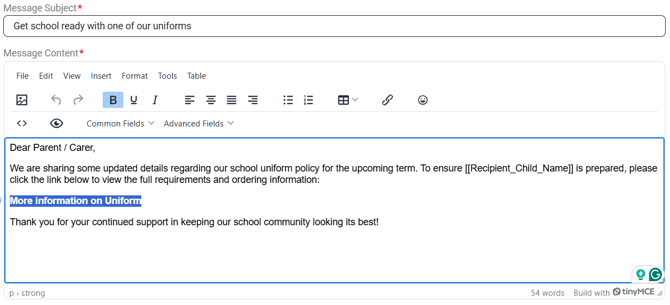
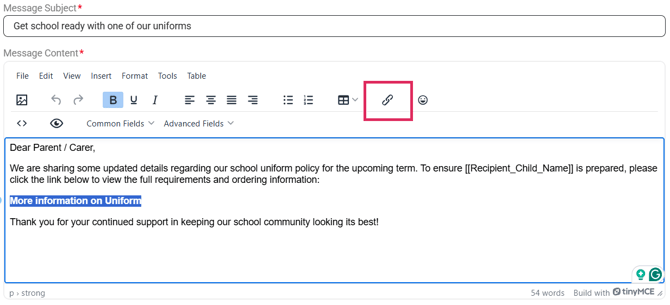
3) Click the 'link' icon
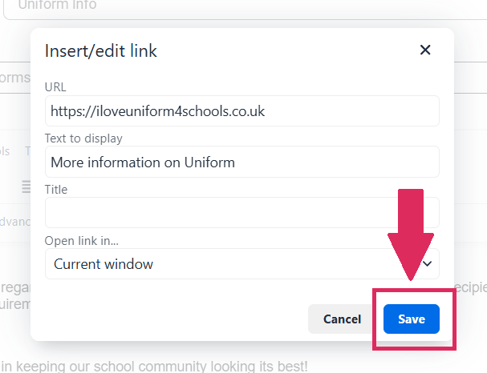
4) Copy and paste the URL of the website, uploaded file or system into the 'URL' box.
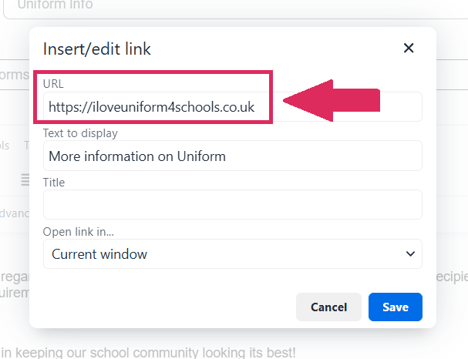
5) Click 'Save'
Recipients of your message will now be able to click the link!
Your message can now be sent