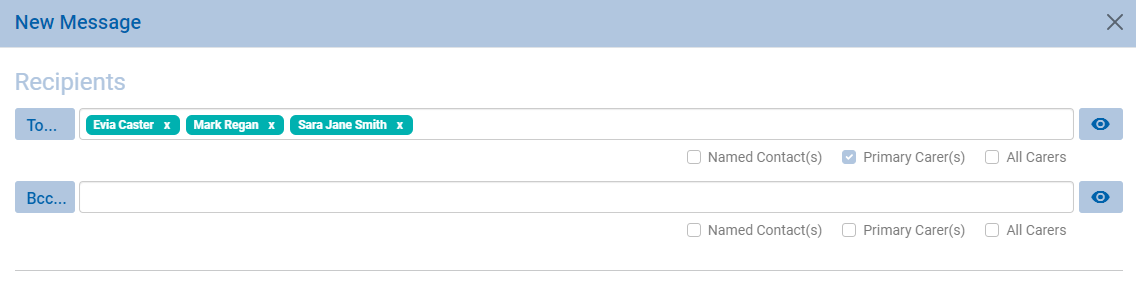
For most MIS systems Weduc is able to create some special automated groups based on information read from the MIS registers. We normally look for the N codes and populate containers accordingly.
You can use these groups in standard messaging but there is a way you can filter the recipients in a really simple-to-use way.
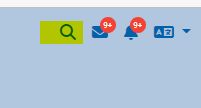
1. Search for the group using the search at the top right of the screen
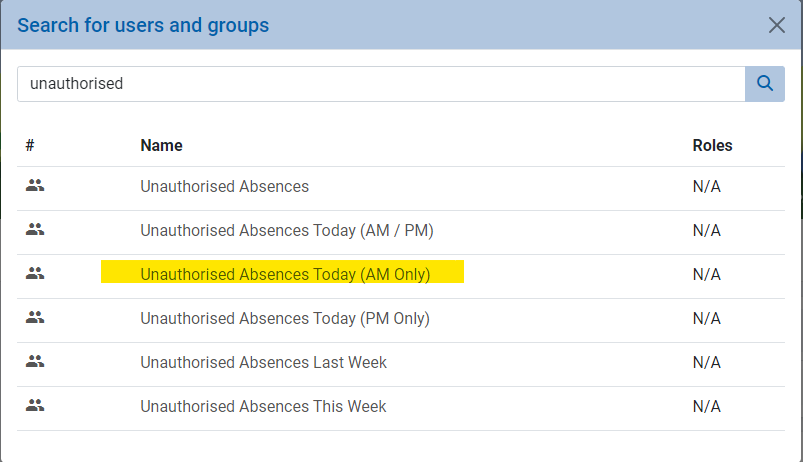
Type in the word unauthorised and select the target group as below
You will now have a screen with the list of students recorded with an N
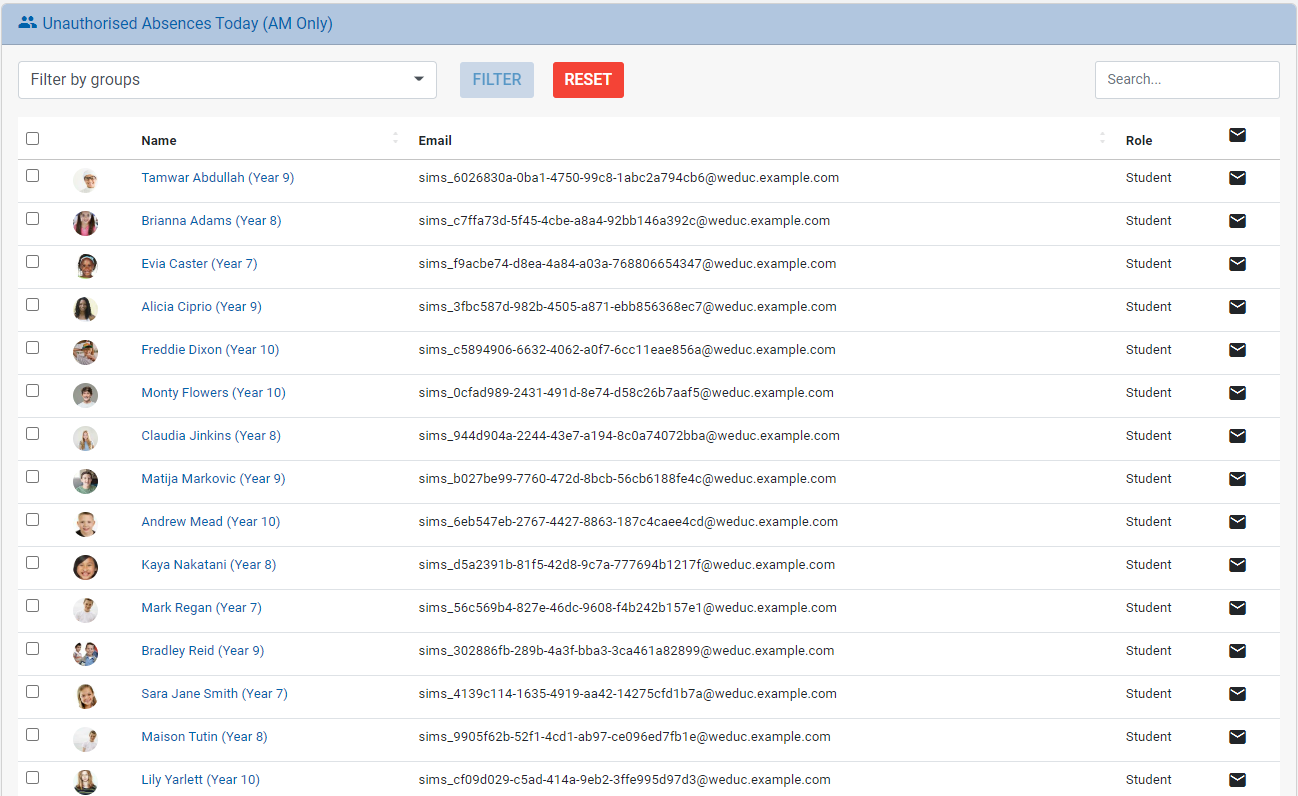
You can then use the filter to choose groups that you wish to message
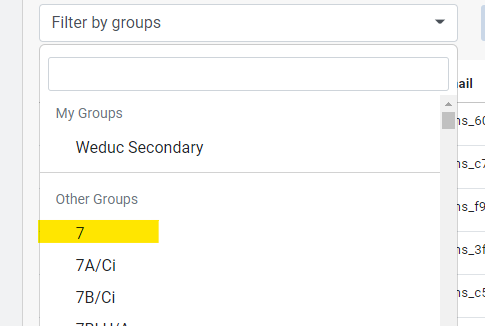
select the group and click filter to complete the process
from here we can now message the users by ticking the selections and then clicking the envelope at the top of the list

Remember to select the recipient type as one of the carer options and complete your message