Firstly, you will need to log in as an admin:
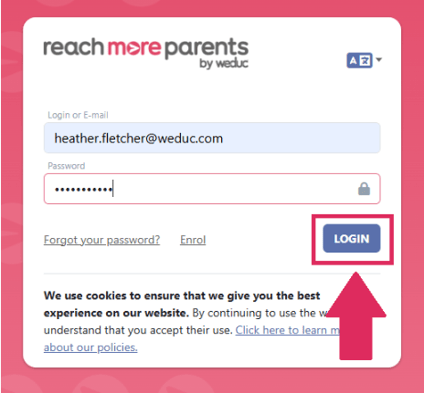
1) Log in to ReachMoreParents.
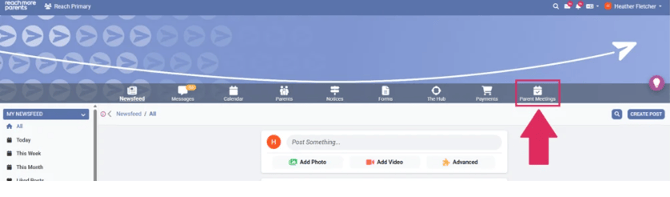
2) Click on the Parent Meetings icon
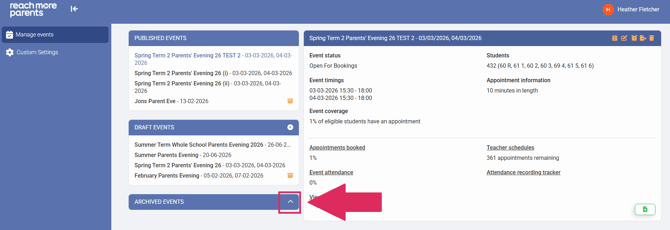
3) Click on the "Archived Events" heading to expand the block
4) In the list of event titles, you will see all events which have been archived. Click on the Event title which you would like to view in greater detail
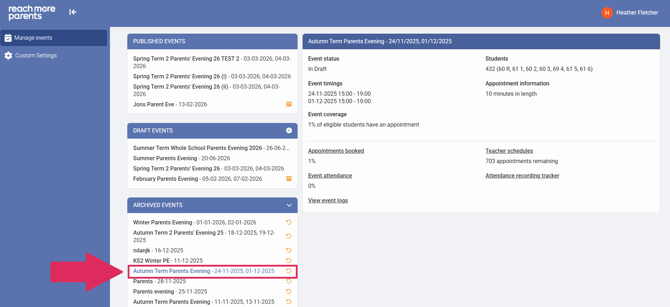
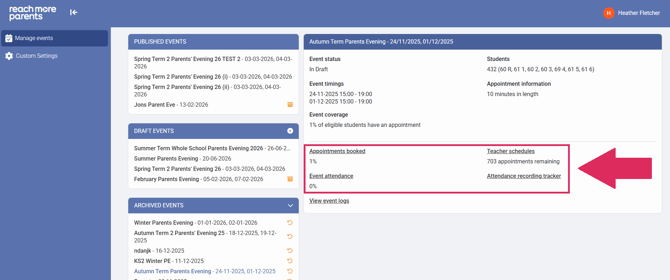
5) Click on any of the four reports if you would like to audit the event, further information about each of these reports can be found in the links below:
- Appointments Booked
- Teacher Schedules
- Event Attendance
- Attendance Recording Tracker