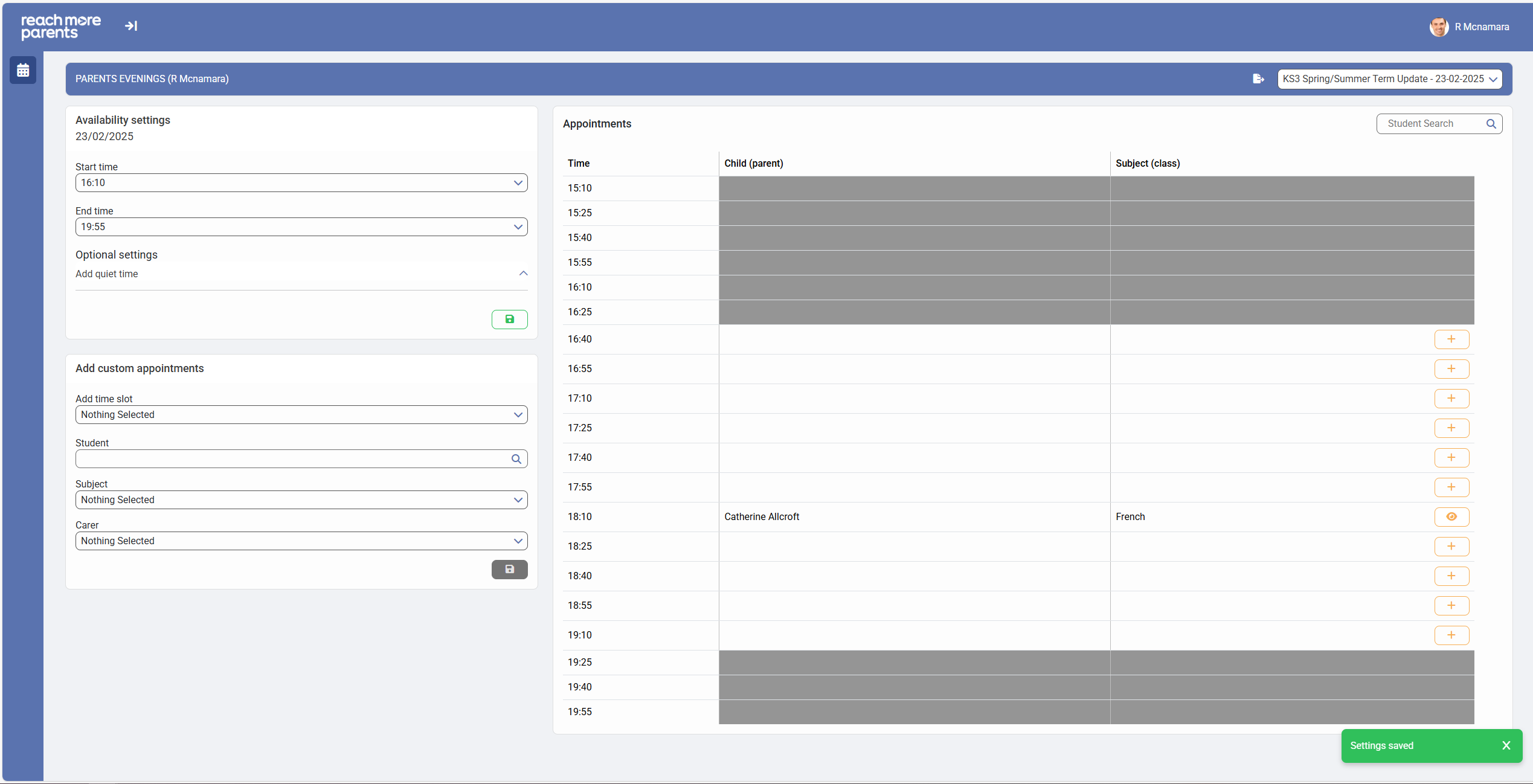
When the School Administrative team created the PEMS event, they would have defined the event Start and End Date Time(s). In some circumstances, you may have a different working schedule than the wider teaching staff, if this is the case, this article will instruct you how to adjust you availability window where it differs from the event duration.
Firstly, you need to access PEMS as a Teacher:
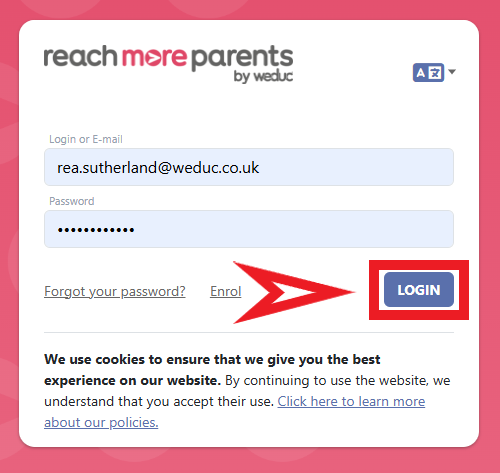
1) Log in to ReachMoreParents.
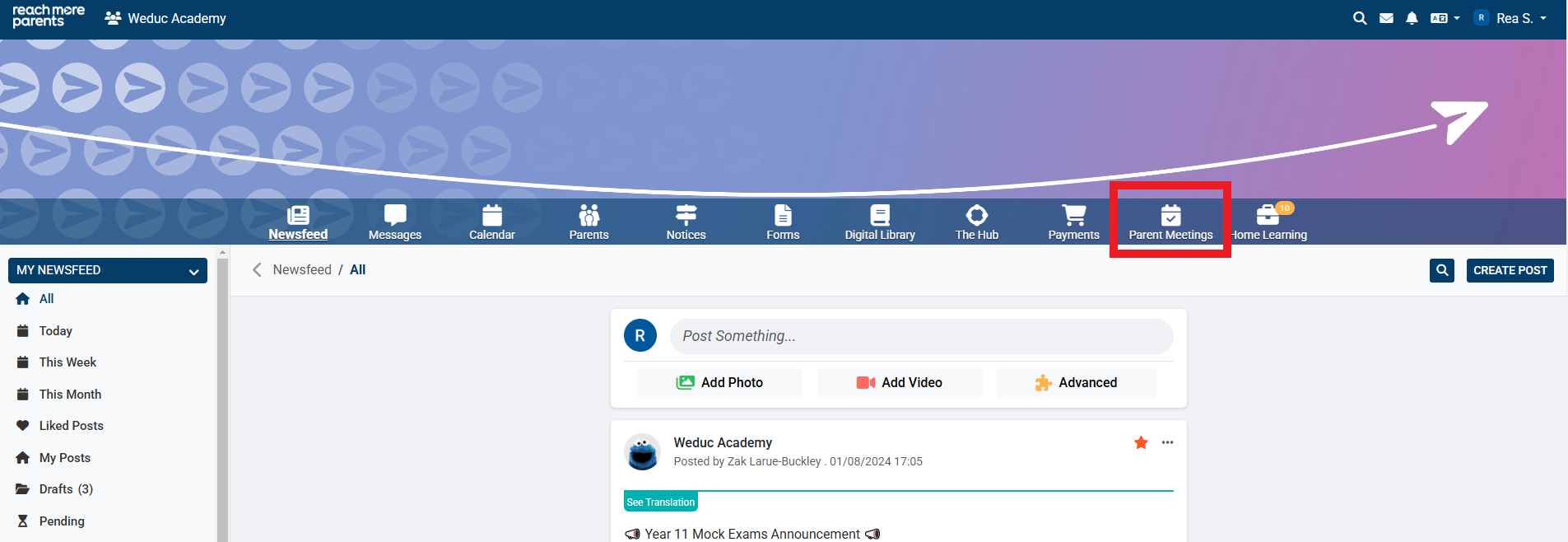
2) Click on the Parent Meetings icon
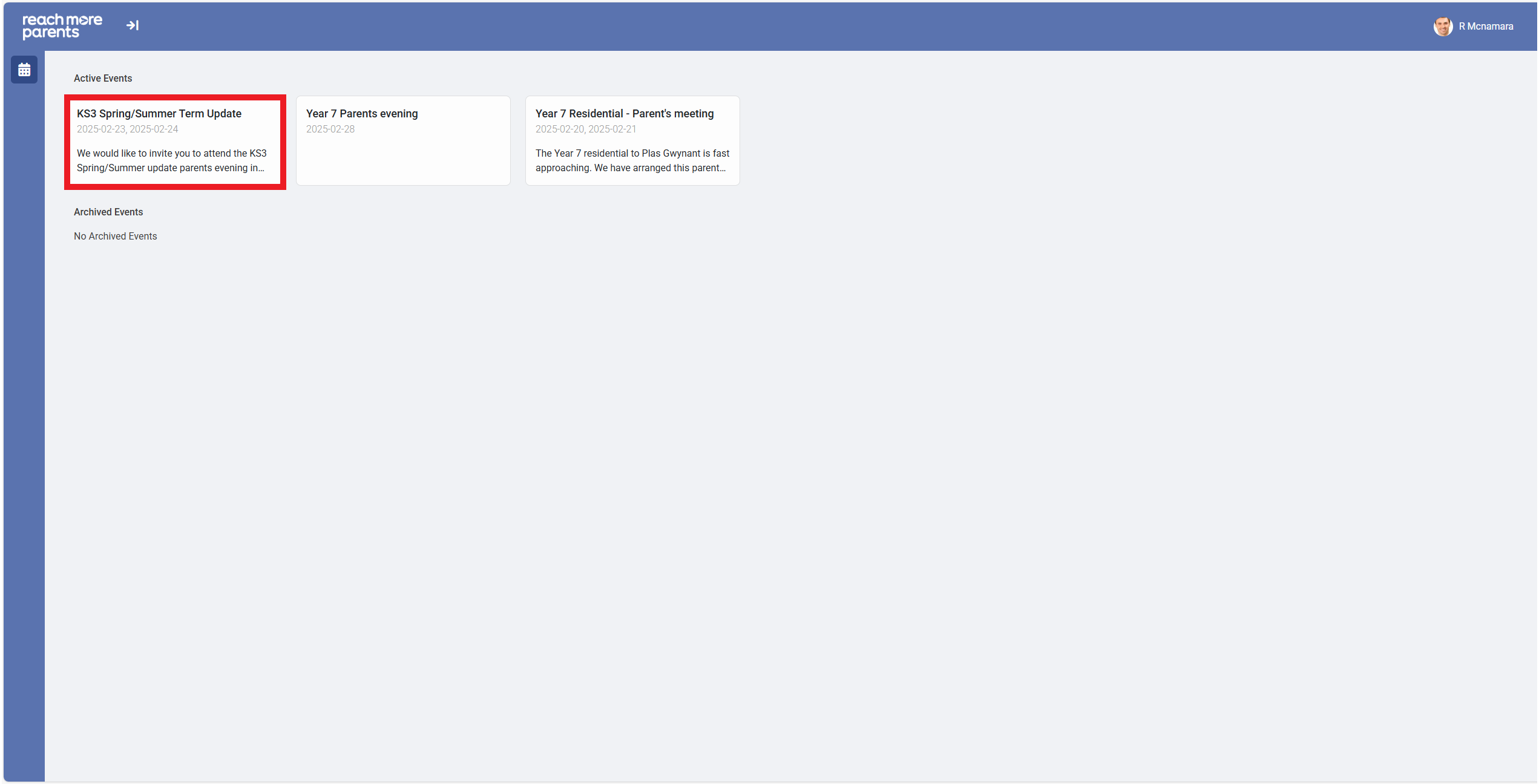
From here, you need to carry out the below steps:
1) Click on the Event tile where you need to amend your availability
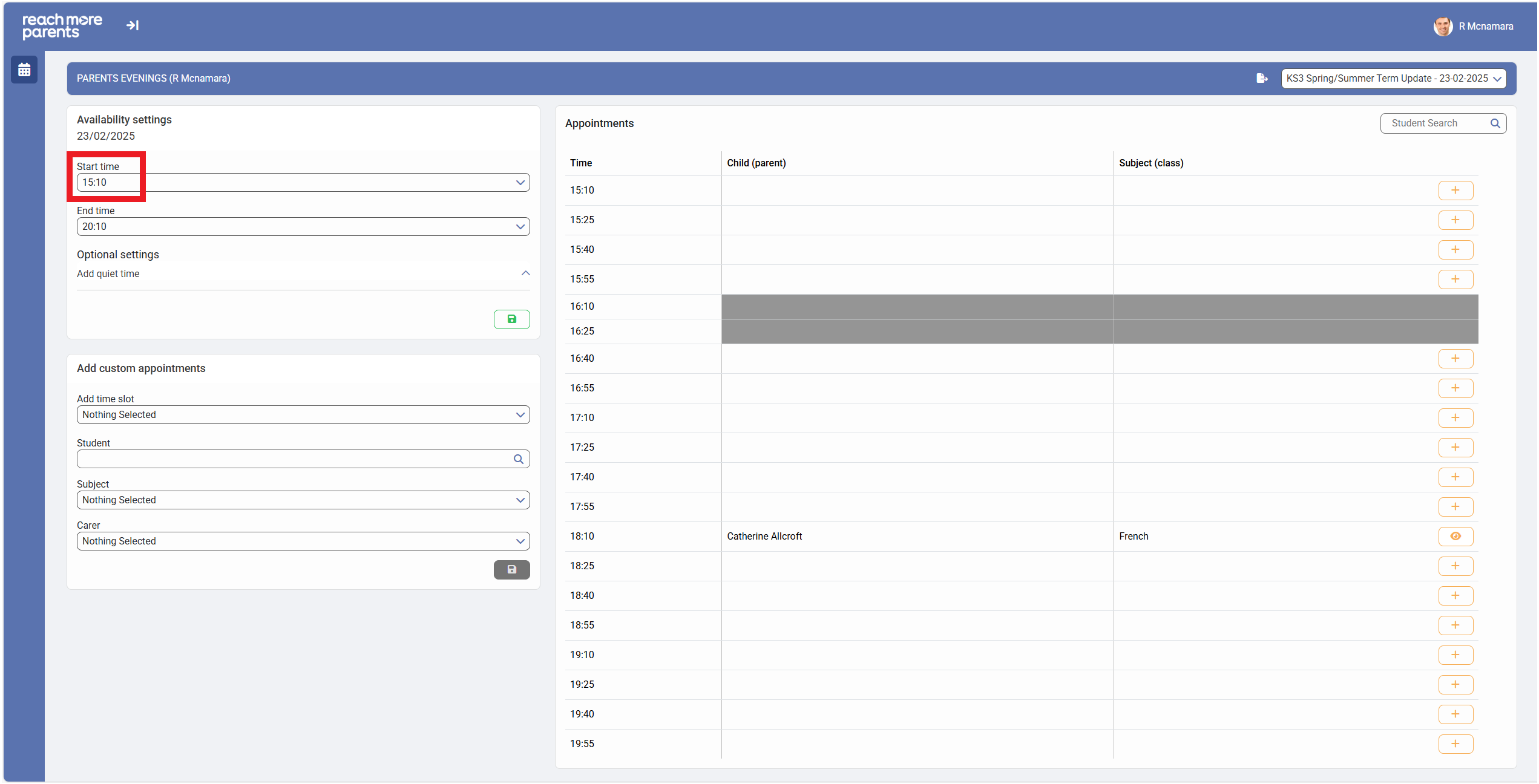
2) Click on the "Start Time" field in the "Availability Settings" block if you need to start the Parent Meetings event a little later than the current start time
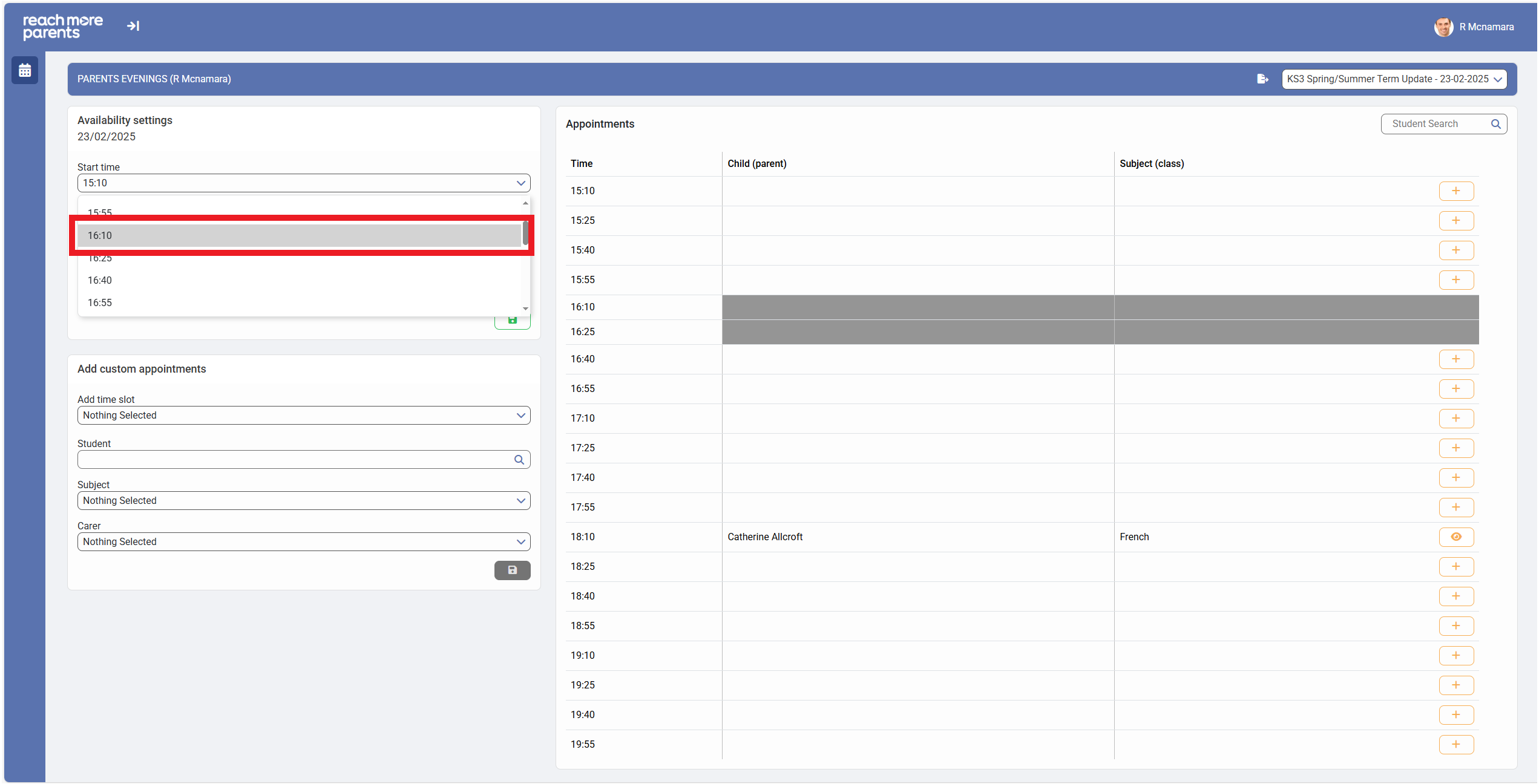
3) Choose the Start Time that suits your adjusted hours
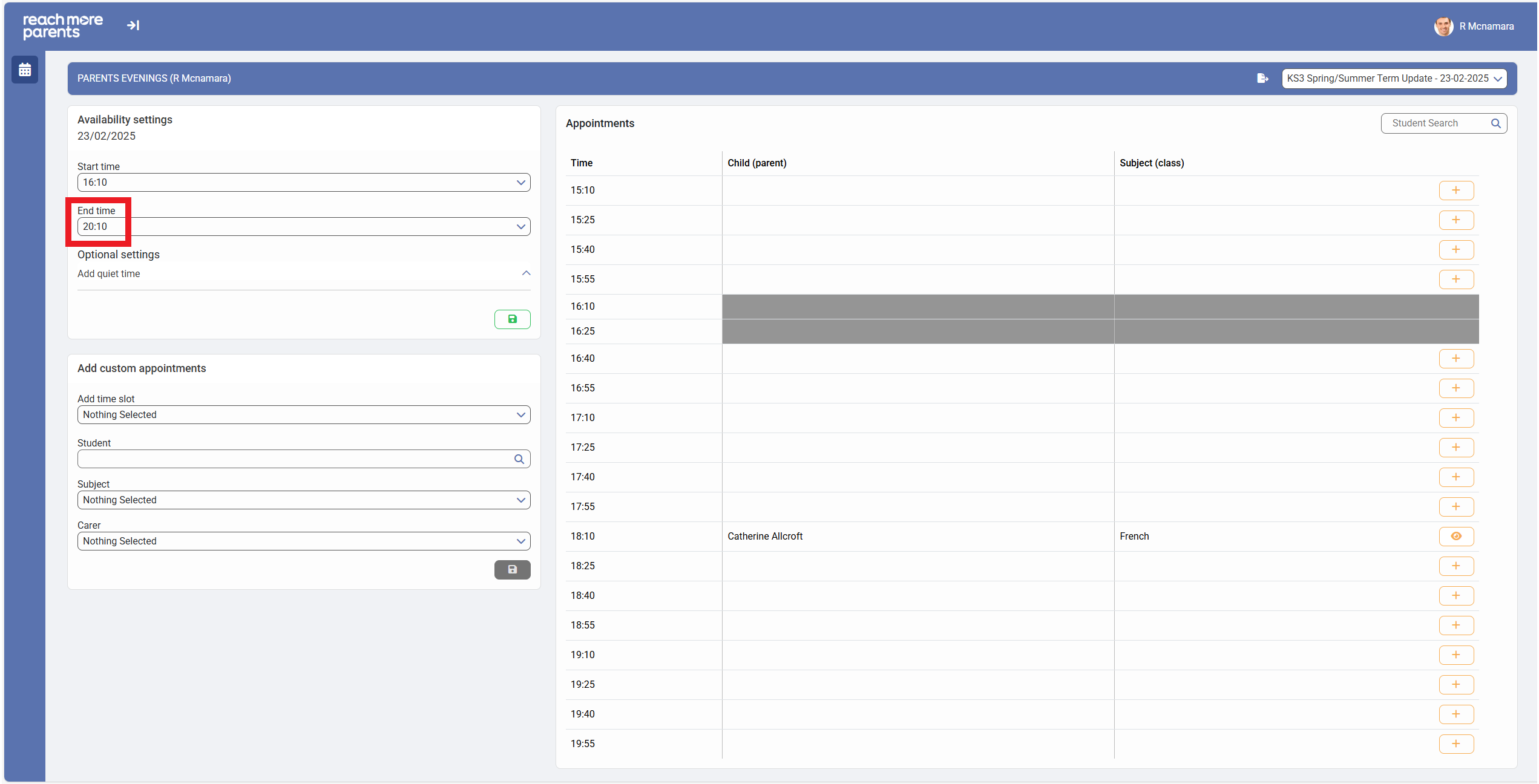
4) Click on the "End Time" field in the "Availability Settings" block if you need to end the Parent Meetings event a little earlier than the current start time
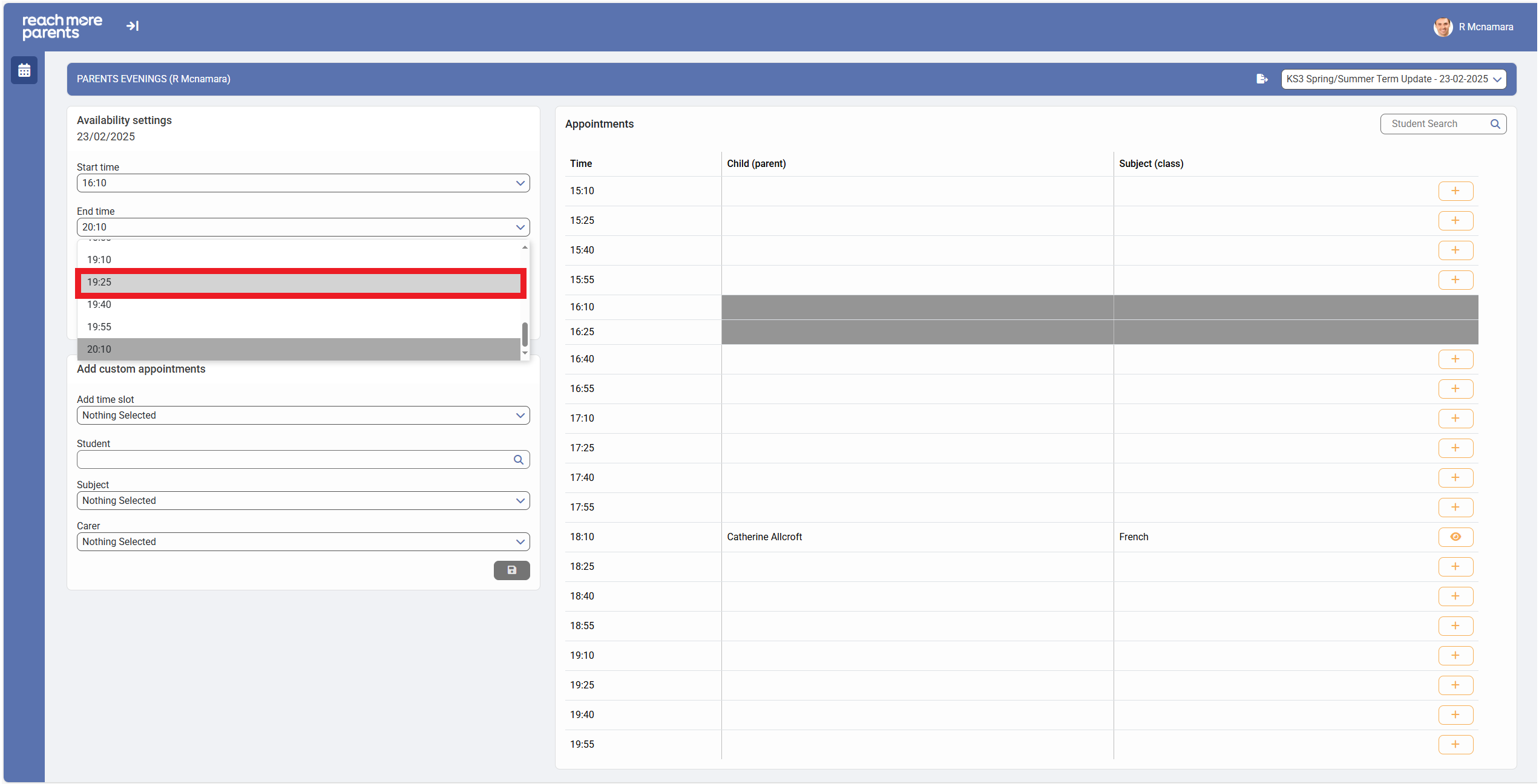
5) Choose the End Time that suits your adjusted hours
6) Click on "Save" when you're happy that your Start Time or your End Time (or both) are correct
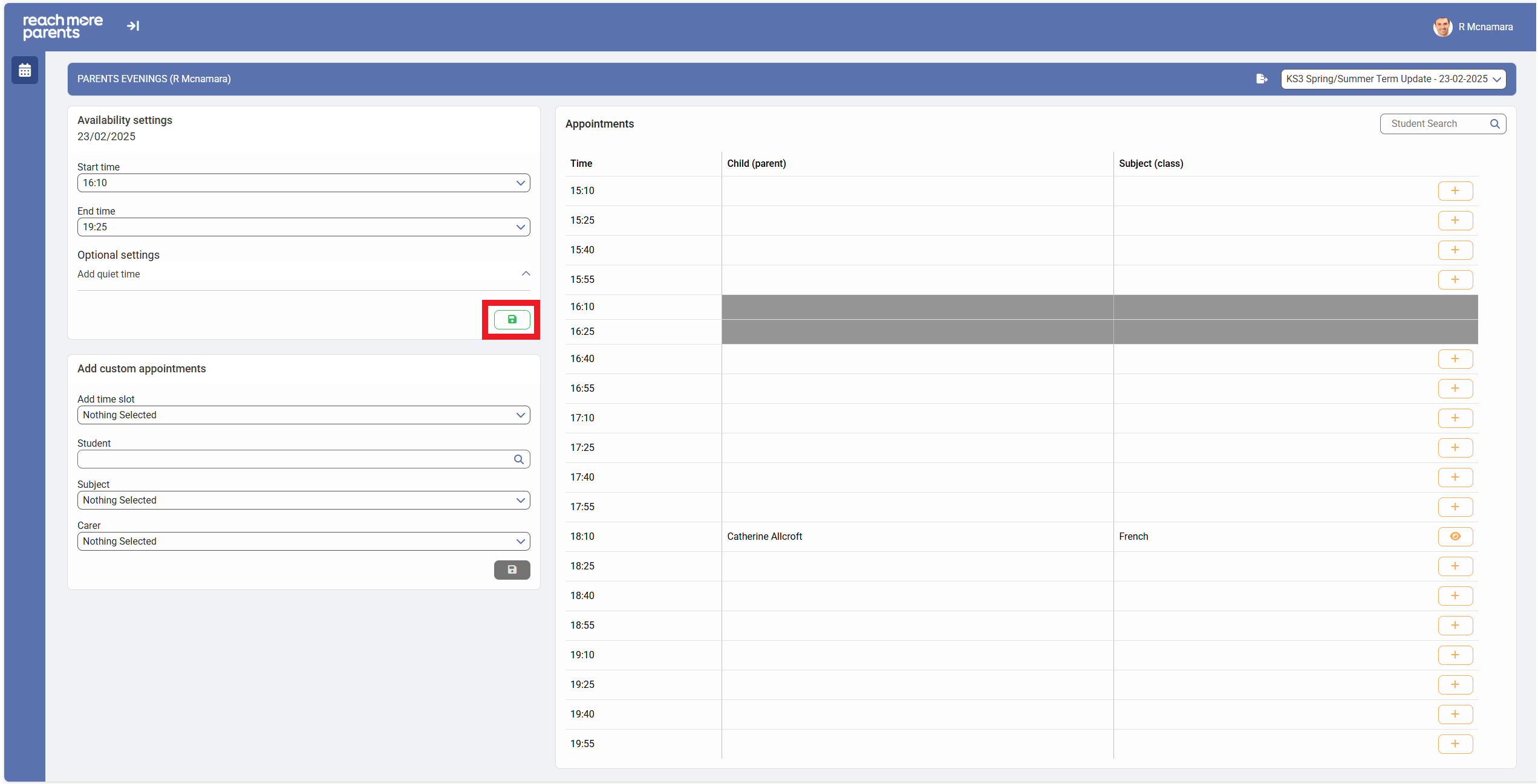
7) When the adjusted availability times are set, the Appointments list be shrunk by adding greying out and disabling the time slots that you have blocked out to adjust your availability