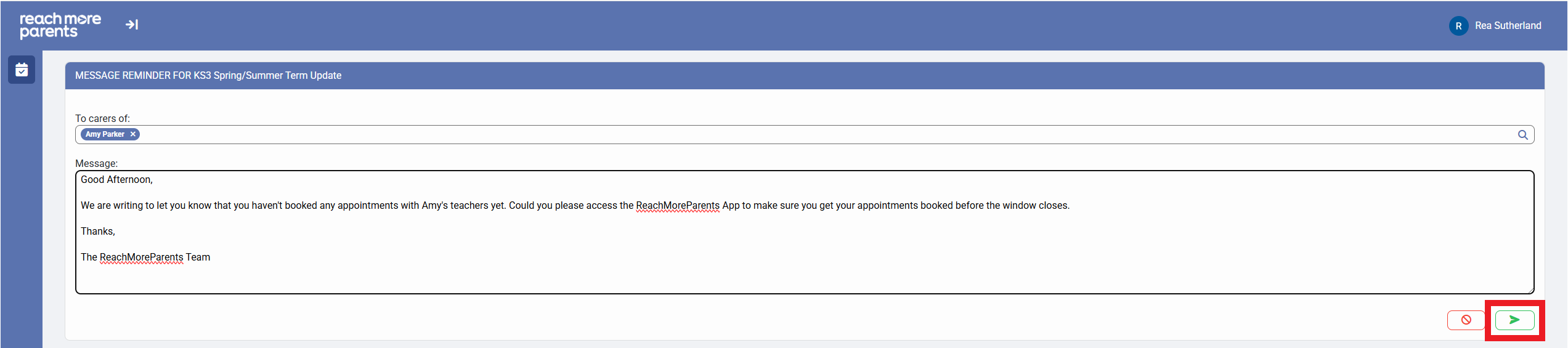
In this article, we will be taking you step by step through the process of messaging a specific Parent / Carer for a student who hasn't had any appointments booked for your event yet.
Firstly, you need to access PEMS as an Administrator following the steps below:
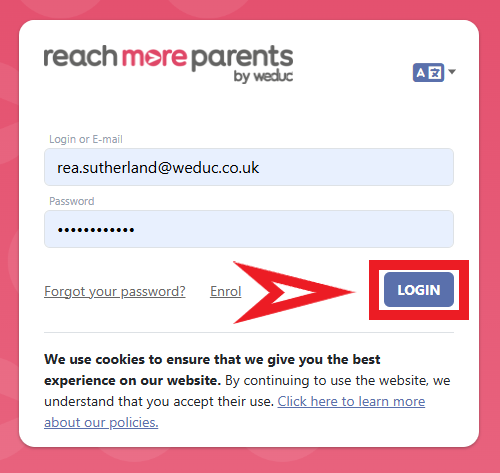
1) Log in to ReachMoreParents.
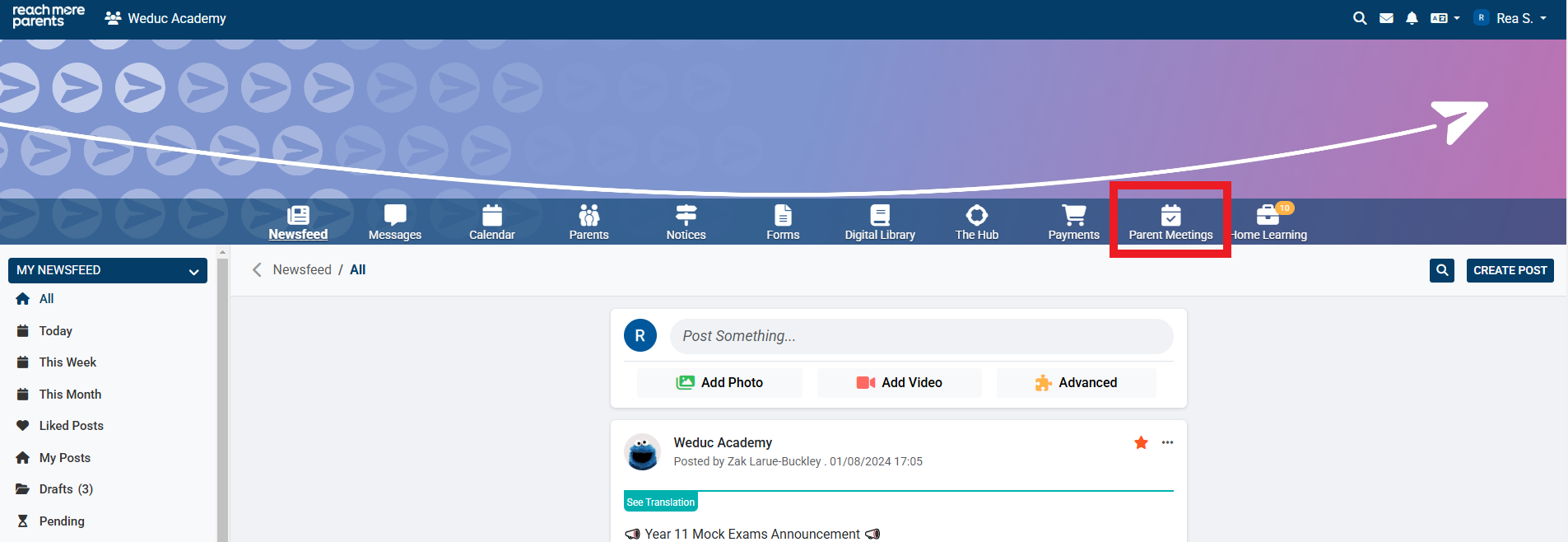
2) Click on the Parent Meetings icon
From here, you will need to carry out the following steps:
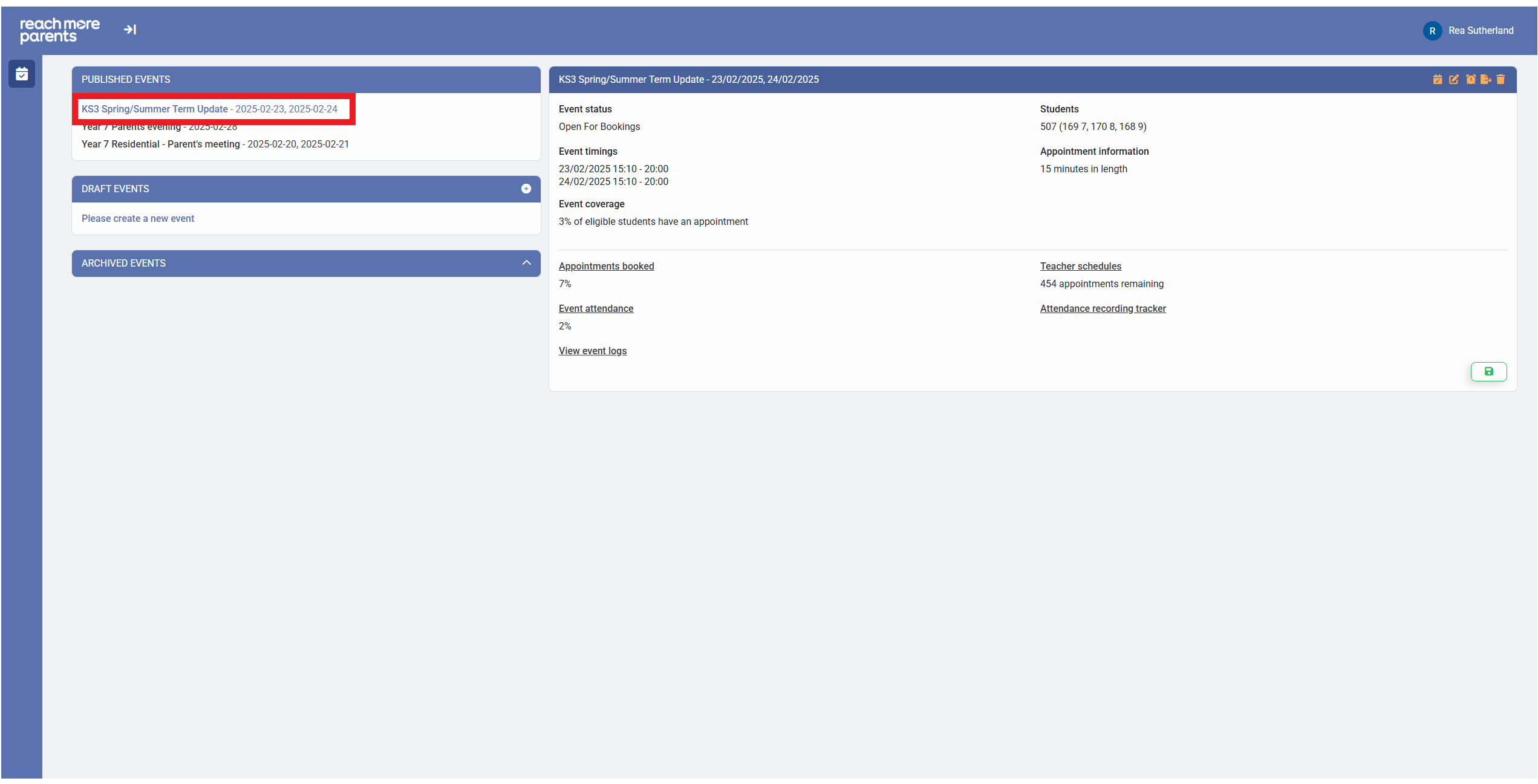
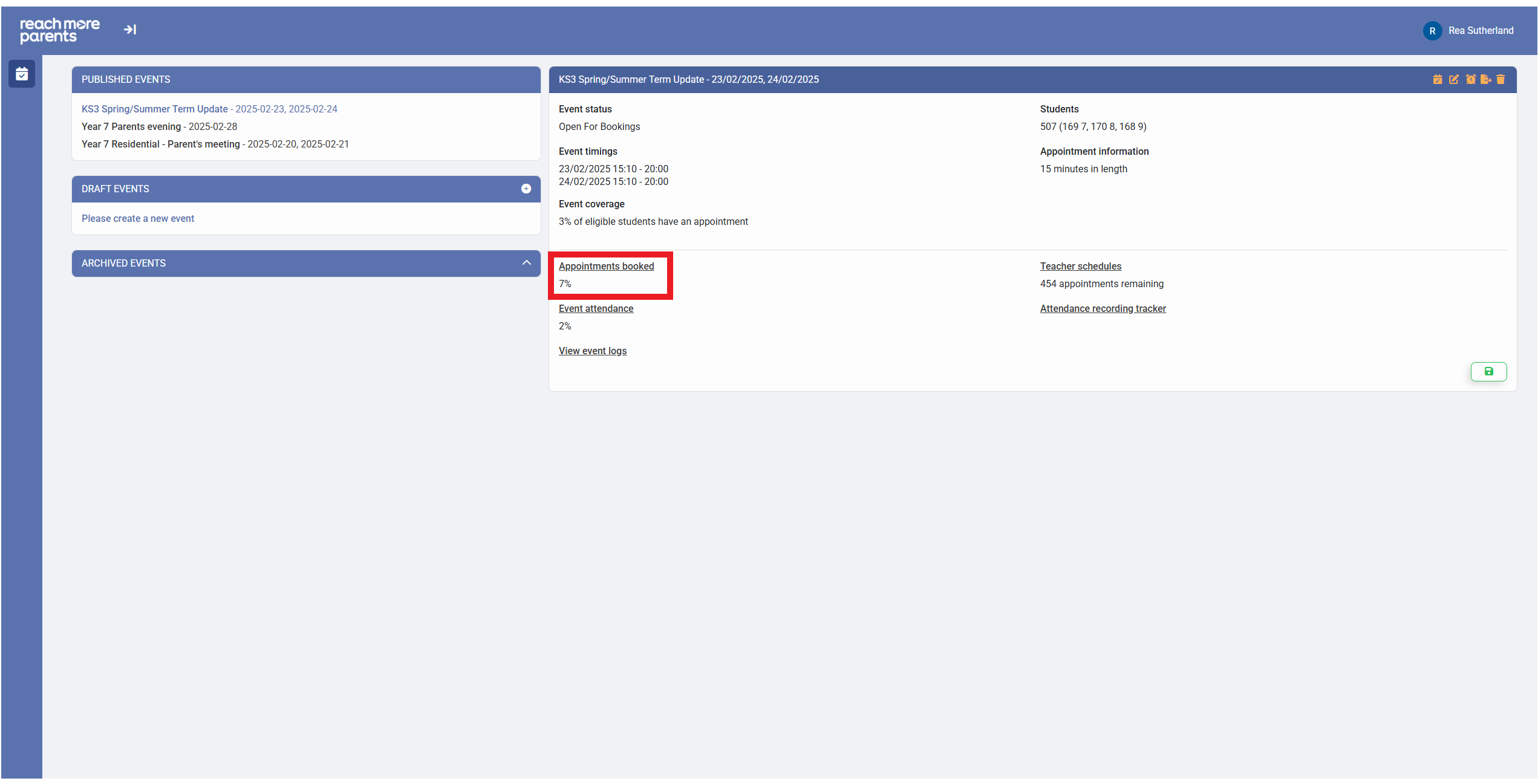
1) Click on the Parent Event you want to communicate to parents through
2) Click on the "Appointments Booked" report heading
3) To filter to students who don't have appointments booked, click on the "Show no appointments" option
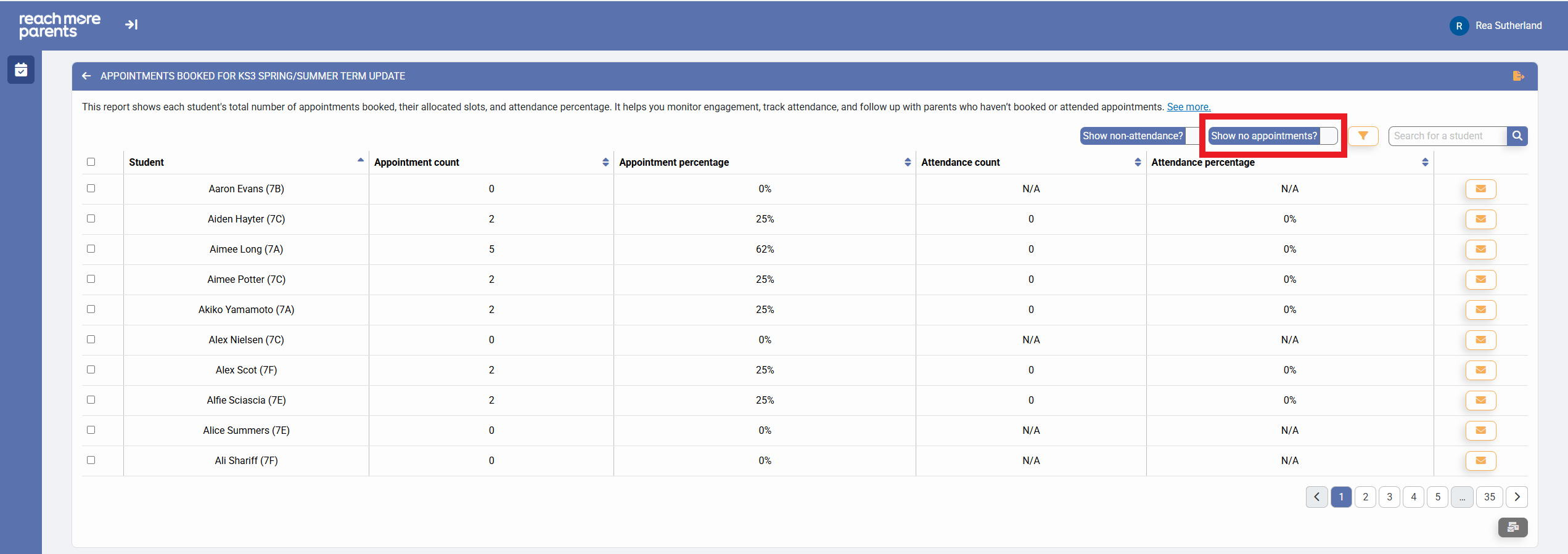
4) Locate the Student in the list or click in the "Search" field to type the child's name whose parent you need to message

5) Click on "Message Carers" against the correct student and the Message screen opens

6) Compose your message in the Text field

7) Click on "Send" and the message is sent to the Parent/Carer