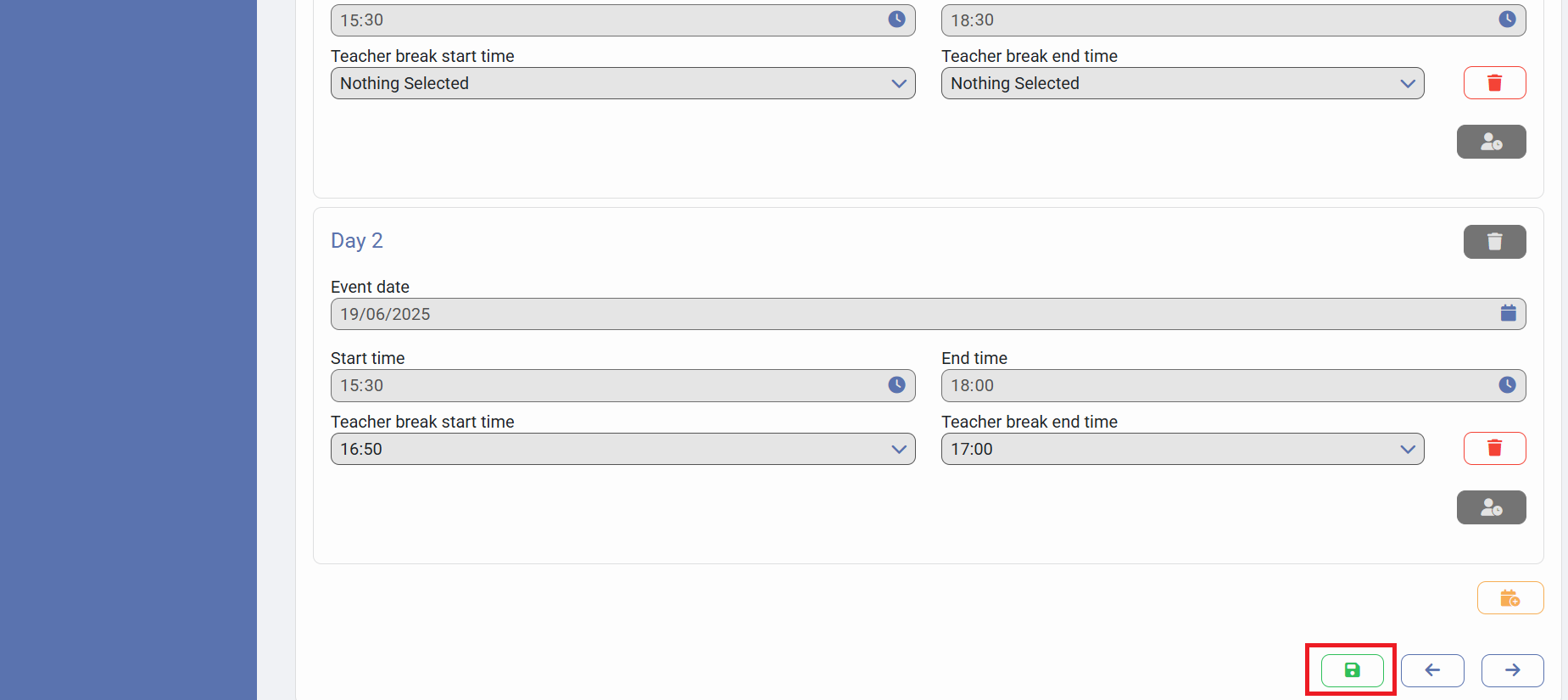
If you have decided as a team to remove the break time for all staff from a Parent Event, you will need to delete the Teacher Break Time from the Event Summary. This article will detail the steps to do so.
Firstly, you need to get logged in as an admin:
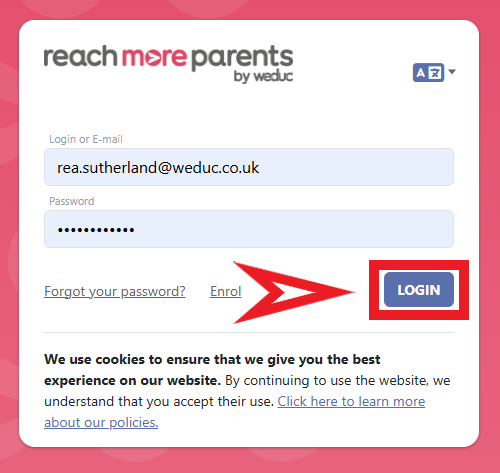
1) Log in to ReachMoreParents.
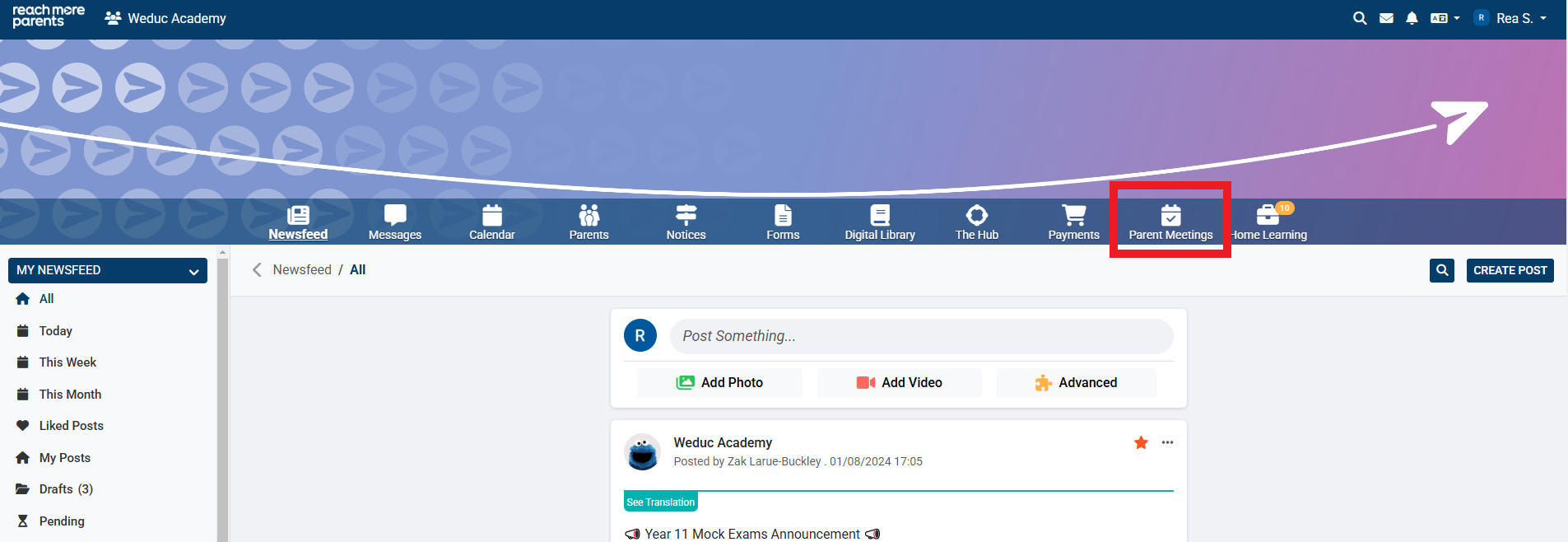
2) Click on the Parent Meetings icon
From here, you need to continue the following steps:
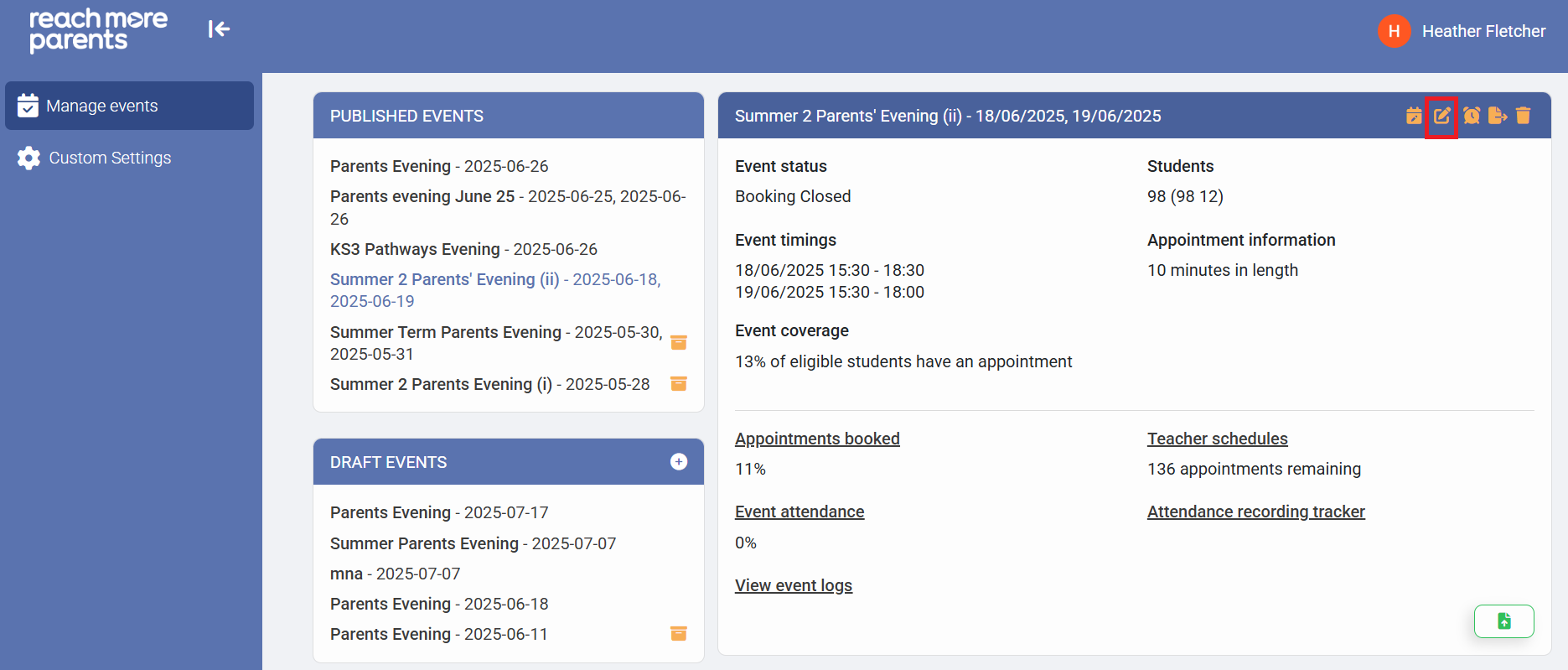
3) Click on the Event title from either "Draft Events" or "Published Events"
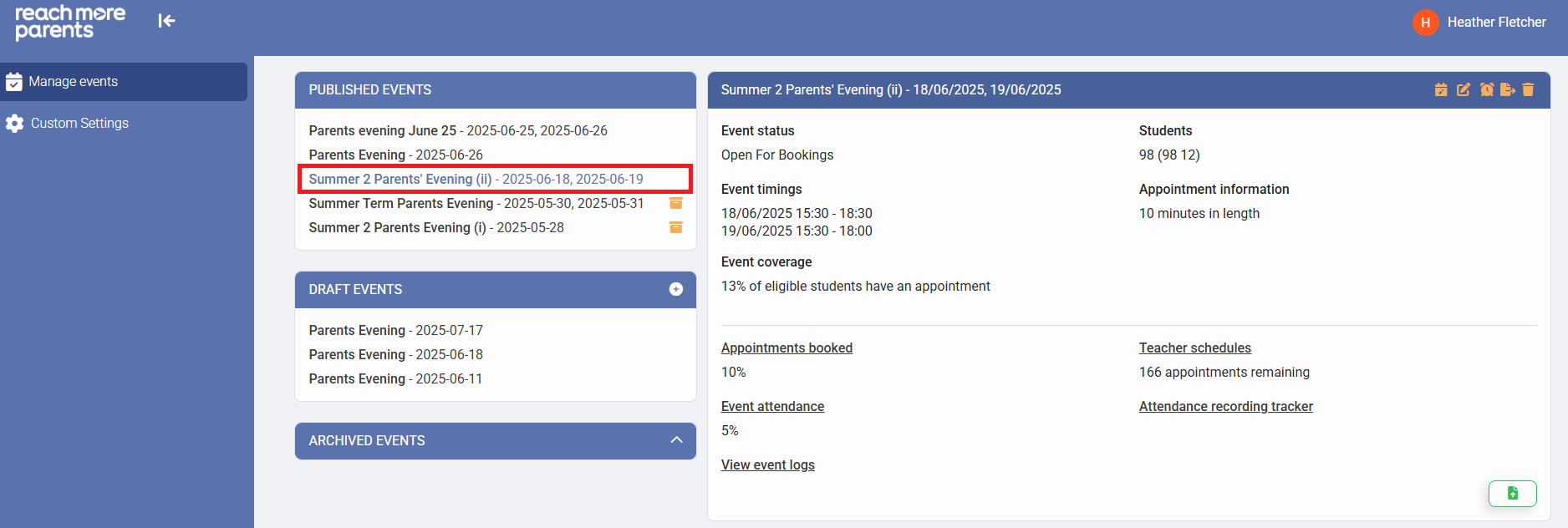
4) Click on the "Edit Event" button
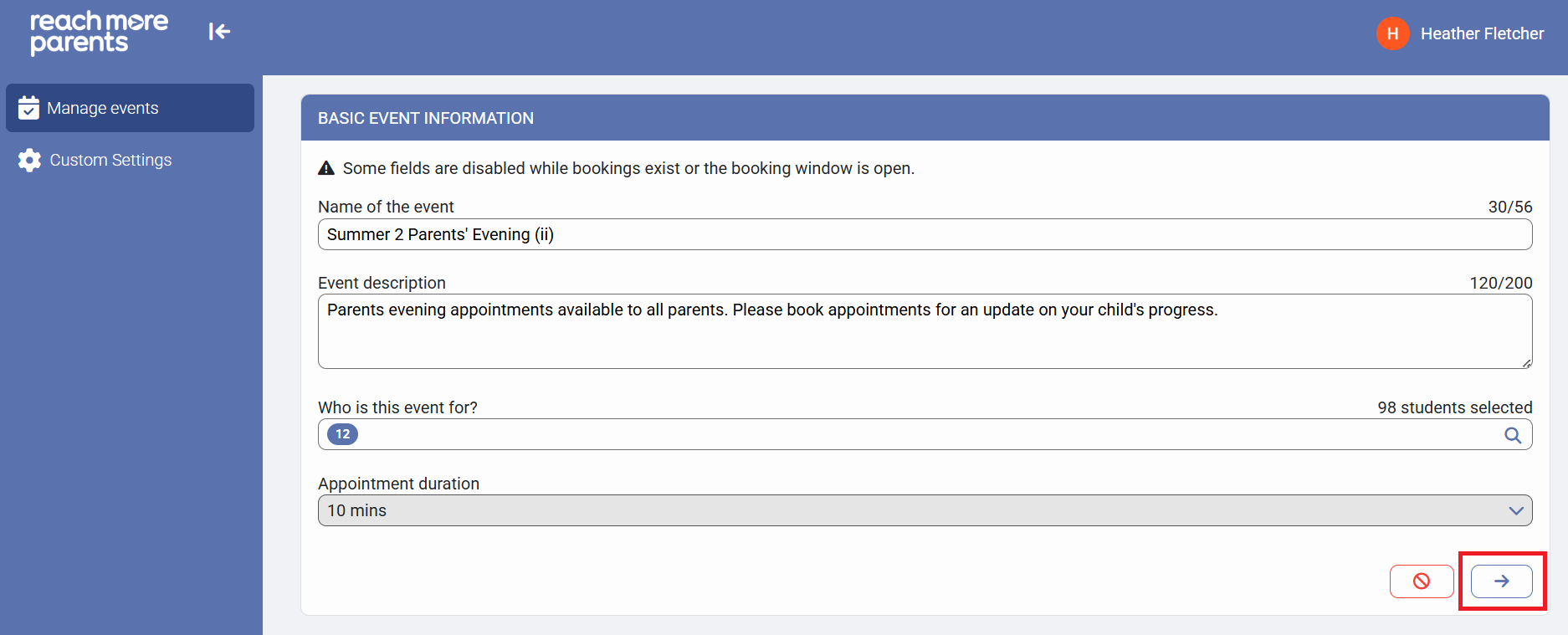
5) Click on the "Next" button to proceed to the "Event Dates & Times for [Event Name]" screen
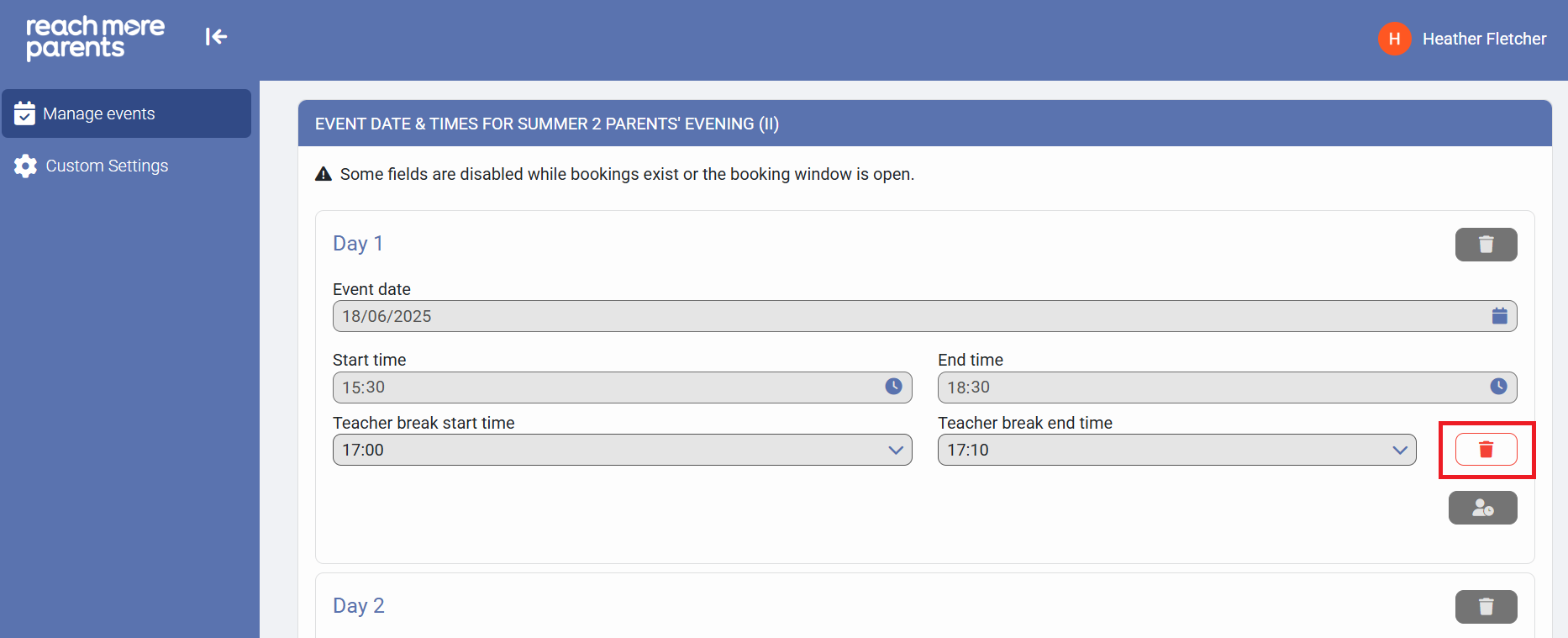
6) Click on "Delete" icon against the Teacher Break assigned to the event
7) Click on "Save" to accept your changes