Firstly, you will need to access PEMS as an Admin:
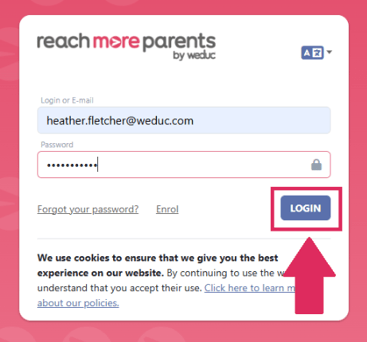
1) Log in to ReachMoreParents.
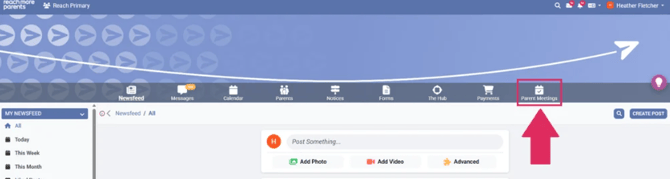
2) Click on the Parent Meetings icon
From this point, you will need to carry out the following steps:
3) Click on the "Event Title" from the Published Events block
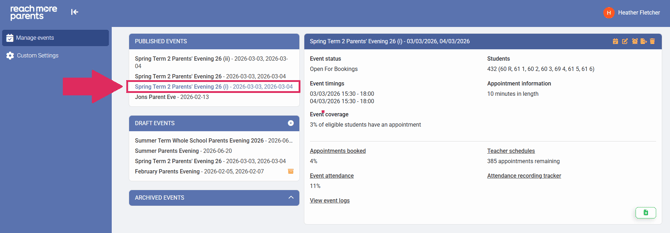
4) Click on the "Export Data" button
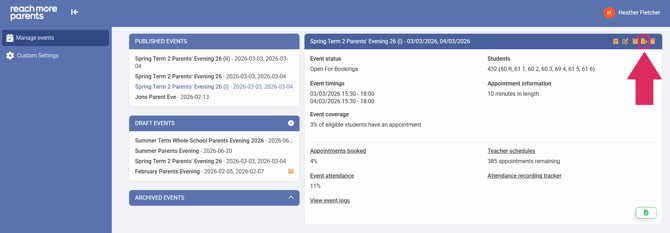
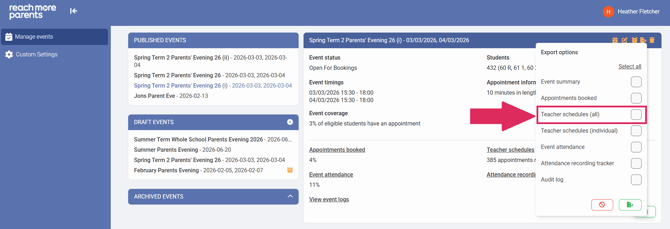
5) Click on the "Teacher schedules (individual)" checkbox to select it
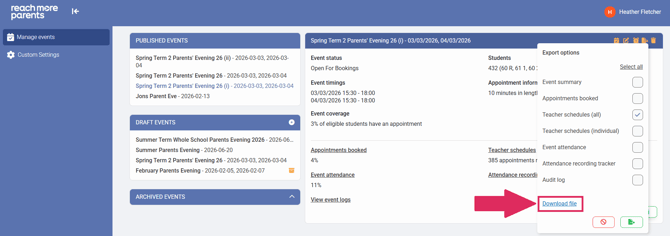
6) Click on the "Export data" button to generate the export
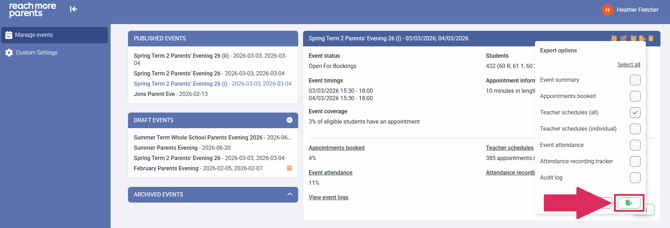
7) When the file is ready, the "Download file" hyperlink will display
8) Click on "Download file" and the file will be downloaded into your PC's downloads folder