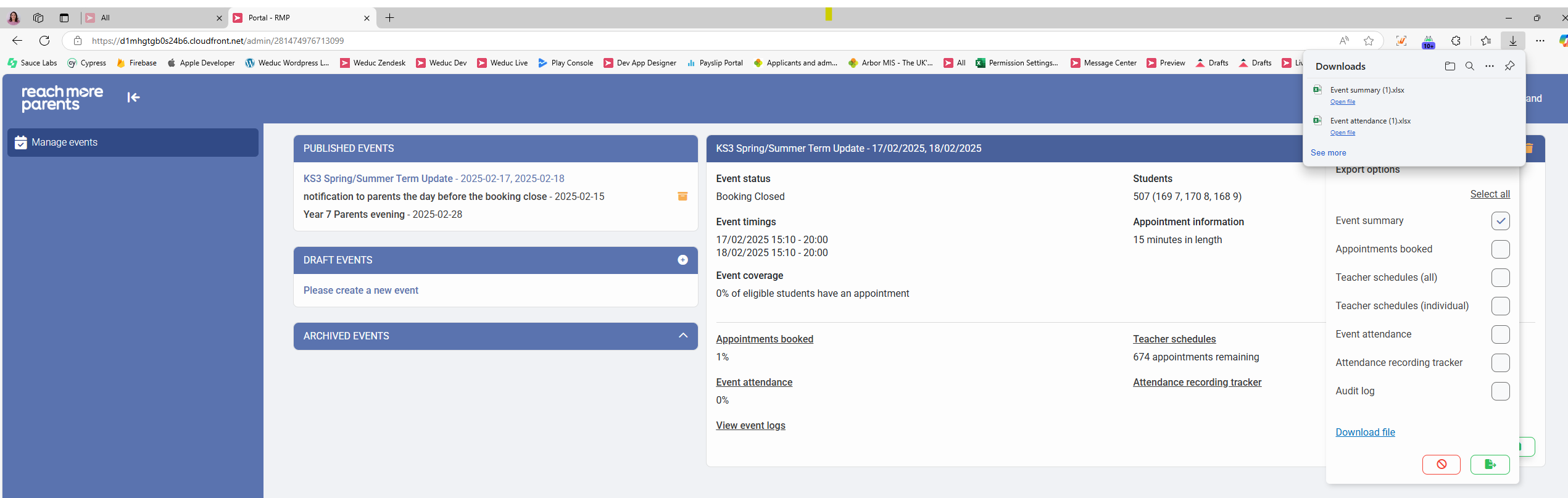
This article is a step by step guide on how to export the Event Summary document so that this can be made available offline to your team on the parent event.
To get started, you first need to access PEMS as an administrator:
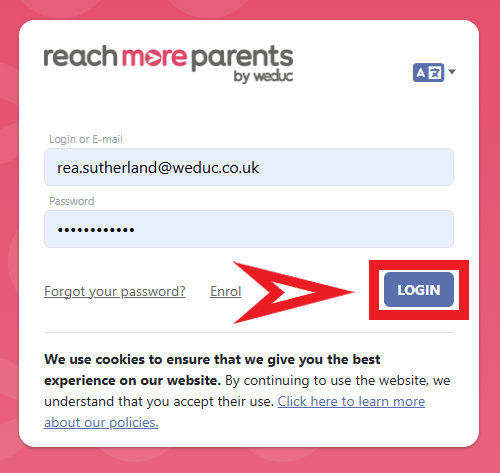
1) Log in to ReachMoreParents.
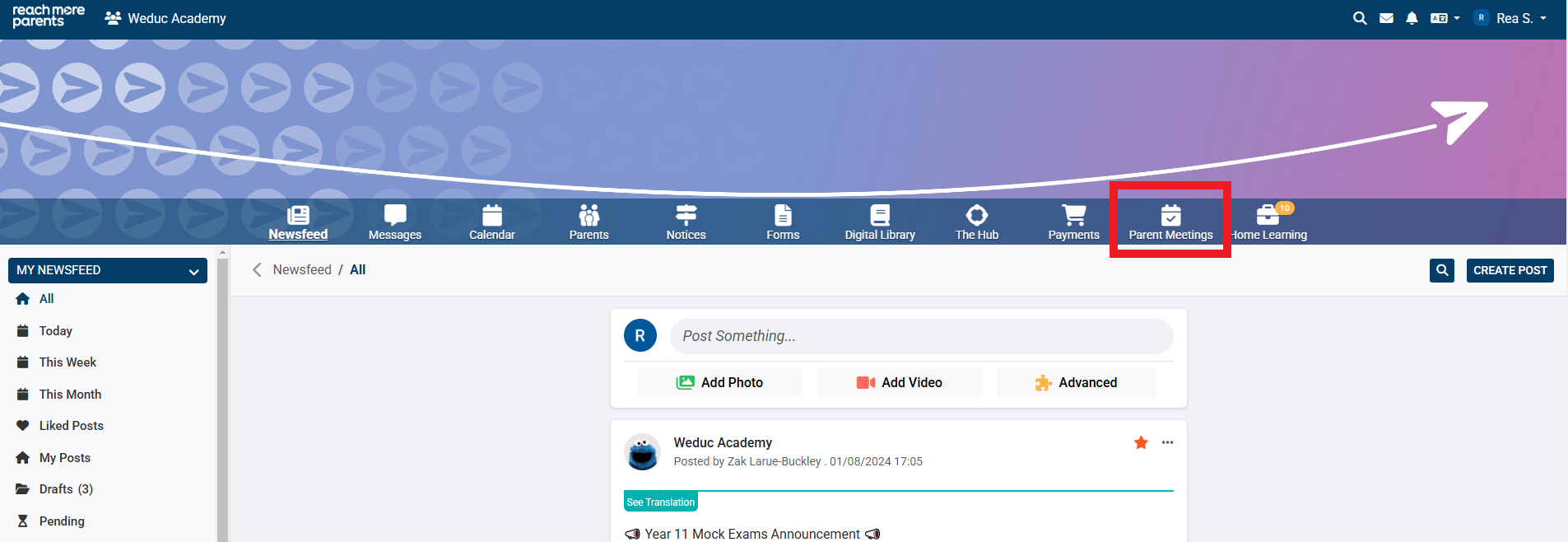
2) Click on the Parent Meetings icon
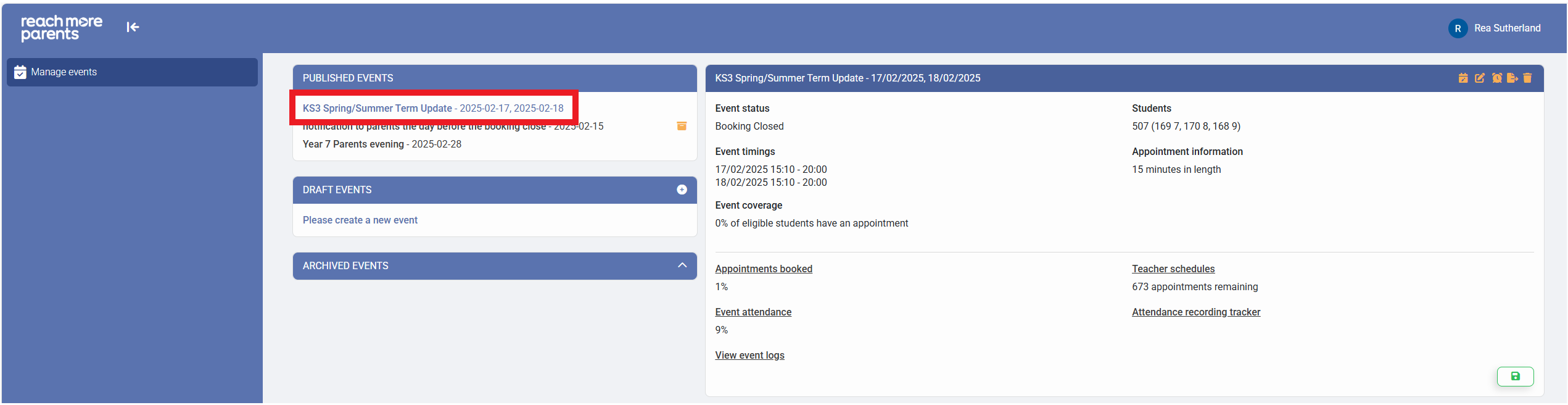
Now that you're in PEMS on the "Manage Events" view, follow the steps below to export the Event Summary:
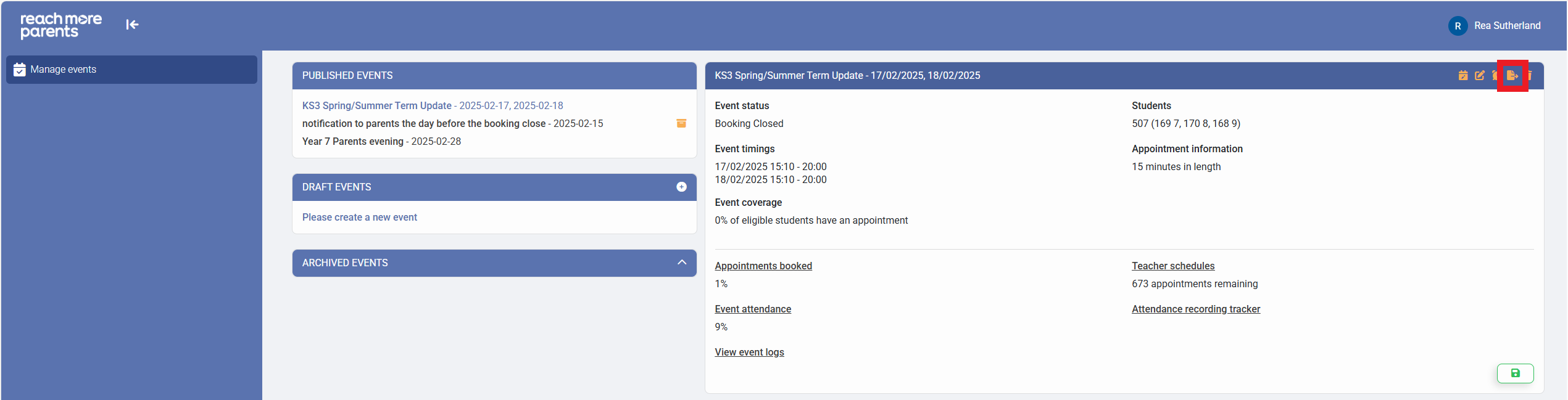
1) Click on the event that you need to export the Event Summary for
2) Click on the "Export" button where you will see seven different export options
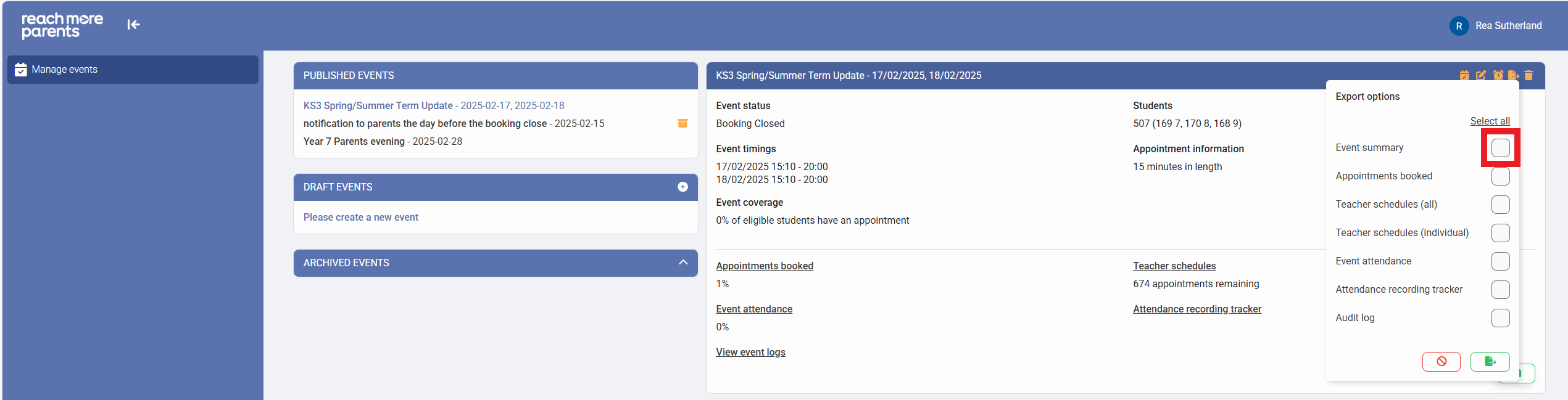
3) Select the "Event Summary" option
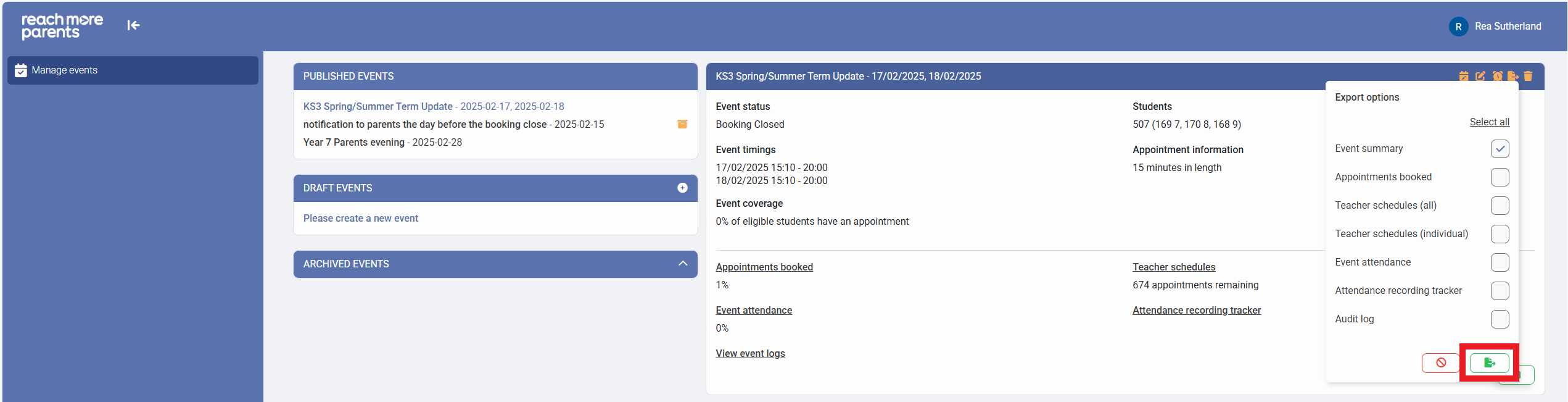
4) Click on the "Export" button at the bottom of the export list
5) When the Export file has been built, click on the new link labelled "Download file"
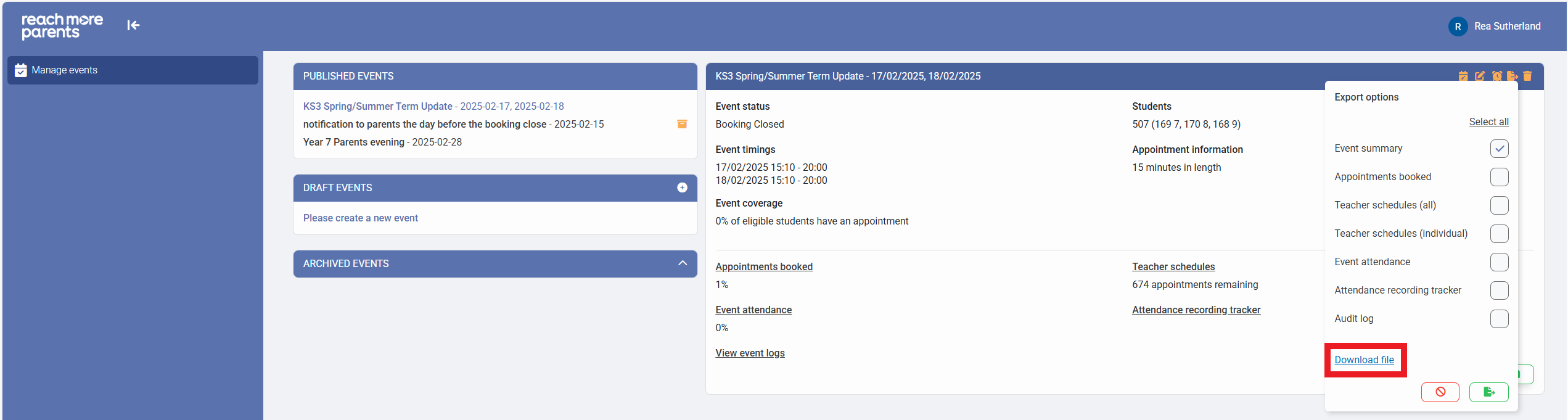
6) The Event Summary will be downloaded into your Downloads folder on your PC