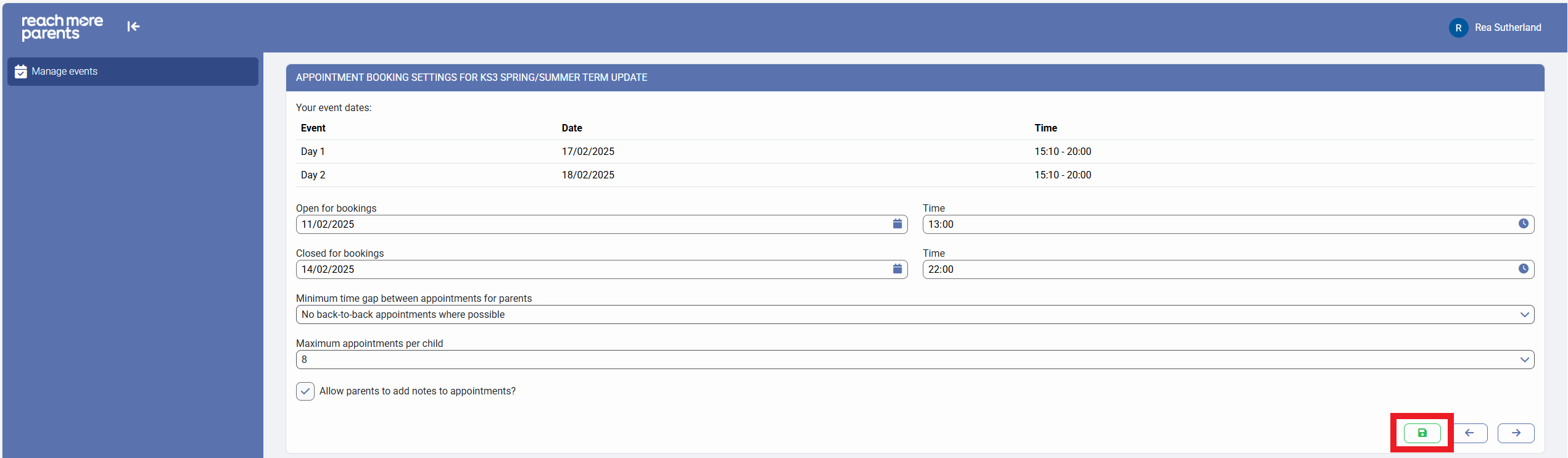
Within the ReachMoreParents, Parent Event Management System (PEMS), our core belief of making communication simple has been thought of down to an individual appointment level. When you have parents booking appointments being made by your parents, they may have specific things they want to discuss with the teachers for each subject. To do this, we have added the ability to enable comments from a Parent to a Teacher on an appointment booking.
In order to enable the option, you firstly need to log in as an Admin:
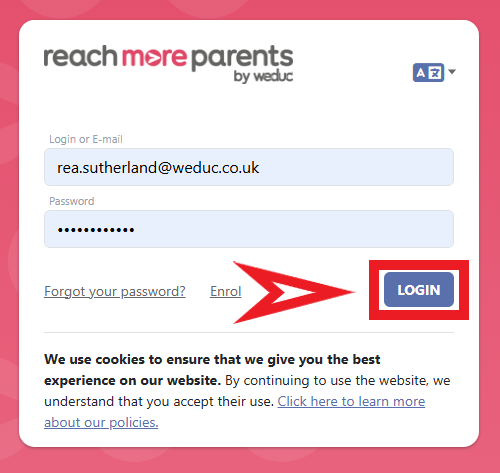
1) Log in to ReachMoreParents.
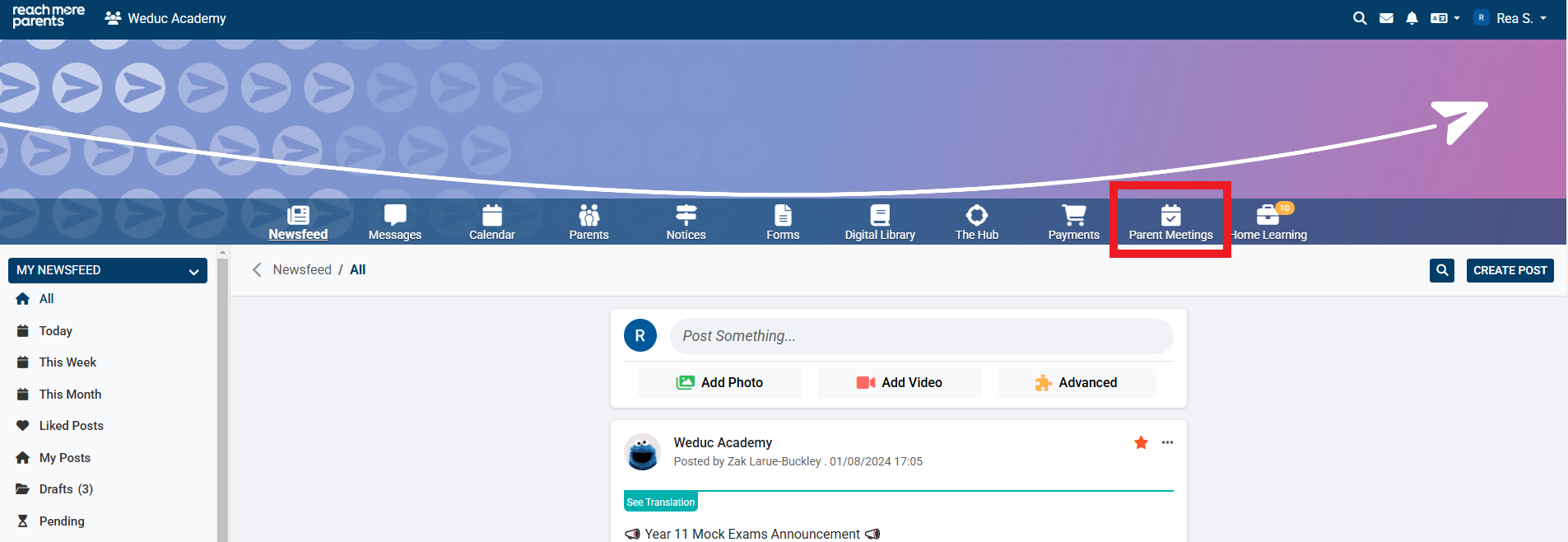
2) Click on the Parent Meetings icon
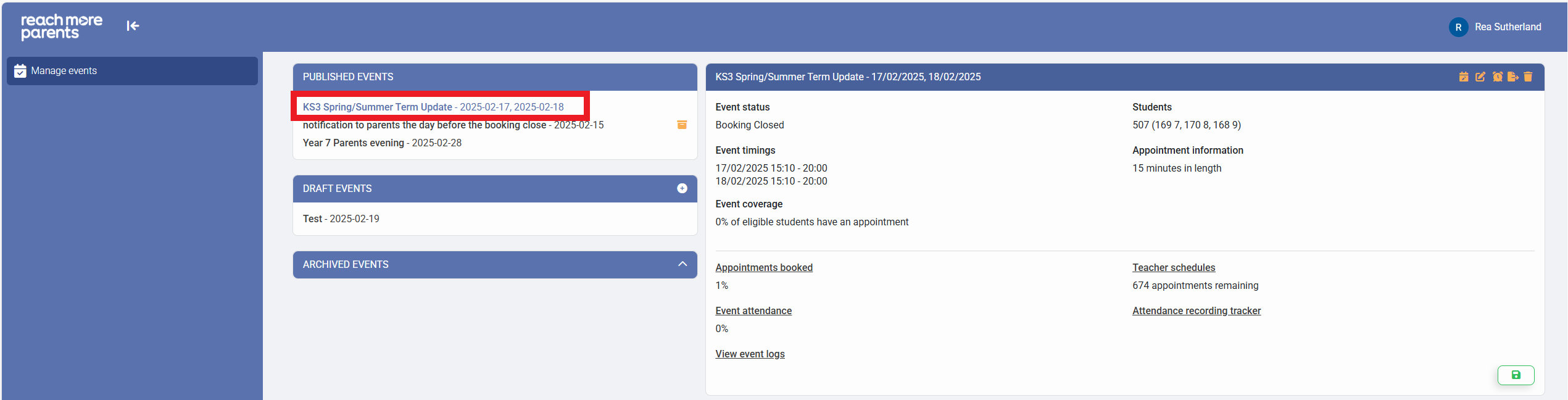
From this point, you need to carry out the steps below:
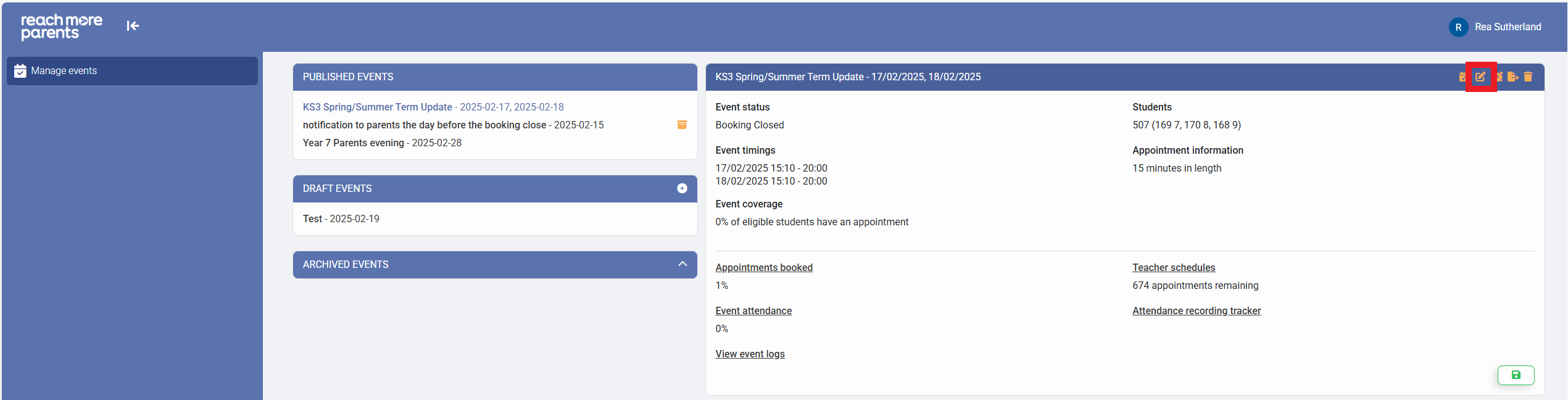
1) Click on the required Event Title from the Published Events block
2) Click on "Edit Event"
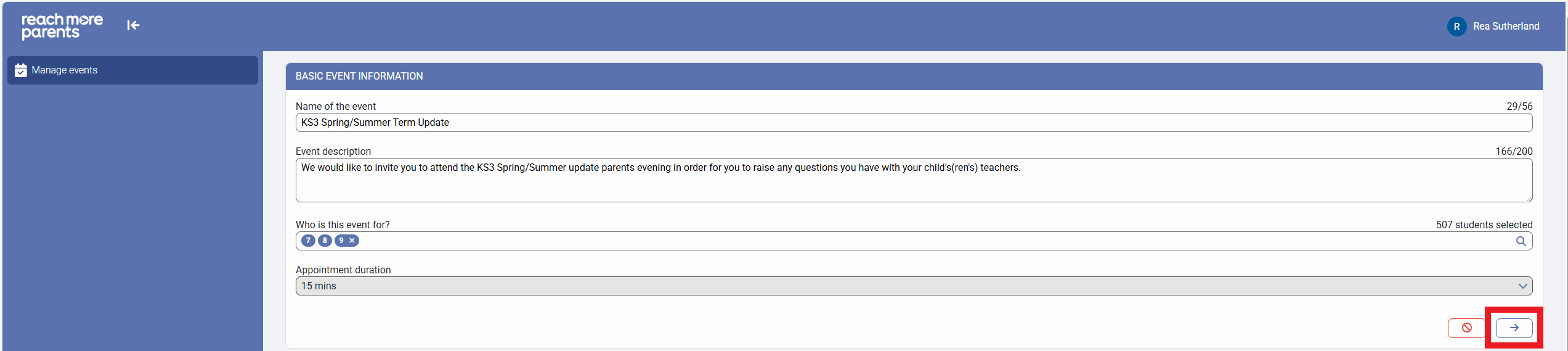
3) Click on "Next" to access the "Event date & times for [Event Name]" screen
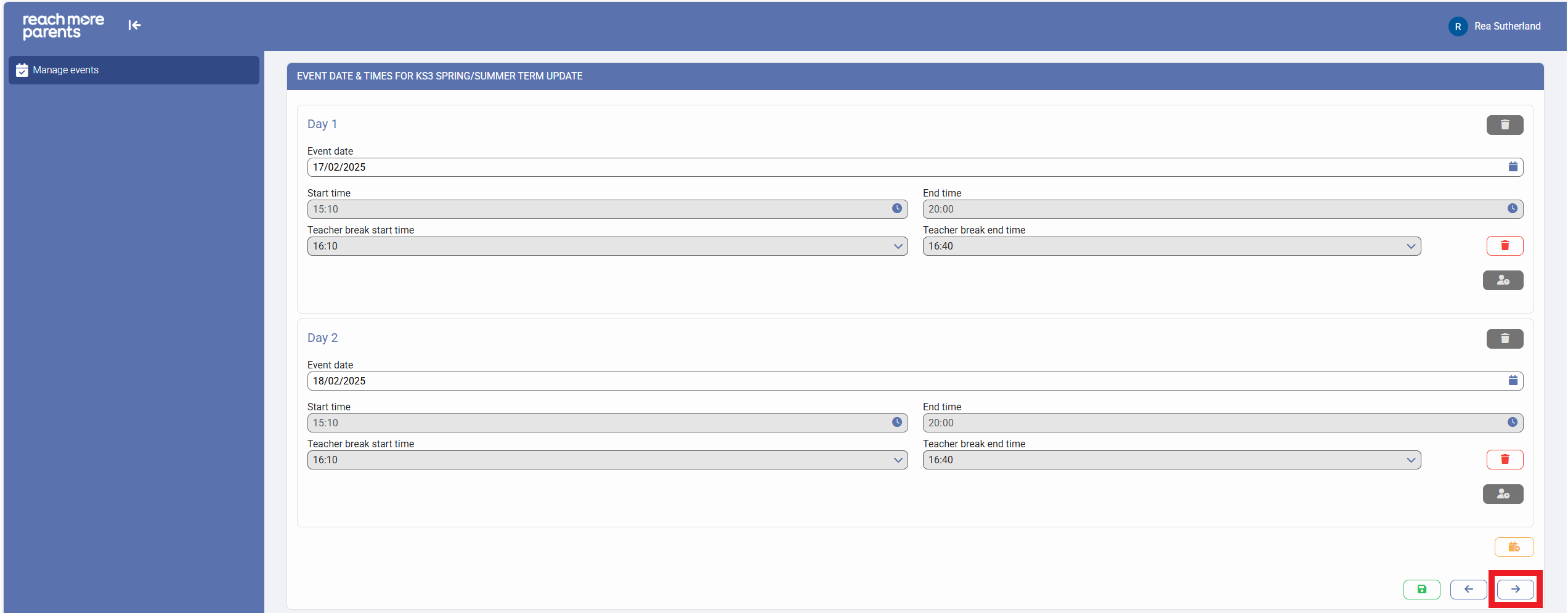
4) Click on "Next" to access the "Appointment booking settings for [Event Name]" screen
5) Click on the "Allow parents to add notes to appointments?" to set it to "True"
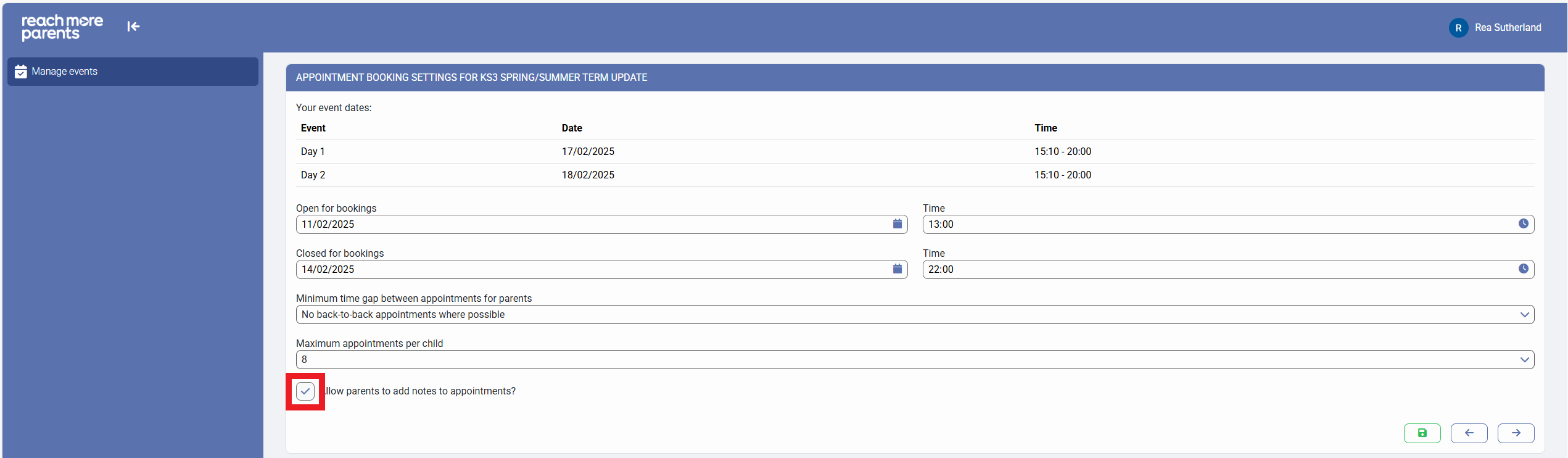
6) Click on "Save" to apply the changes