
On certain rare and unforeseen occasions, you may need to completely cancel a Parent event. This article will cover the steps to take in order to do so. In order to delete an event you must have first cancelled all the appointments booked against it (if any exist). If you need help with how to do that, follow the link here.
Firstly, you need to access PEMS as an Admin:
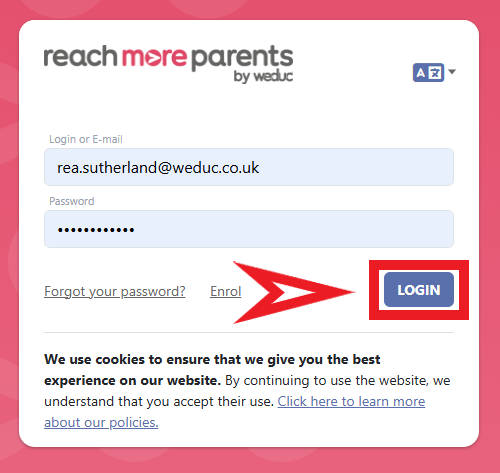
1) Log in to ReachMoreParents.
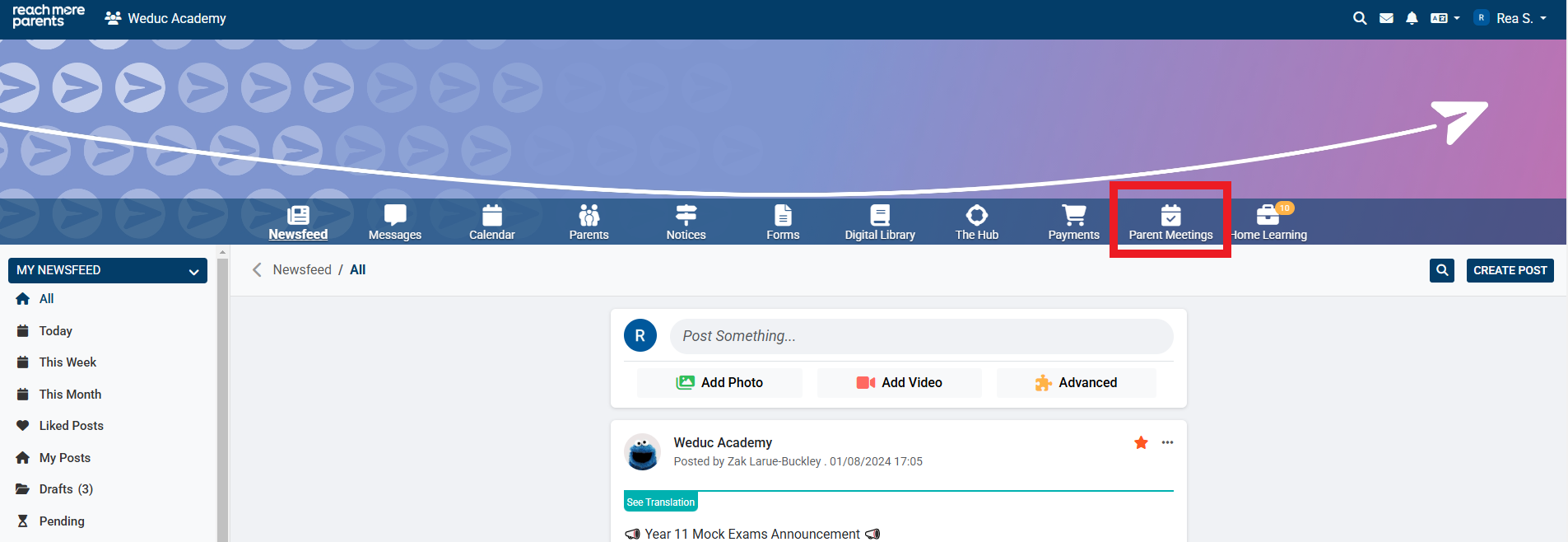
2) Click on the Parent Meetings icon
Now you will need to follow the below steps:
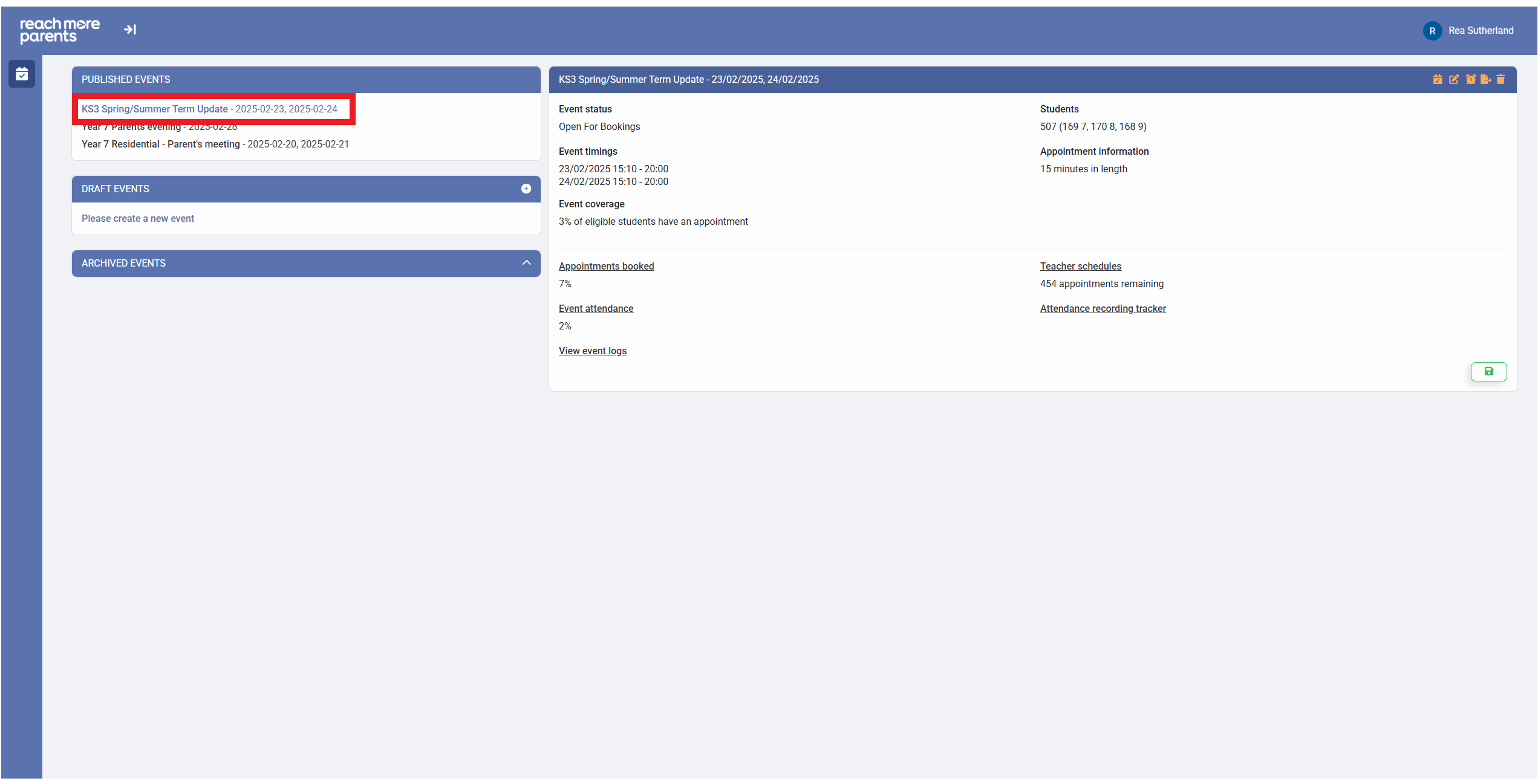
1) Click on the Event title within the Published Events block
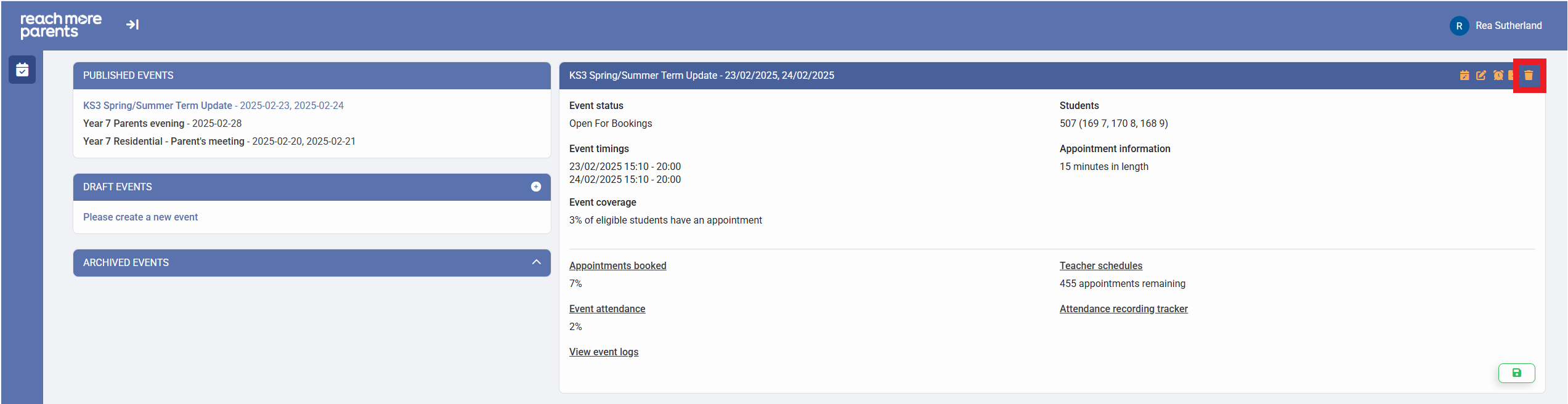
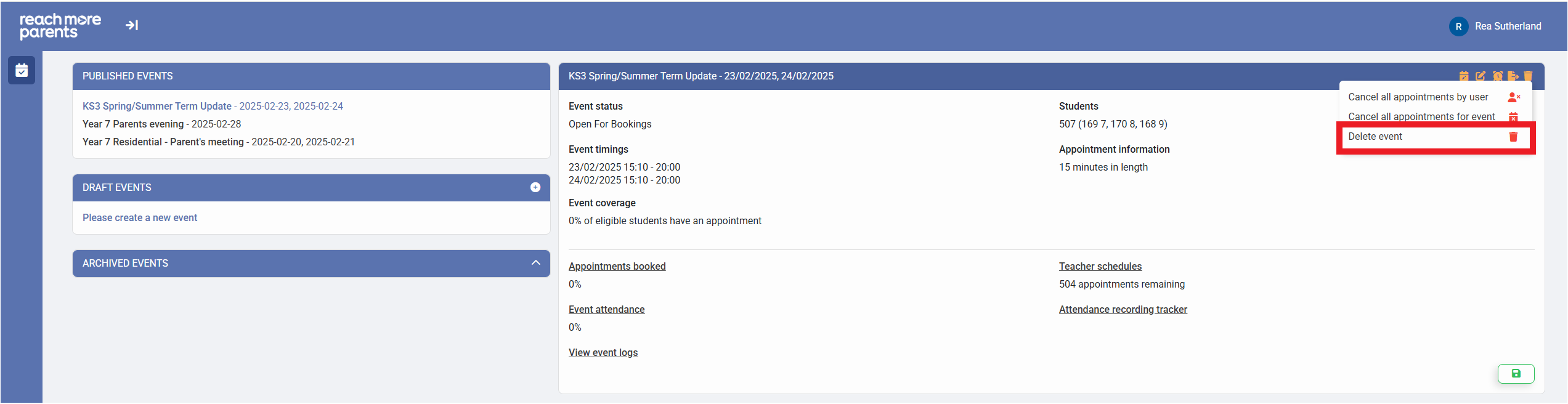
2) Click on "Delete Event" within the Event Summary block
3) Click on "Delete Event" from the deletion options menu
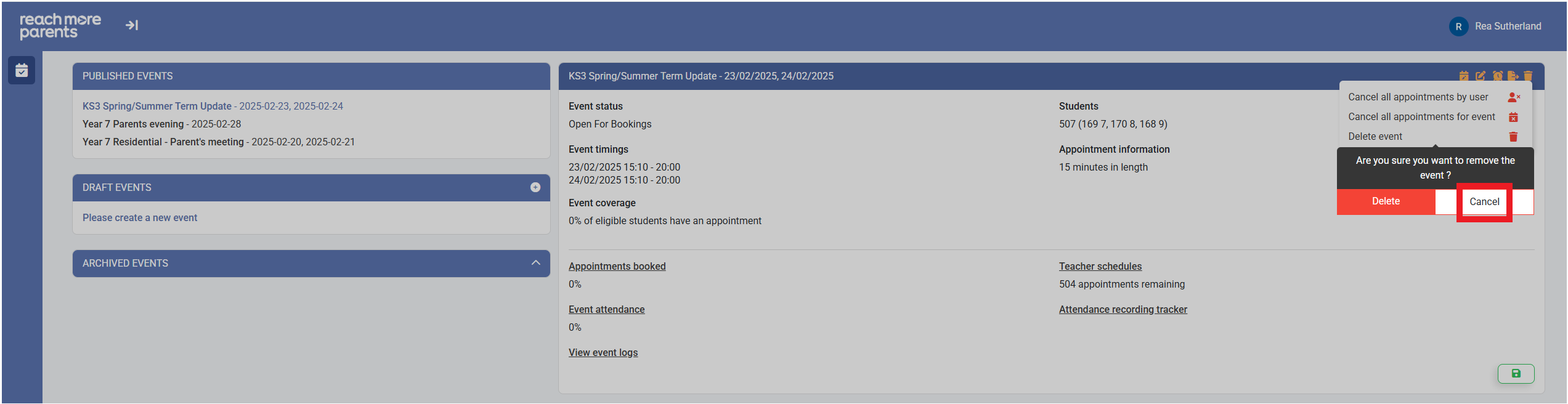
4) Click on "Cancel" if you do not want to delete the event
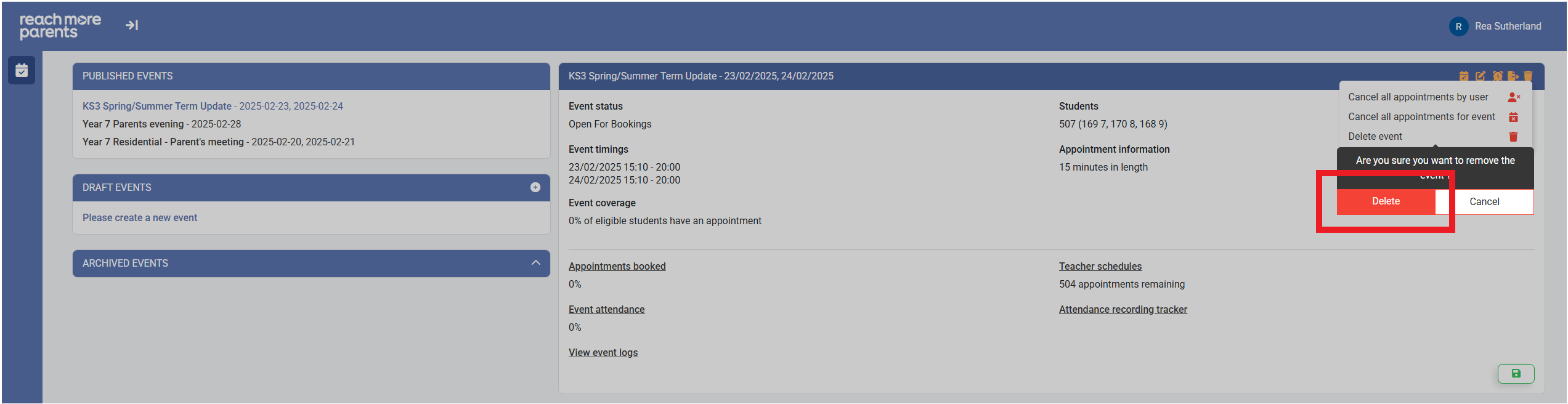
5) Click on "Delete" if you're happy to proceed with the event deletion
6) Your event is now deleted