Where you have already created a Parent Event, you can amend the Event name if you need to. In this article, we will detail the steps to take to amend the Event Title in PEMS.
Firstly, you will need to access PEMS as an Admin:
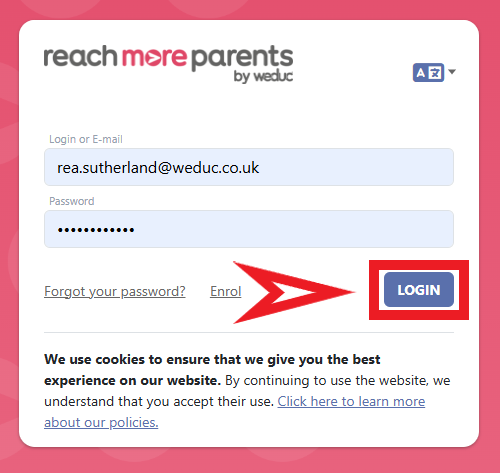
1) Log in to ReachMoreParents.
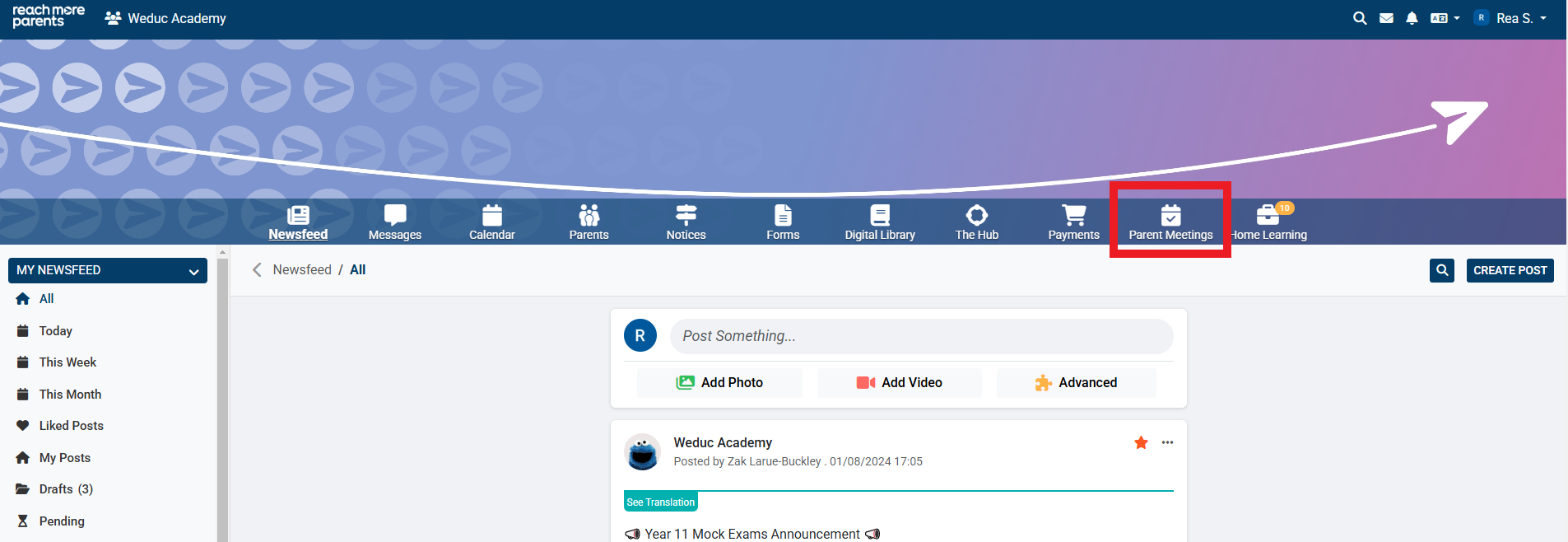
2) Click on the Parent Meetings icon
From this point, you will need to carry out the following steps:
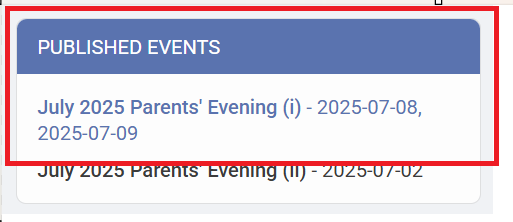
3) Click on the Event Title that you need to amend
4) Click on "Edit Event"
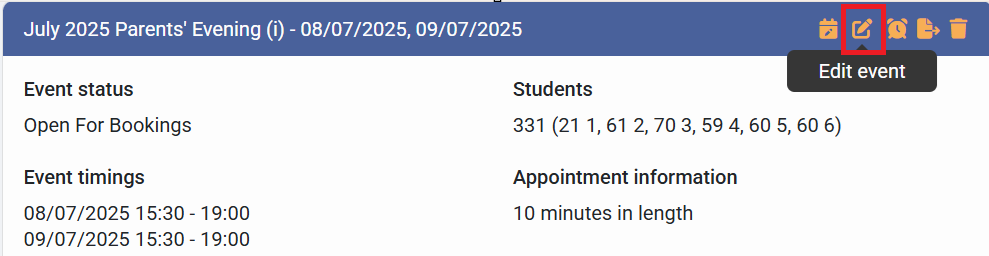
5) Click into the Name of the Event field and type in the new title for the event.
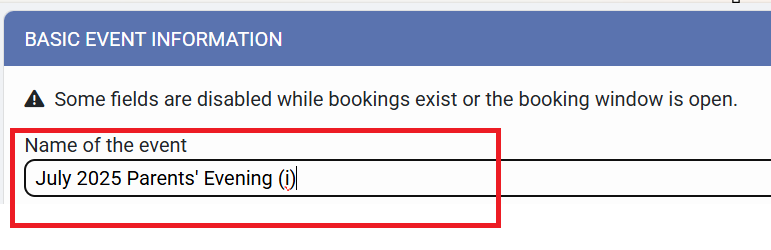
6) Click on "Next" to proceed to the next screen an auto-save your changes