Within the ReachMoreParents PEMS product, it is possible to amend the gap between each appointment for Parent/Carers attending your event. In this article, we will detail the process of how to add breaks between each appointment.
Firstly, you will need to access PEMS as an Admin:
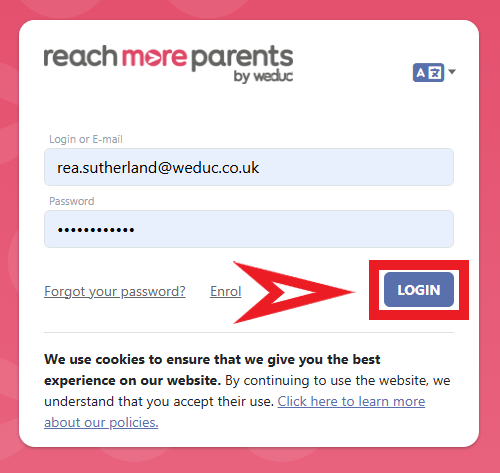
1) Log in to ReachMoreParents.
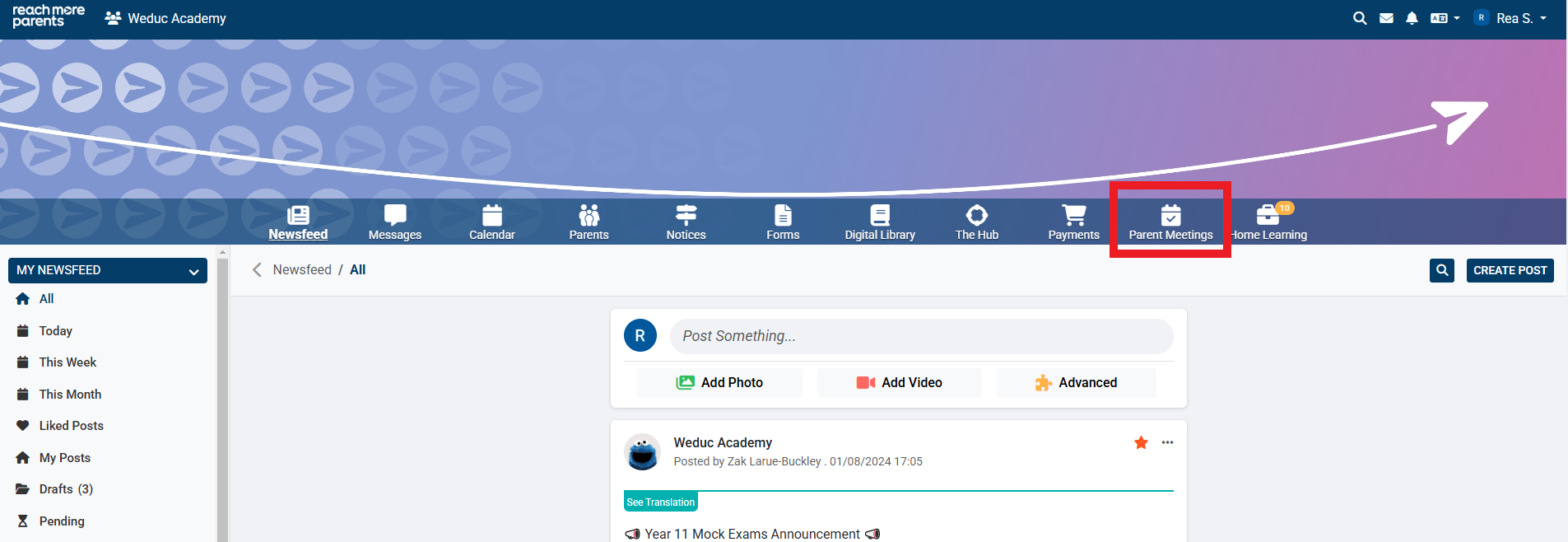
2) Click on the Parent Meetings icon
From this point, you need to carry out the below steps:
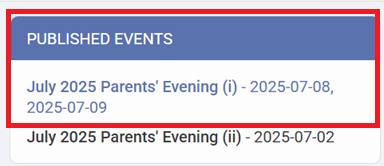
3) Click on the Event title in either the Draft or Published Events block
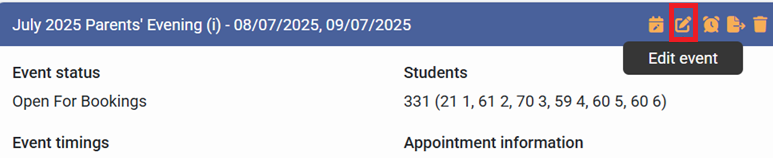
4) Click on "Edit Event" to access the settings for your event
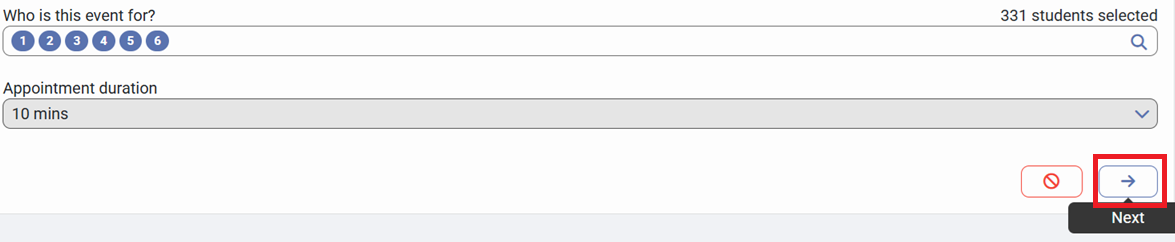
5) Click on "Next" to proceed to the "Event Dates & Times for [Event Name]" screen
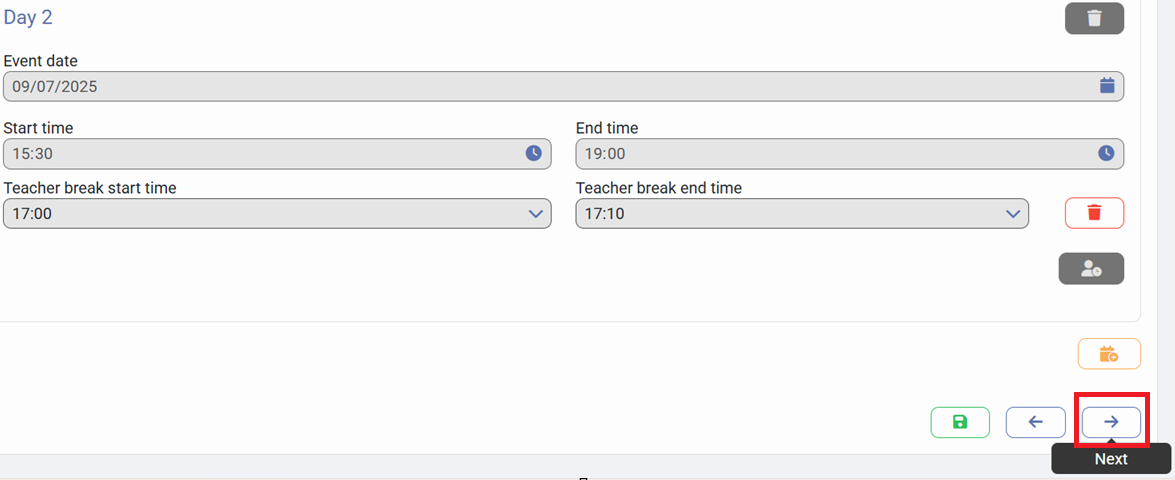
6) Click on "Next" to proceed to the "Appointment Booking Settings for [Event Name]" screen
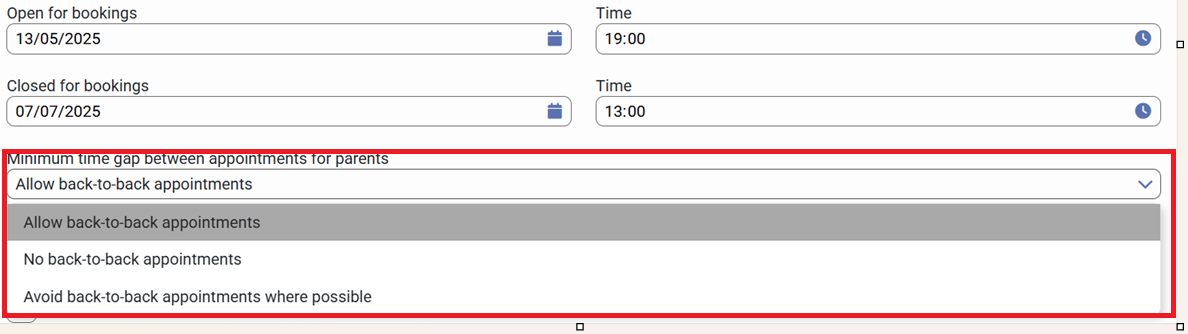
7) Click on "Minimum time gap between appointments for parents" and choose the option that you need to use:
- Allow back-to-back appointments - There will be no gap between appointments
- No back-to-back appointments - There will be no gaps between appointments and an appointment length will be placed between each appointment (if 10 minutes, there will be a 10 minute gap between appointments)
- Avoid back-to-back appointments - There will be no back-to-back appointments wherever there are enough "open appointments" to do so but back-to-back appointments will occur when there isn't capacity to avoid it
8) Click on "Save" to confirm your changes