Firstly, you need to access PEMS as an Admin:
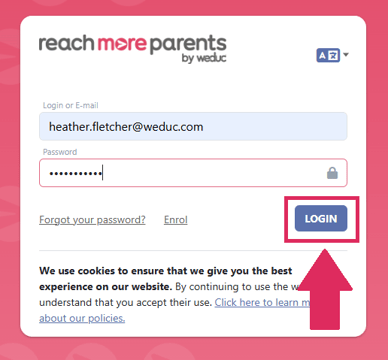
1) Log in to ReachMoreParents.
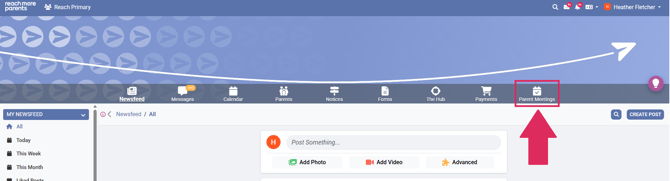
2) Click on the Parent Meetings icon.
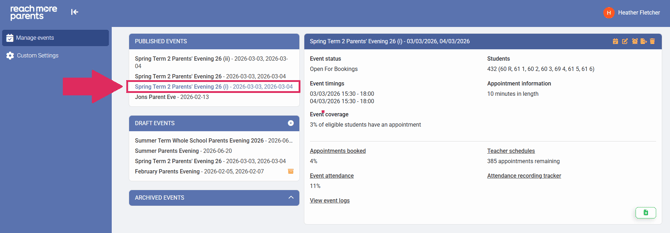
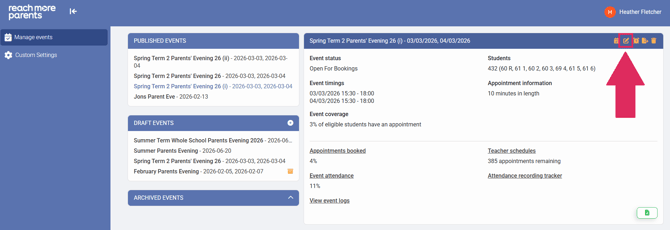
3) Click on the Event Title you need to amend the description for.
4) Click on the "Edit Event" button.
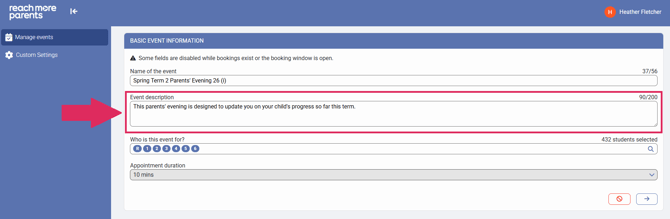
5) Click on the "Event Description" field and type the new event description.
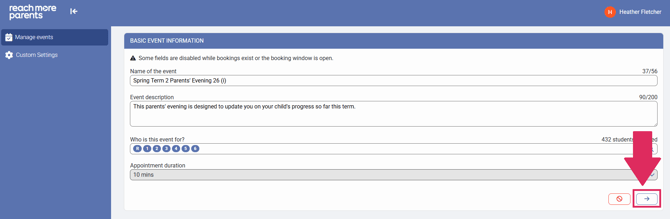
6) Click on "Next" to auto save the changes you have made.
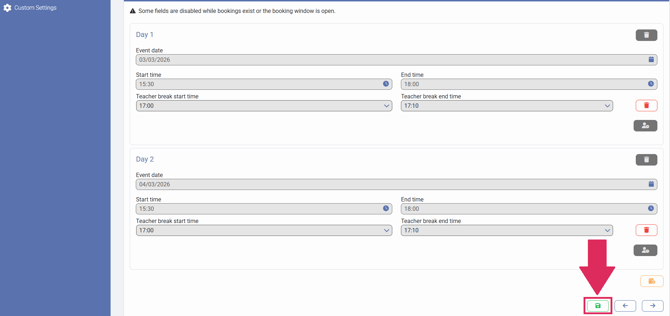
7) Click on "Save" to accept any further changes.