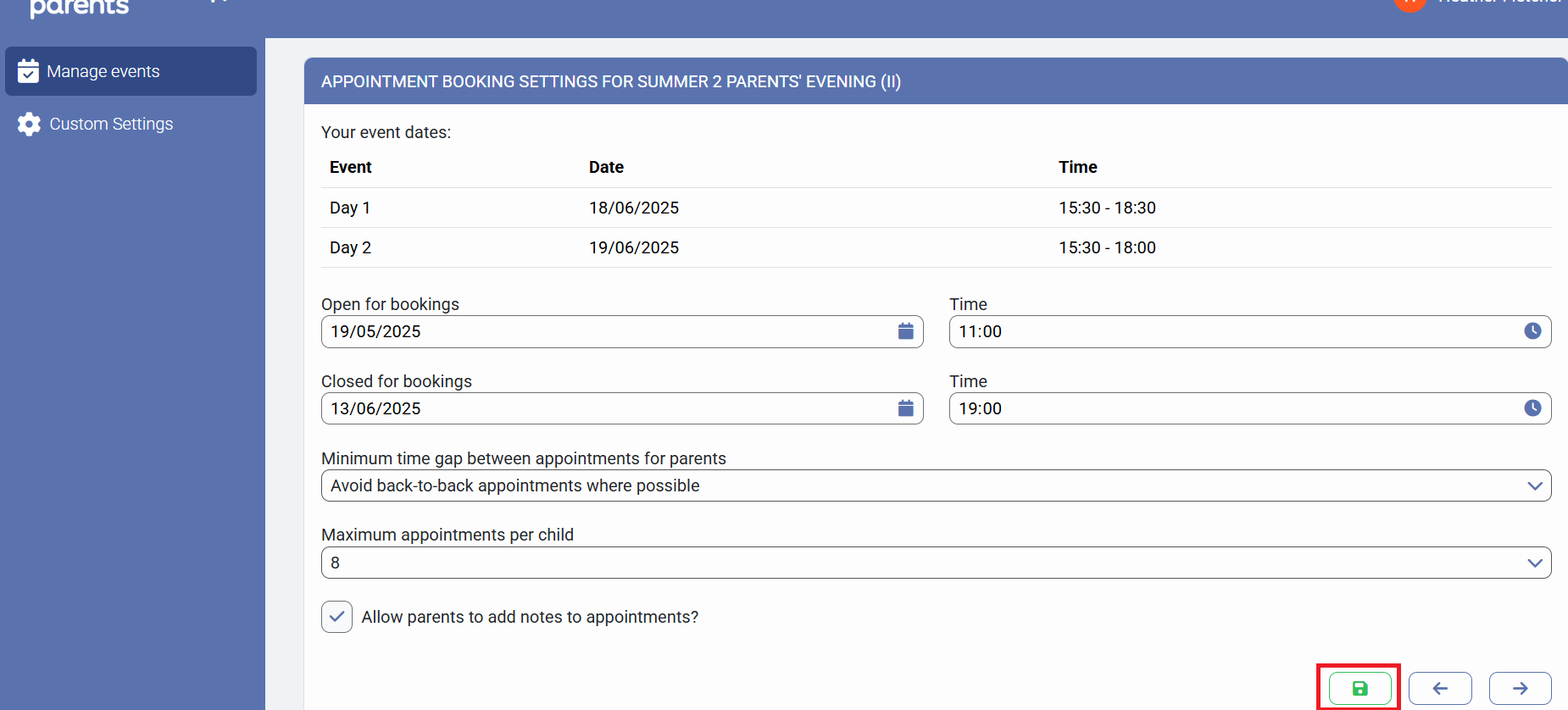
In the PEMS Appointment Booking Settings window, it is possible to define the maximum number of appointments that can be booked for each child whose parents have been invited to attend the Parent Event.
In order to amend this setting, you will firstly need to access PEMS as an Administrator:
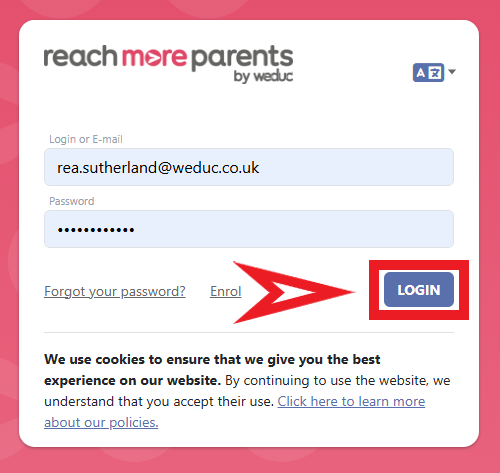
1) Log in to ReachMoreParents.
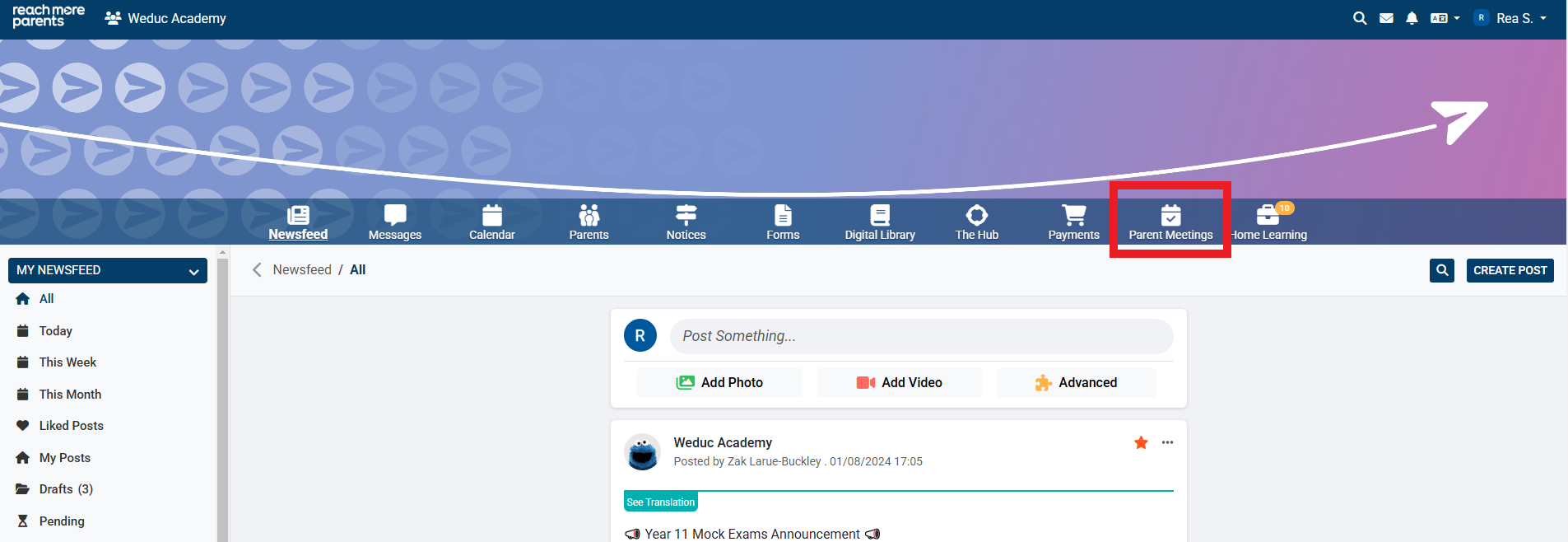
2) Click on the Parent Meetings icon
From this point you need to carry out the below steps:
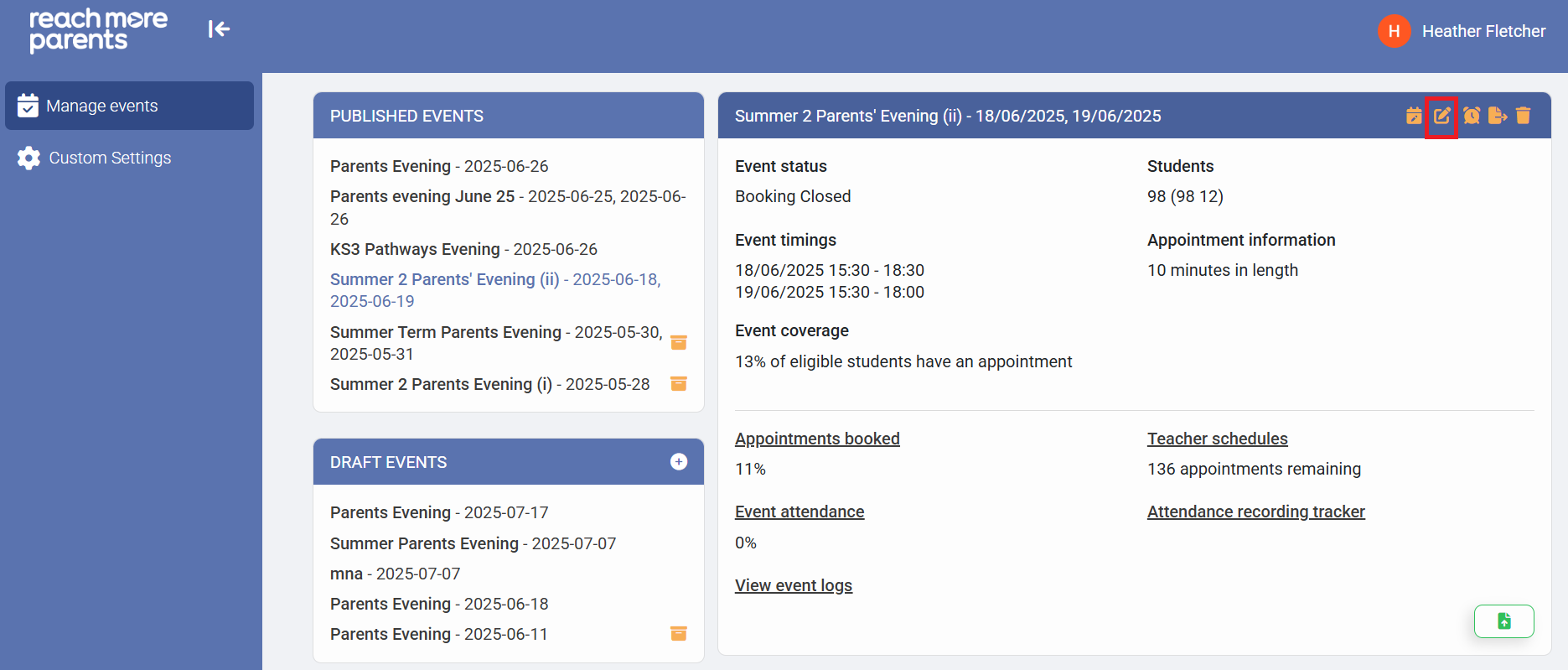
1) Click on the required Event Title within either "Draft Events" or "Published Events"
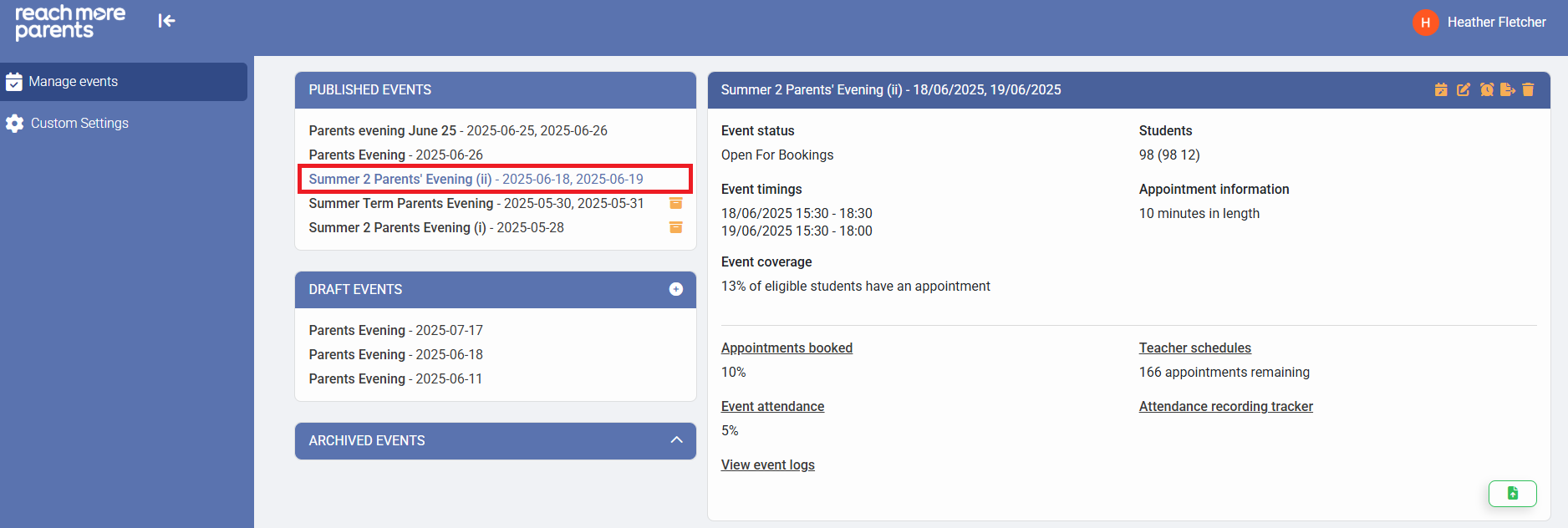
2) Click on the "Edit Event" icon
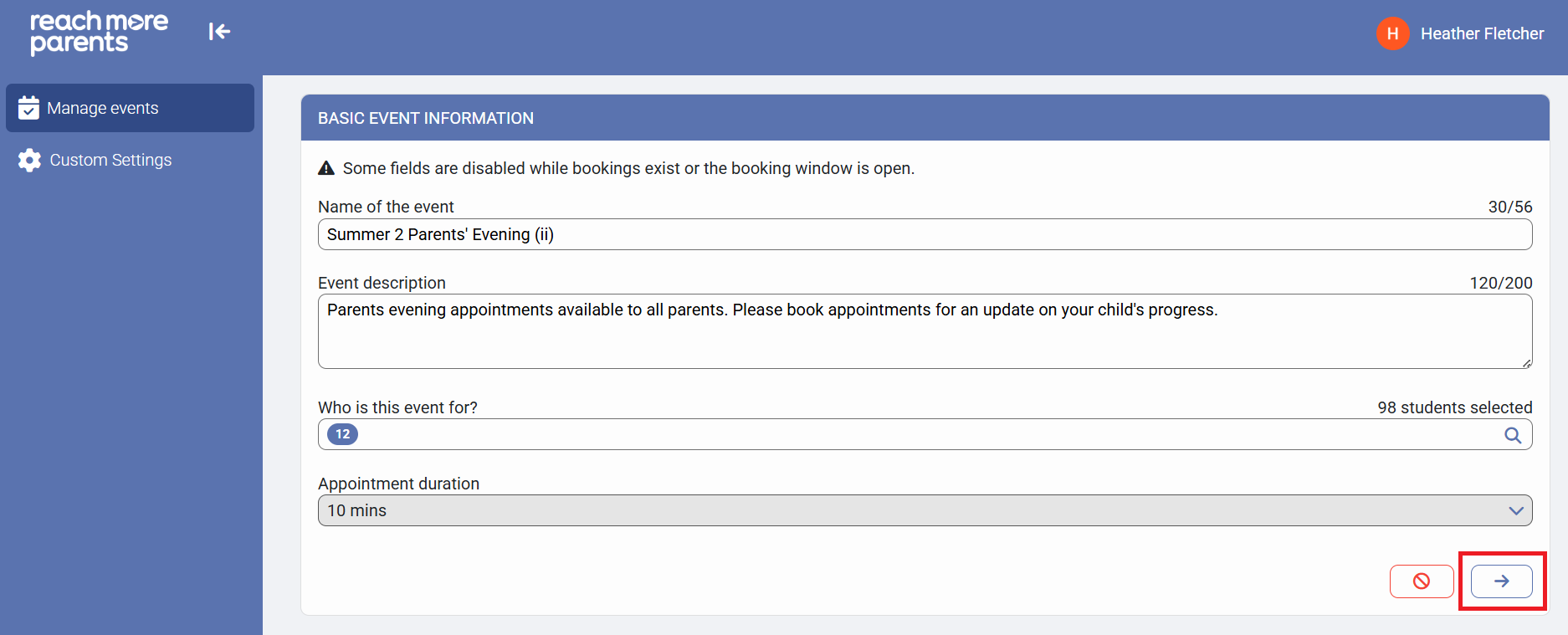
3) Click on "Next" to proceed to the "Event Date & Times for [Event Name]" screen
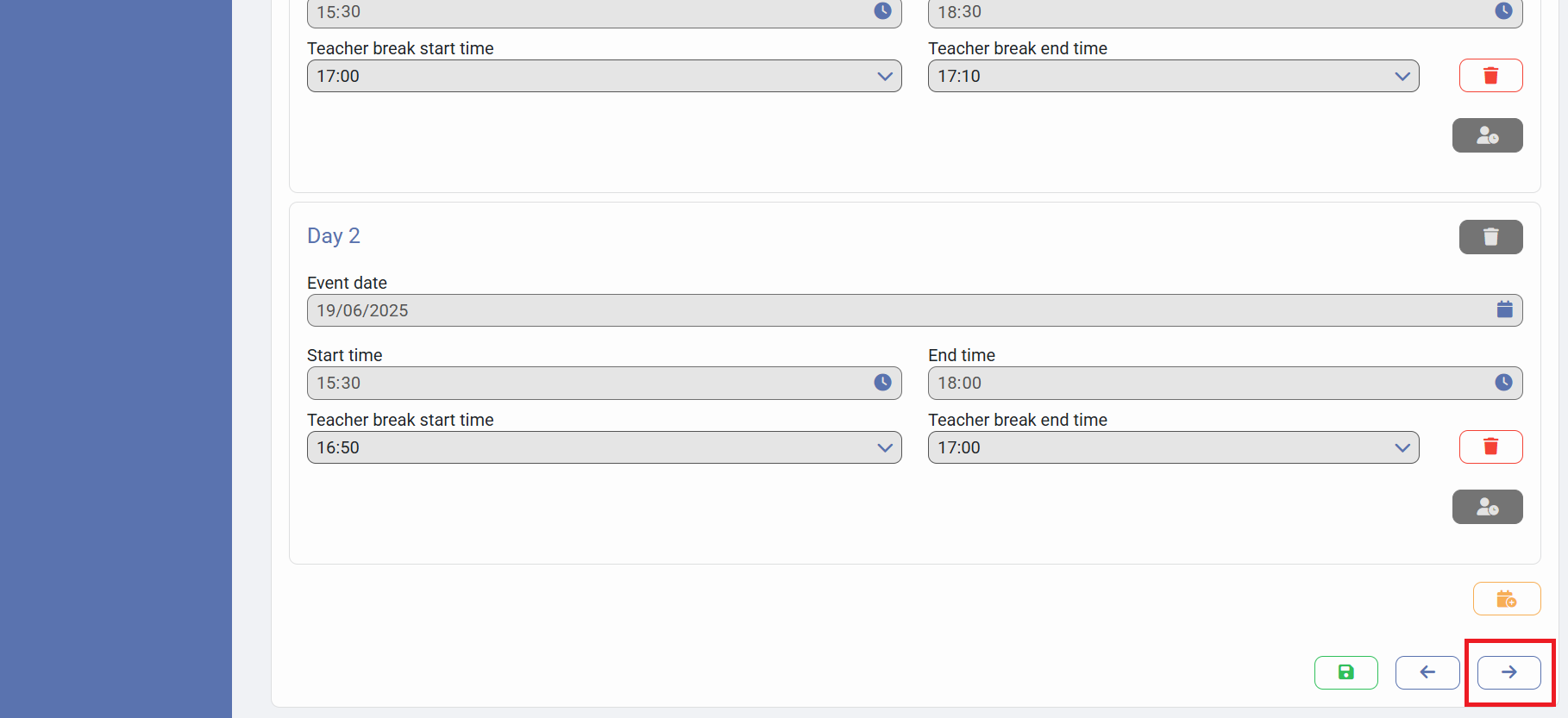
4) Click on "Next" to proceed to the "Appointment Booking Settings for [Event Name]" screen
5) Click on the "Maximum appointments per child" selector and choose the number of appointments you want to limit each child to
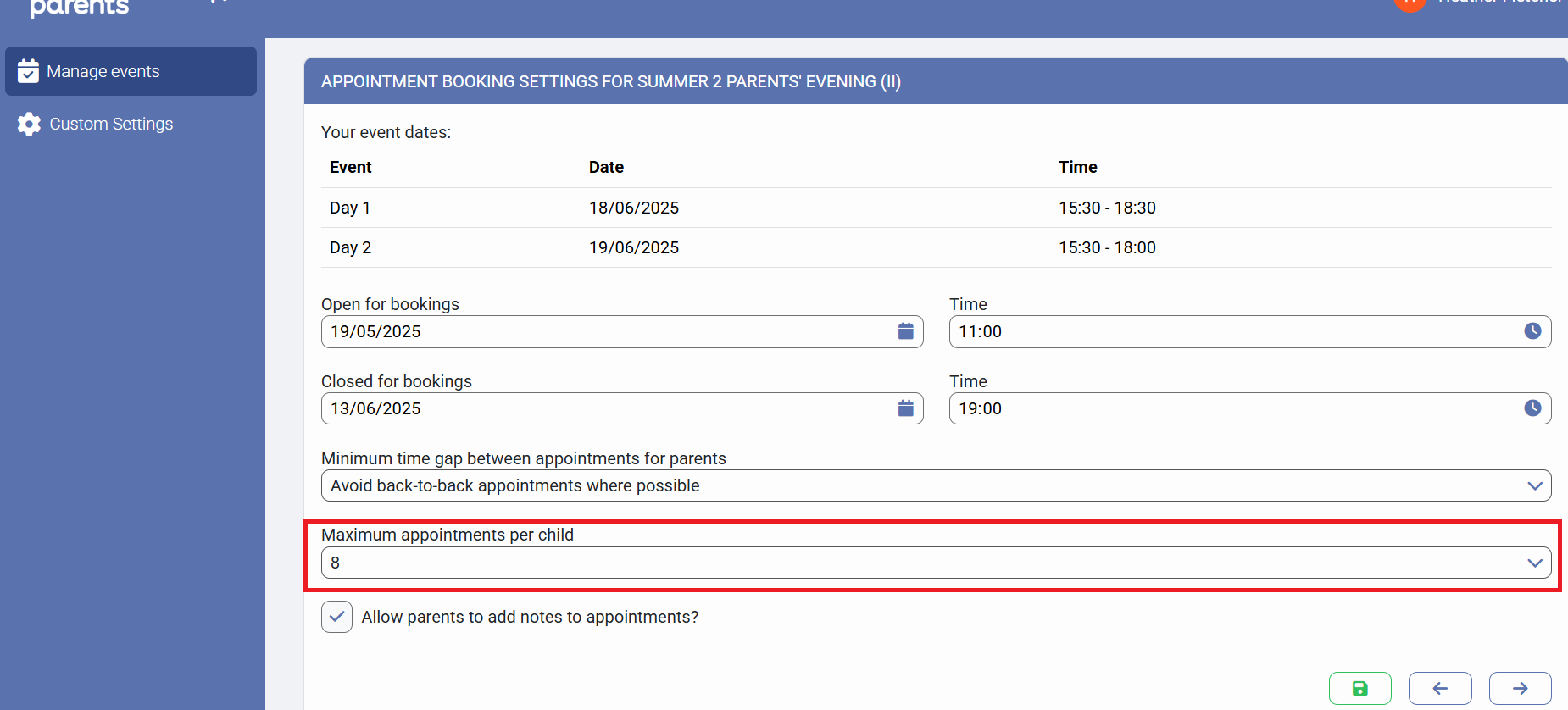
6) Click on "Save" to accept your changes