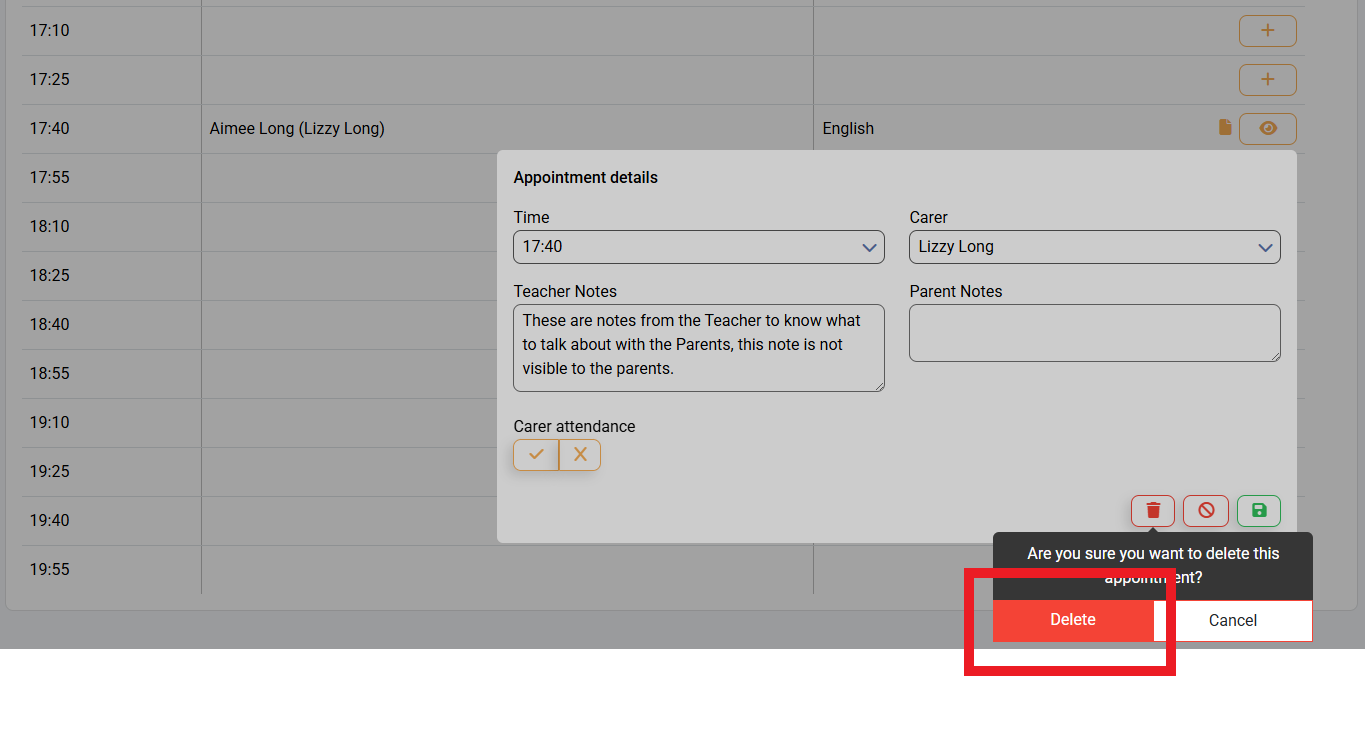
In unforeseen circumstances for either yourself, or the Parent / Carer booked with you, an appointment may need to be cancelled. In this article, we will go through step by step how to cancel an appointment as a Teacher.
Firstly, you will need to access PEMS as a Teacher:
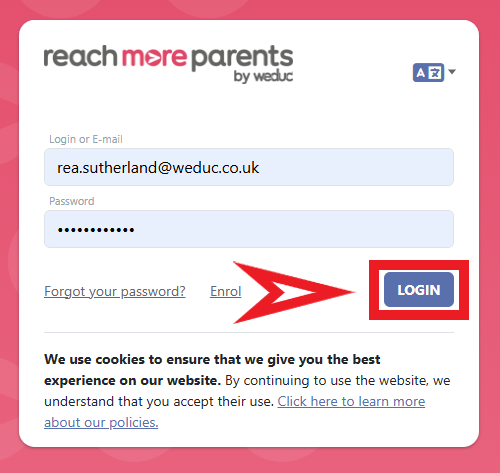
1) Log in to ReachMoreParents.
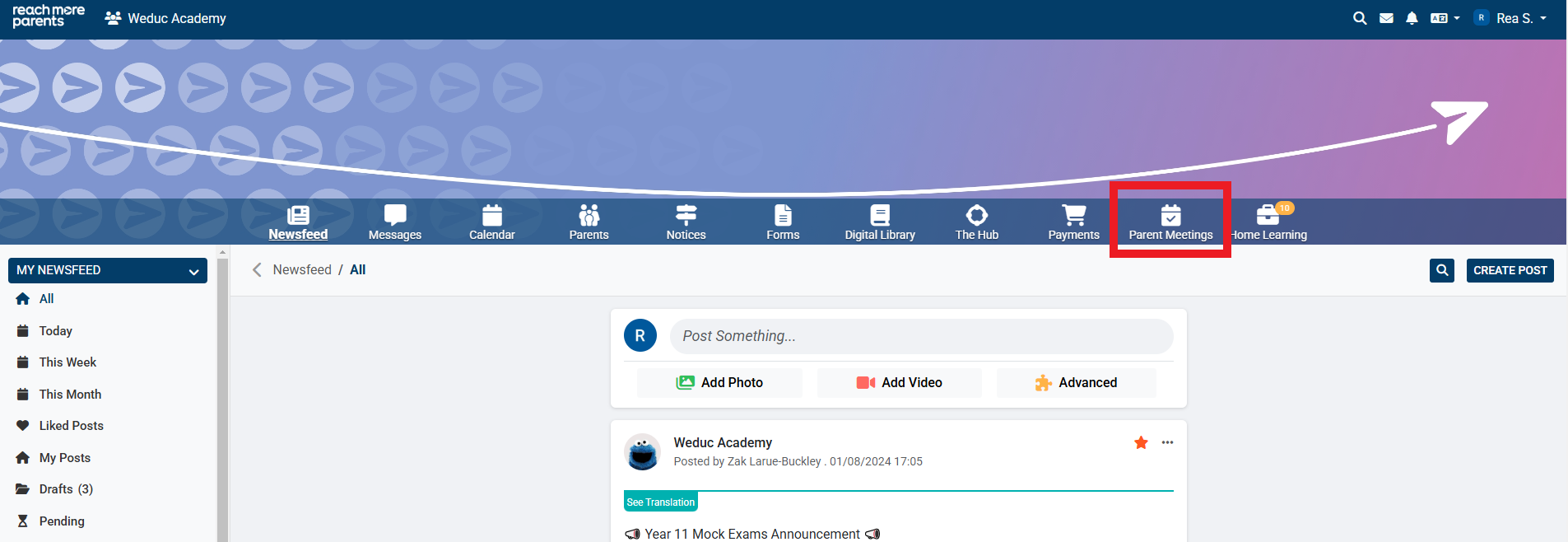
2) Click on the Parent Meetings icon
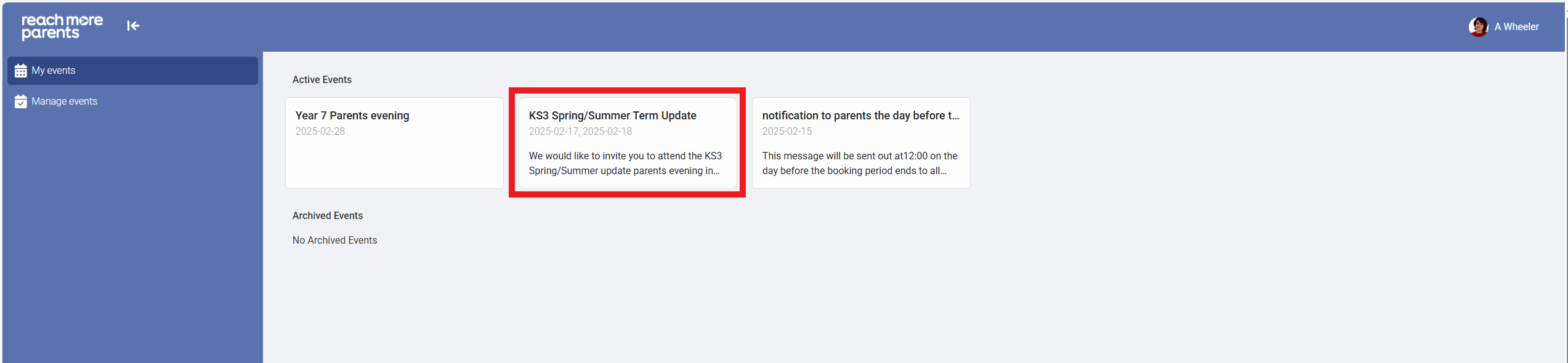
From here, you will need to carry out the below steps:
3) Click on the Event tile the appointment is booked for
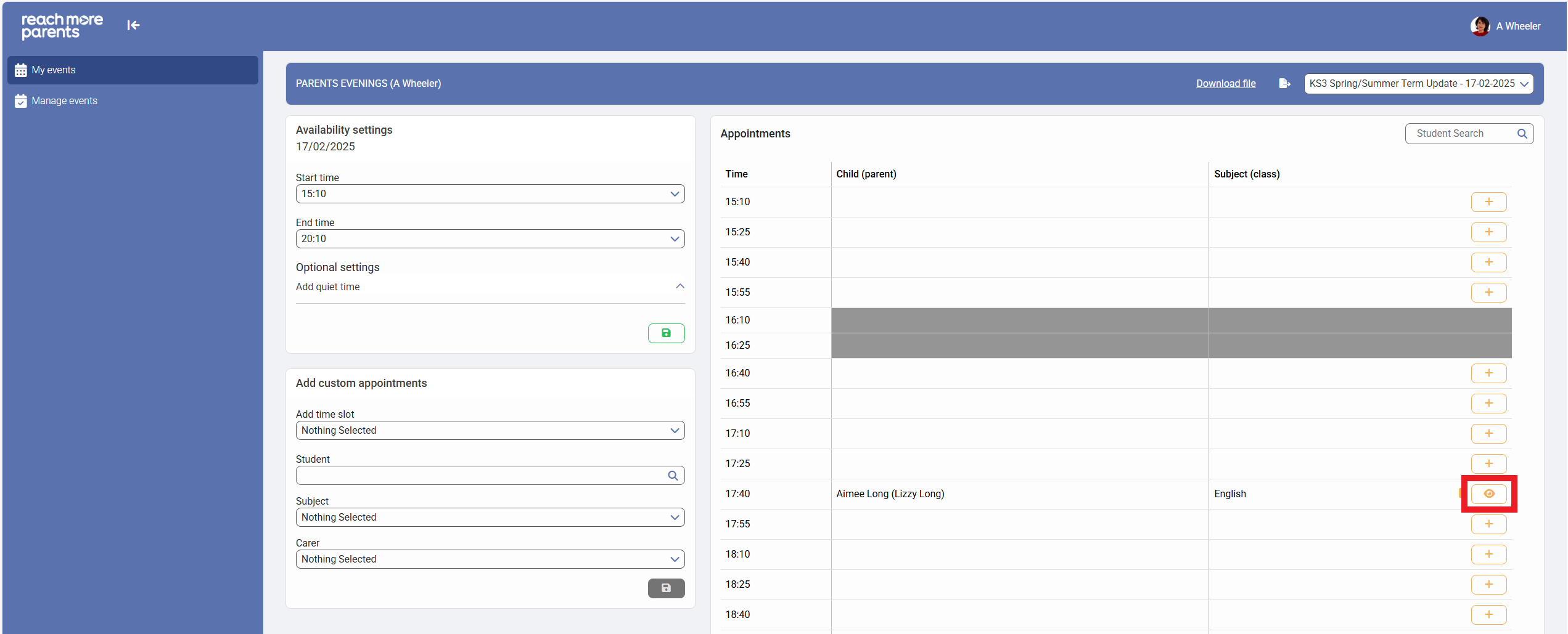
4) Click on the eye icon to "View Appointment" details
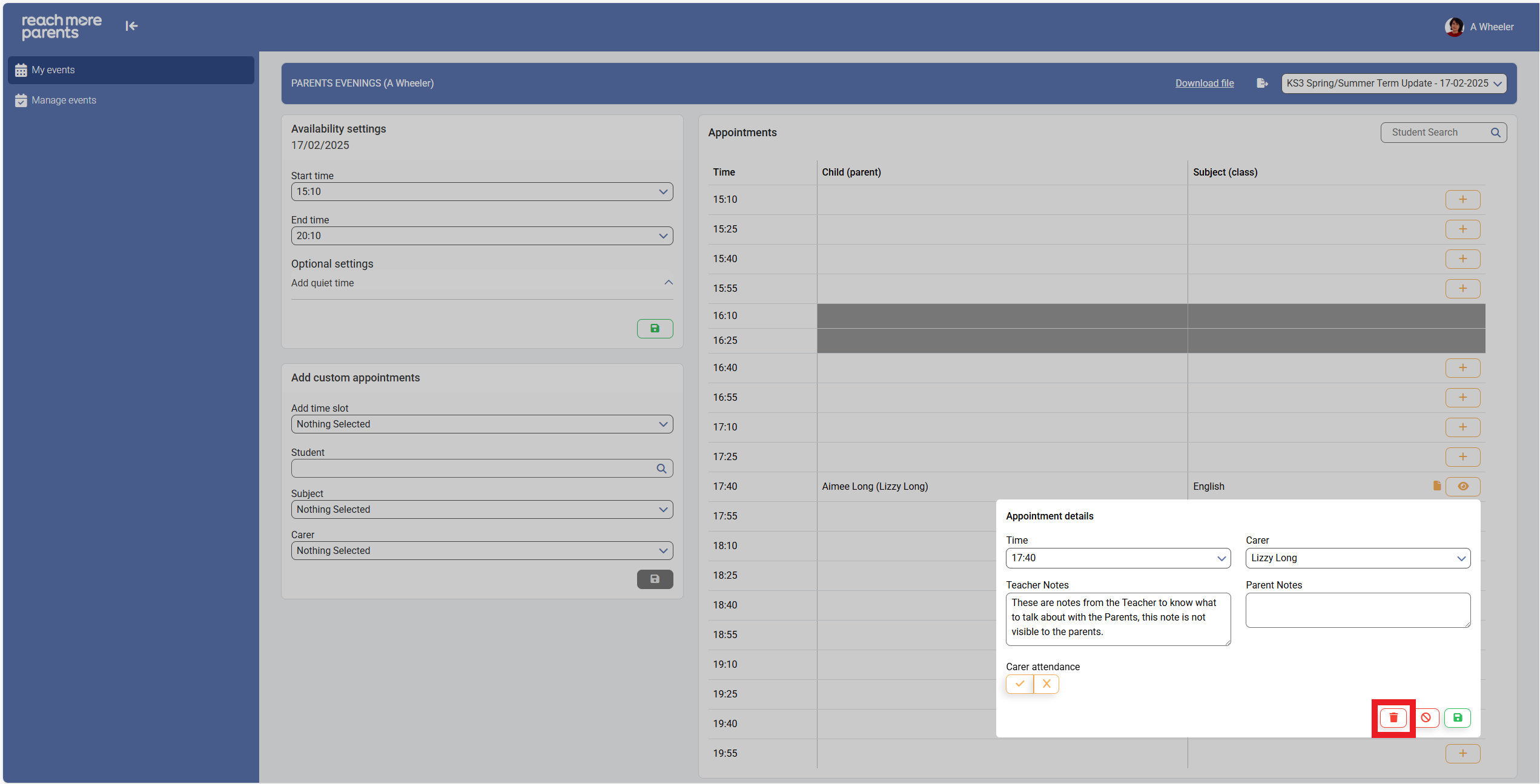
5) Click on the "Delete" button
6) Click on "Cancel" if you have changed your mind
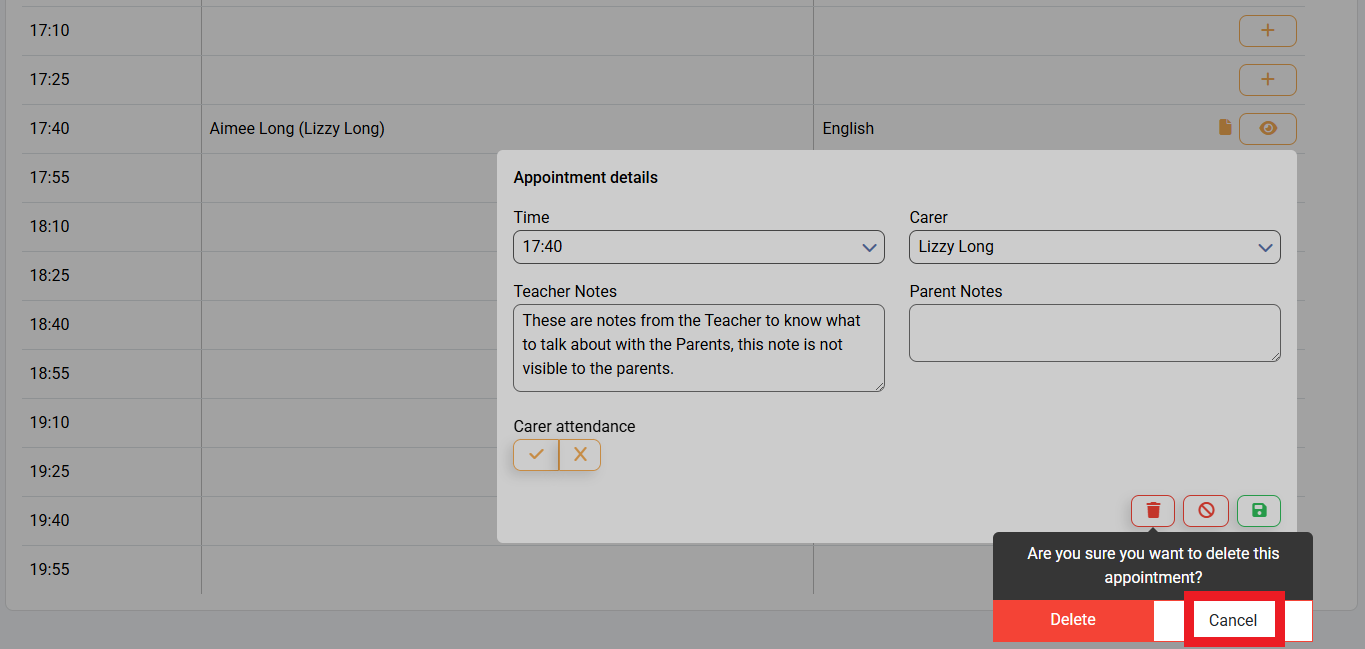
7) Click on "Delete" to complete the deletion of the appointment