
Sometimes, a Parent / Carer isn't able to attend an event in the standard booking window the School Administrator has defined (perhaps they work a night shift so can only attend in the morning). In this circumstance, you may agree with that Parent / Carer to an appointment outside of the event date time window.
In this article, we will detail step by step how to create a "Custom appointment".
Firstly, you need to access PEMS as a teacher:
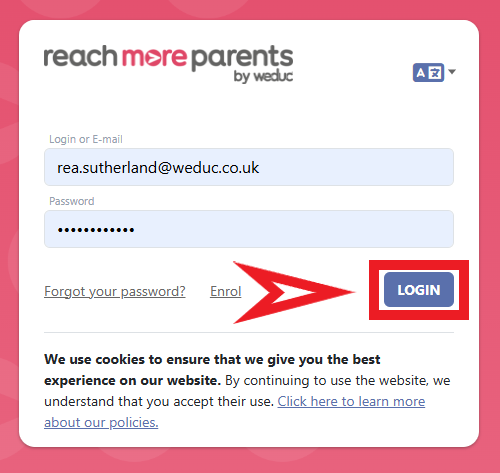
1) Log in to ReachMoreParents.
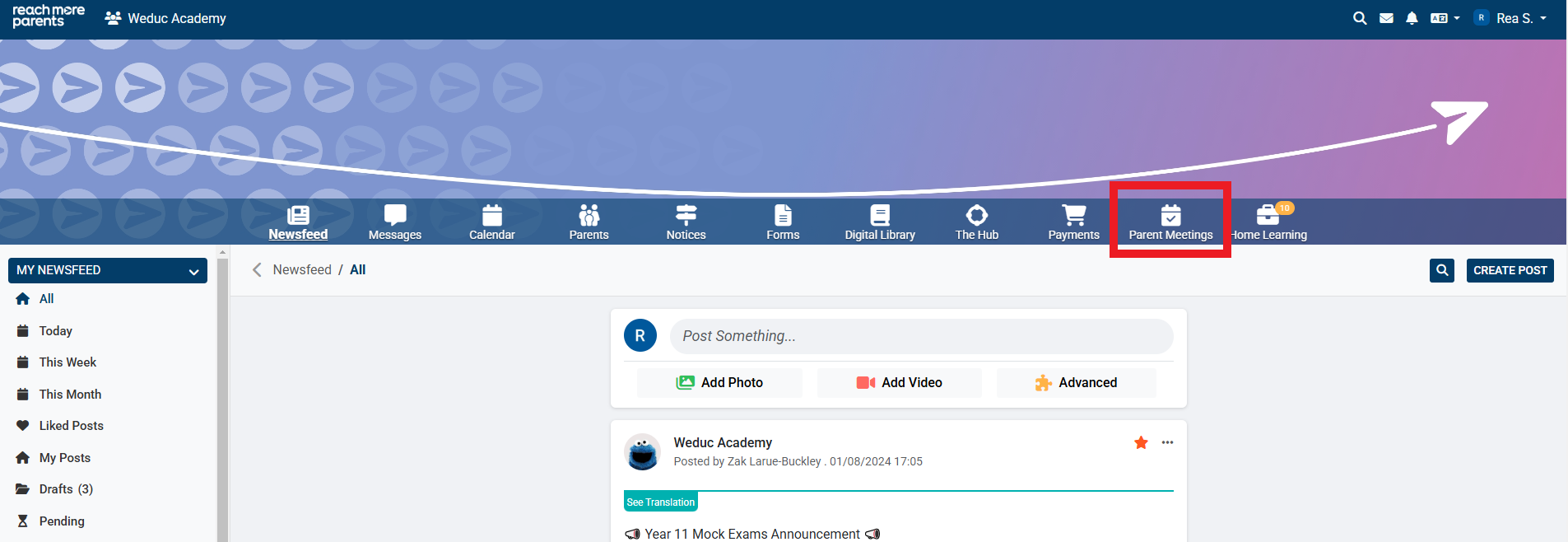
2) Click on the Parent Meetings icon
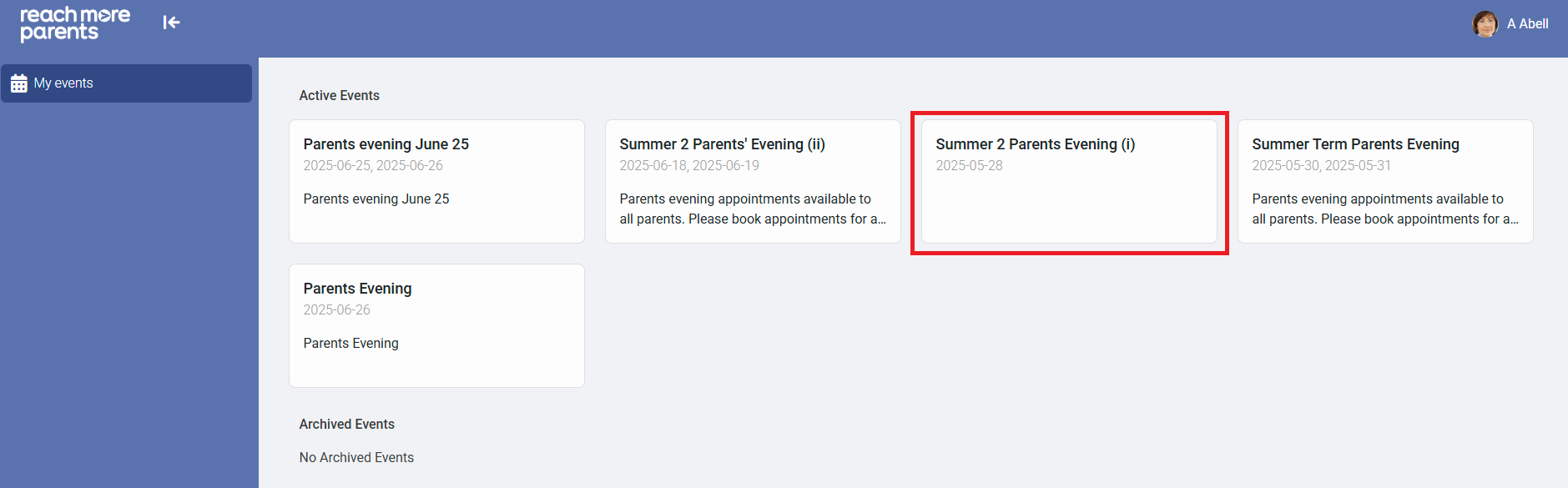
3) Click on the Event tile where you need to book the custom appointment
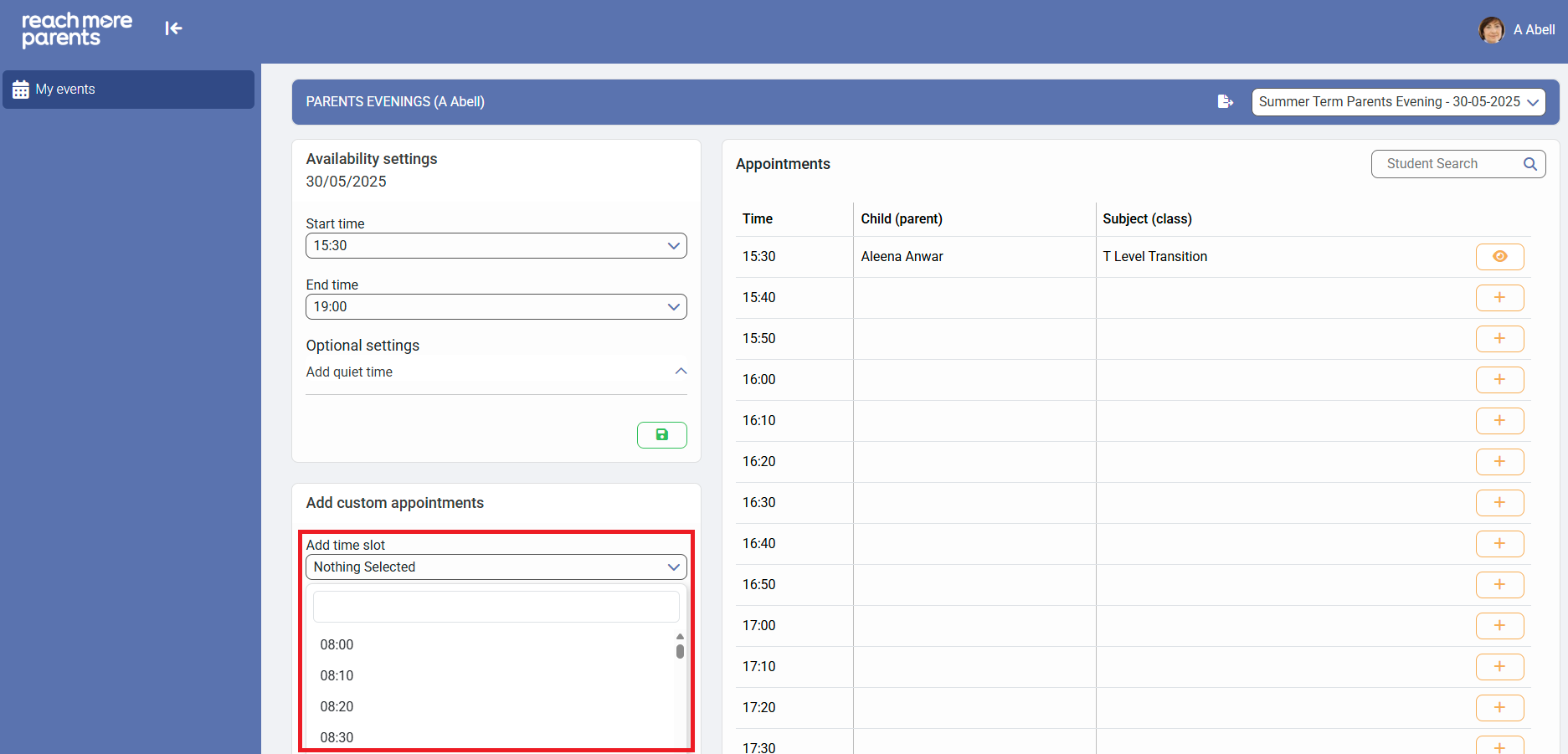
4) Click on "Add time slot" in the "Add custom appointments" block and choose the time you need to add the custom appointment for
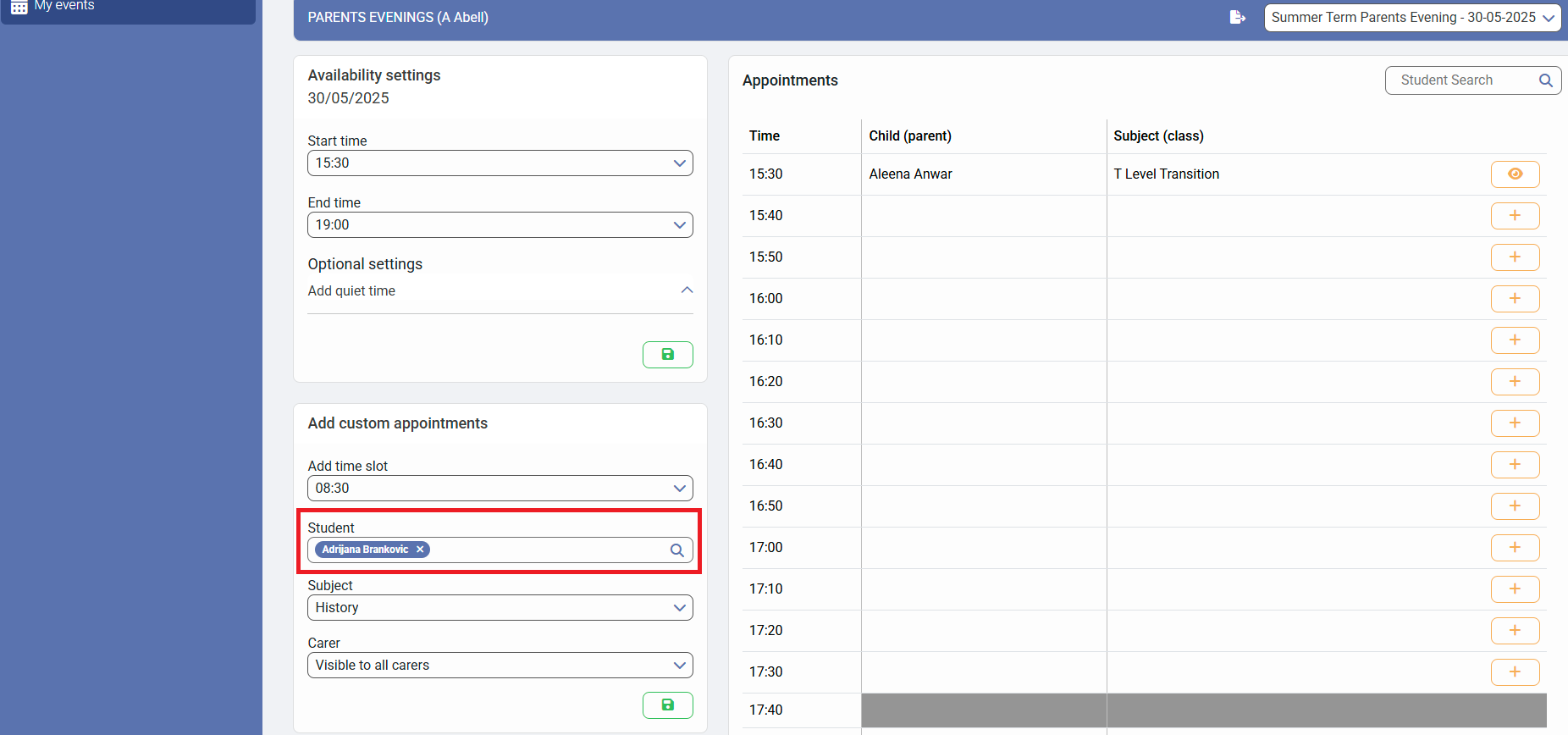
5) Type the name of the student you would like to book the appointment for in the "Student" field and click on it from the results
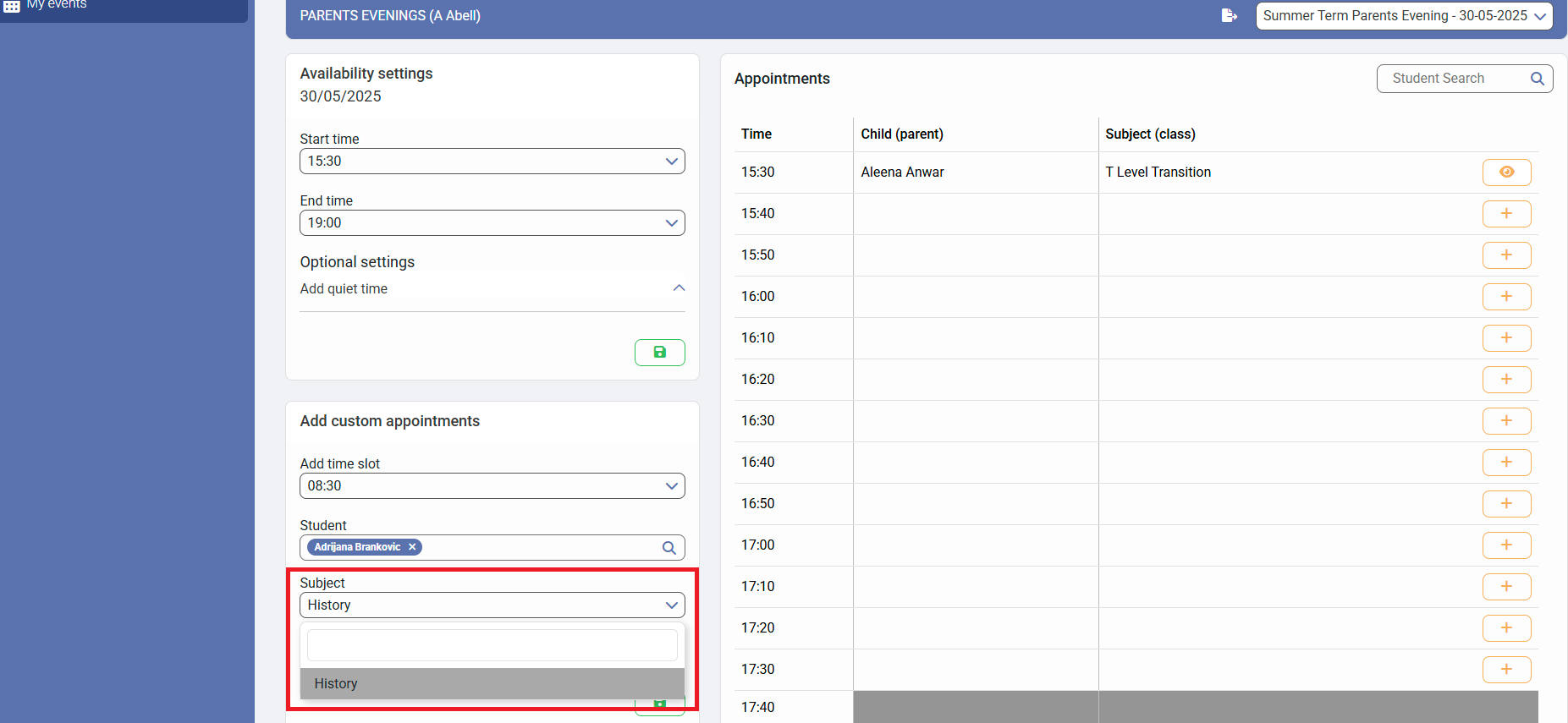
6) Click on the "Subject" field and select the group you need from the list of Subjects
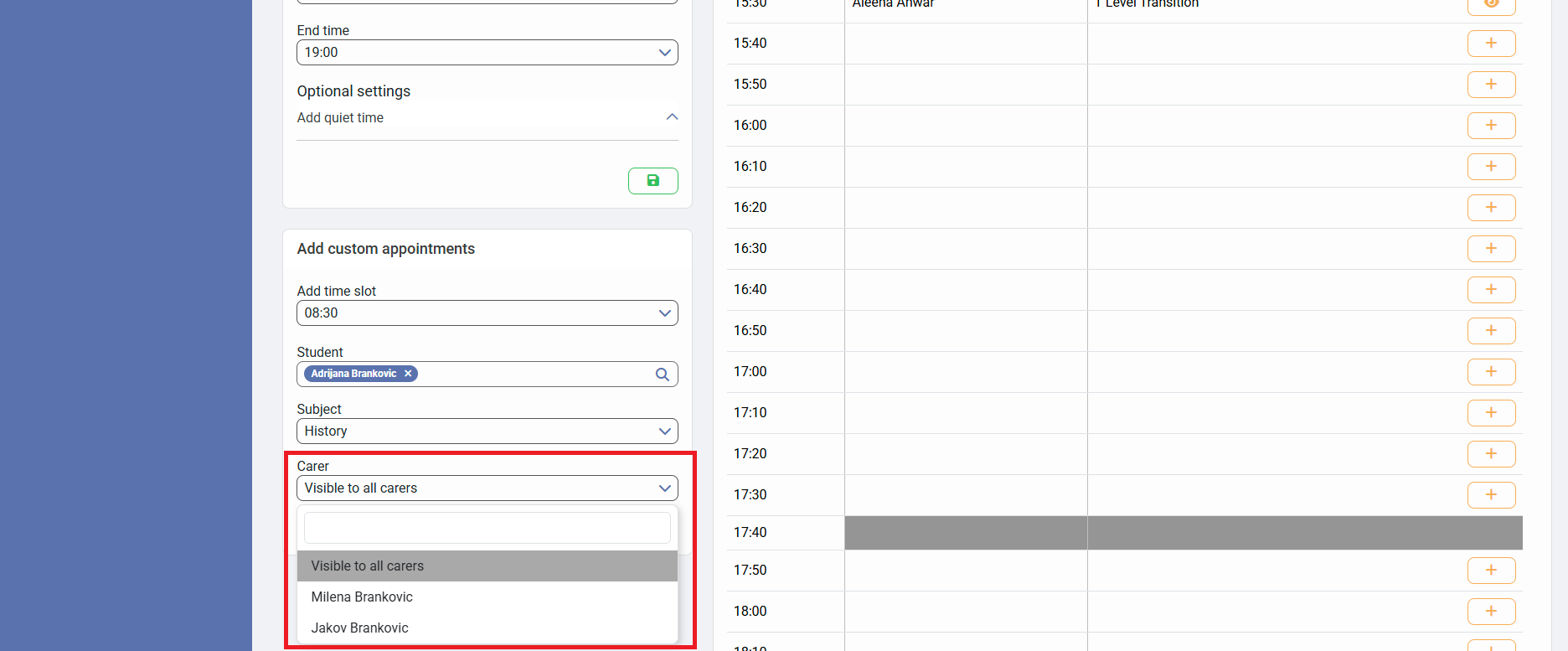
7) Click on the "Carer" field and choose whether it is "Visible to all carers" or choose the carer the appointment is for
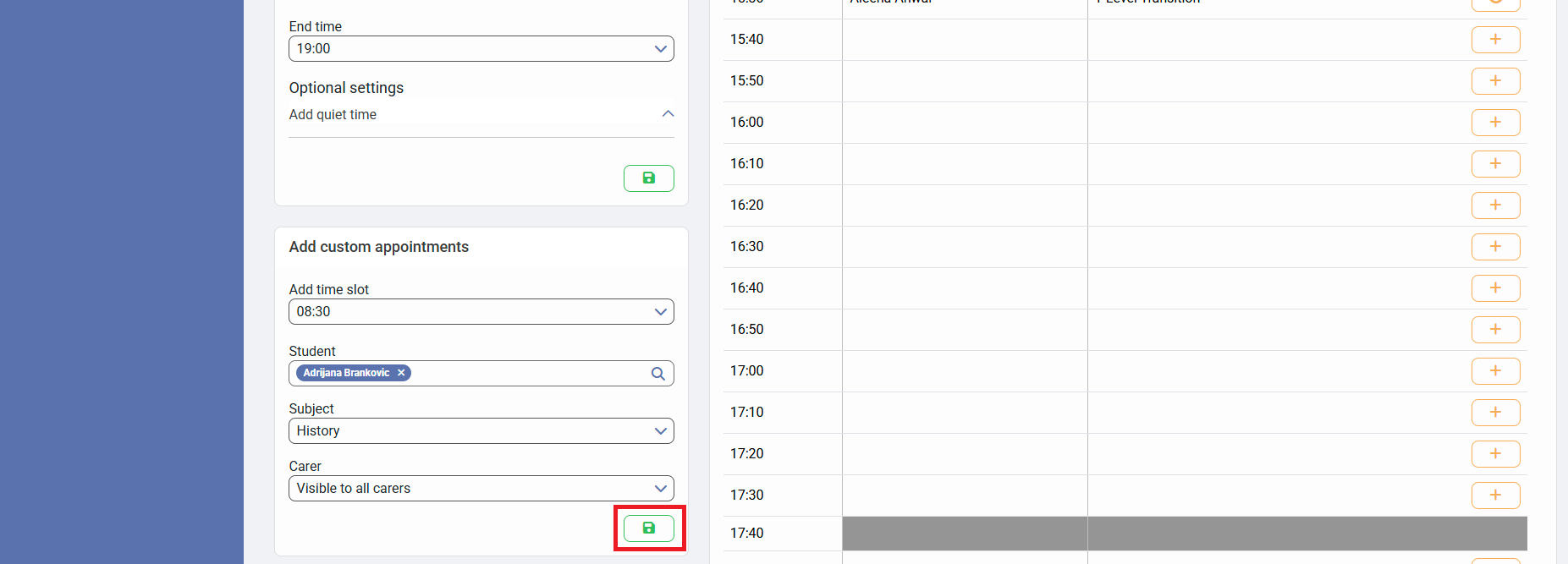
8) Click on "Save" in the "Add custom appointments" block to accept your changes
If you need to return to the full guide, follow the link here.