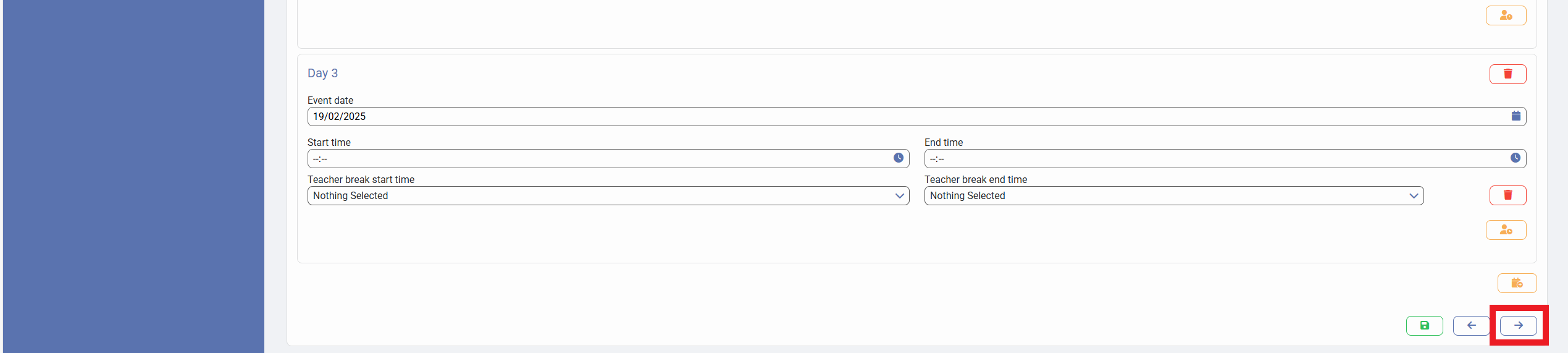
If you need to add an additional date to your Parent Event, this article will instruct you on the steps you need to take in order to do so.
Firstly, you need to log in as an Admin:
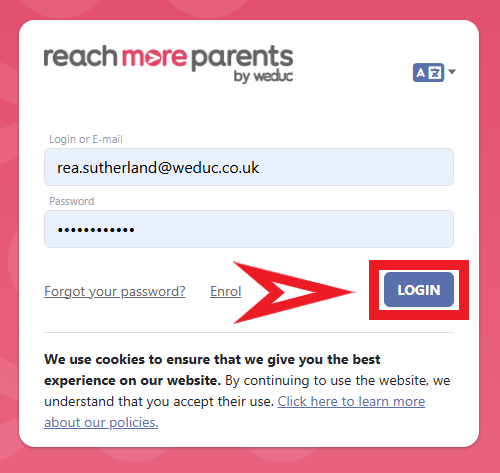
1) Log in to ReachMoreParents.
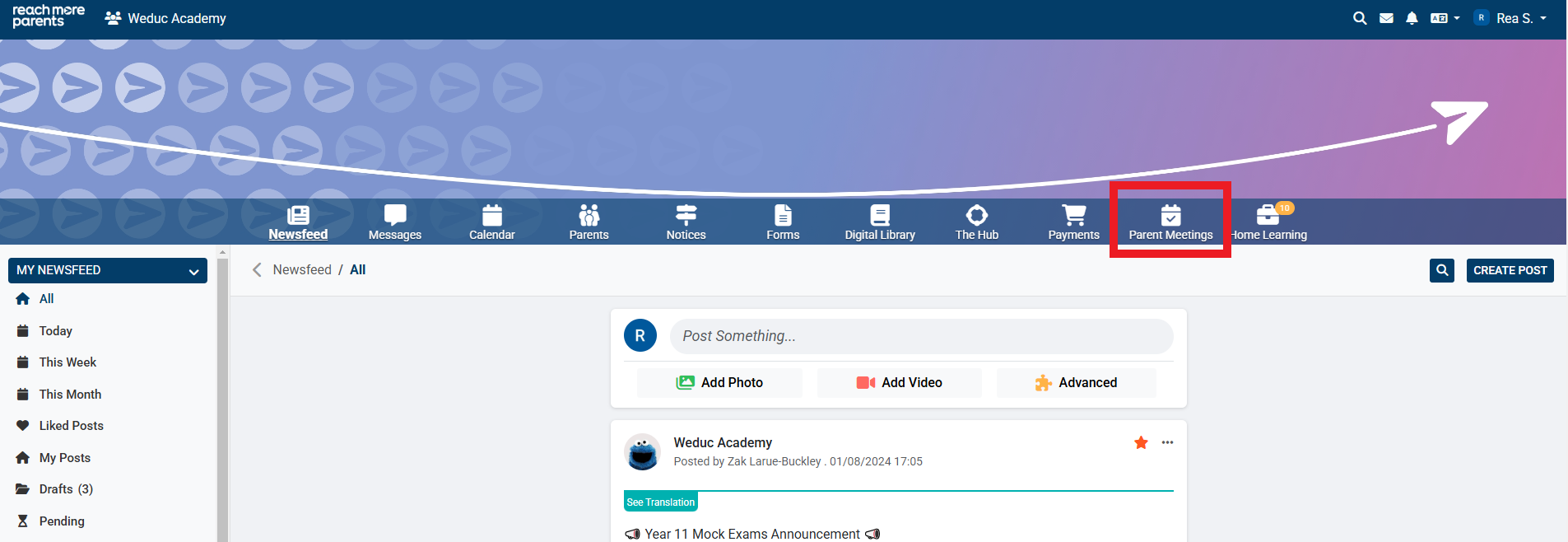
2) Click on the Parent Meetings icon
From this point, you need to carry out the below steps:
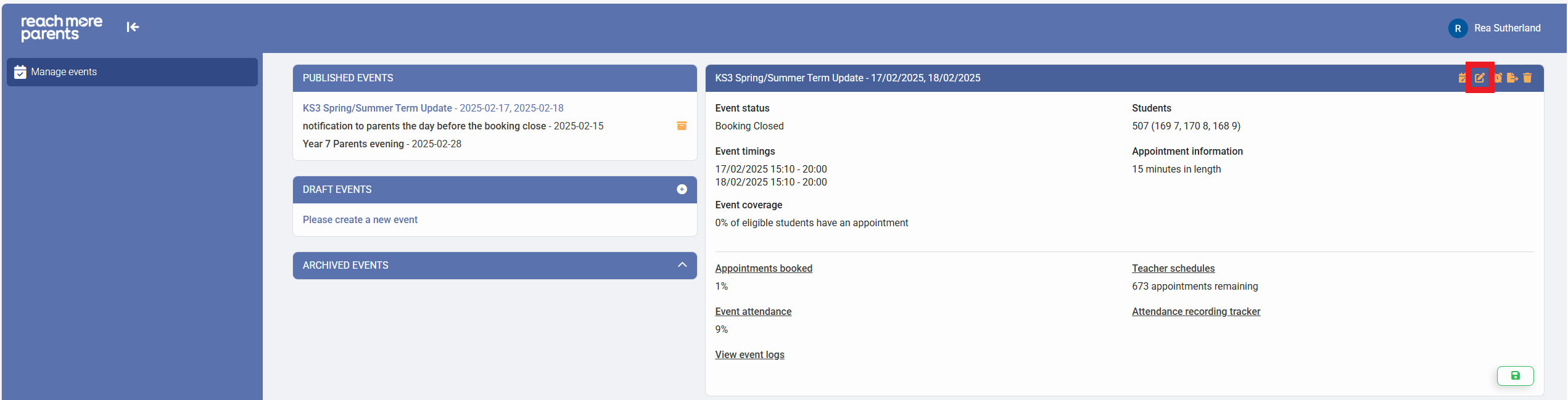
3) Click on the "Event Title" required from the Draft Events blocks
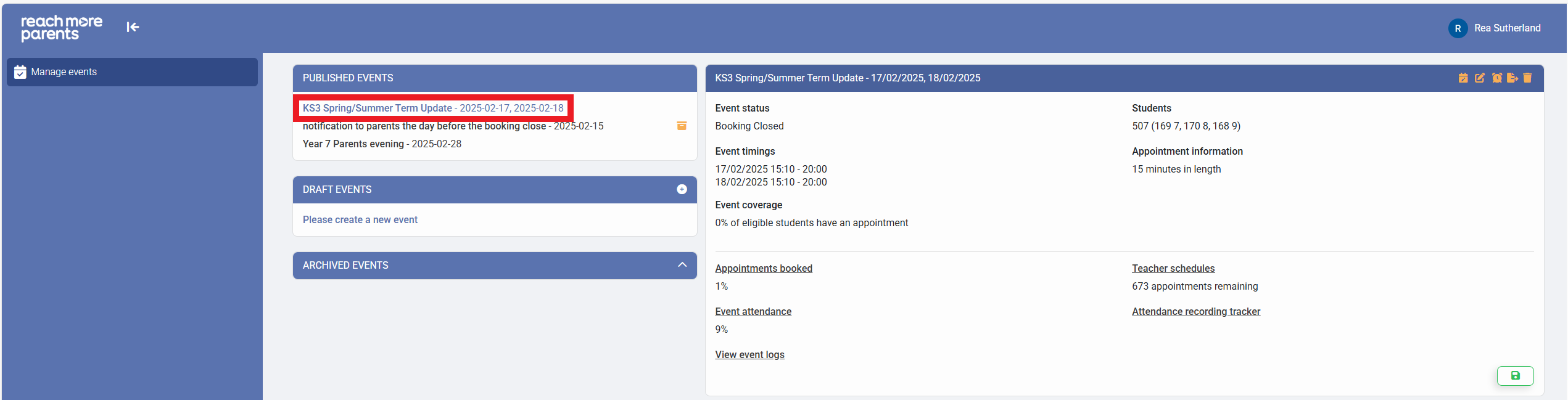
4) Click on the "Edit Event" button
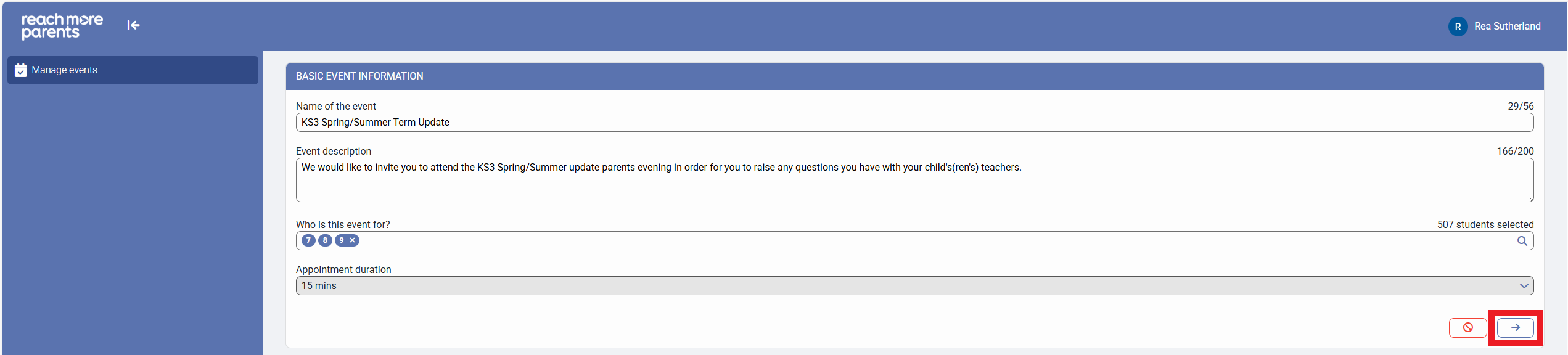
5) Click on "Next" to proceed to the "Event Date & Times for [Event Name]" screen
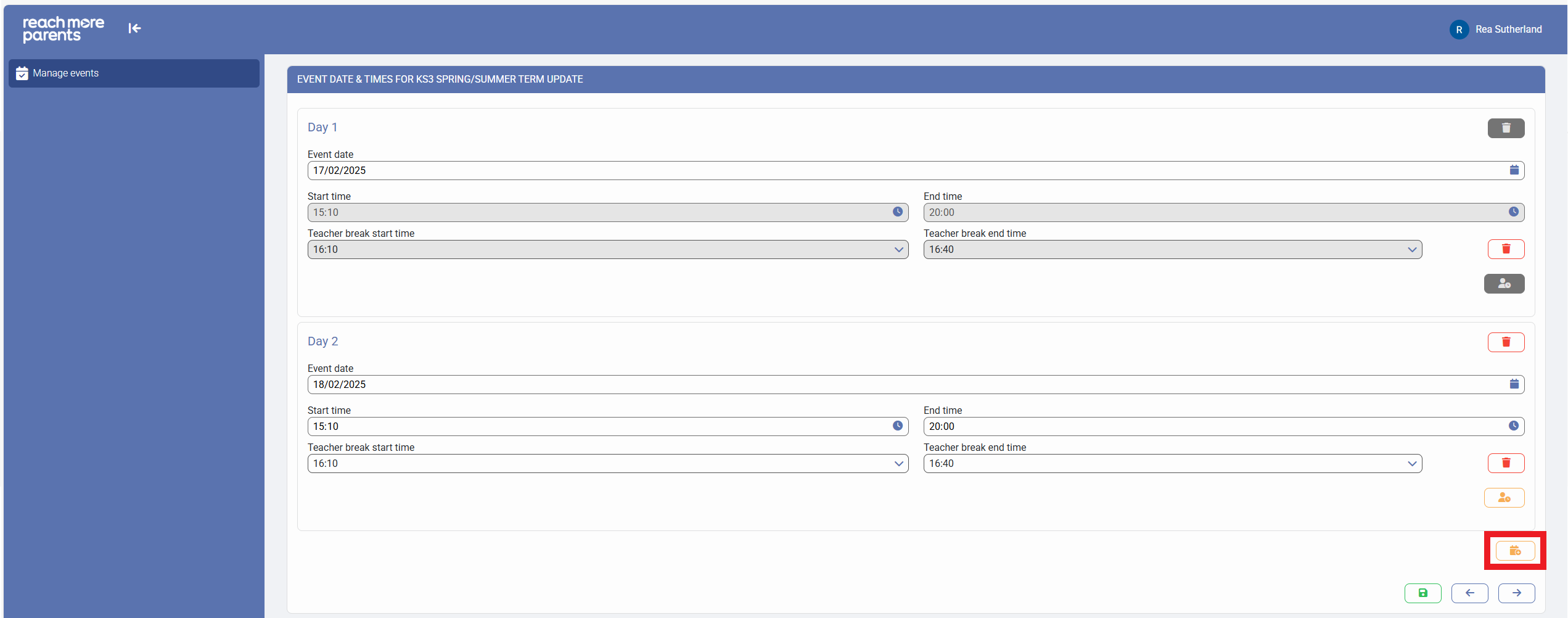
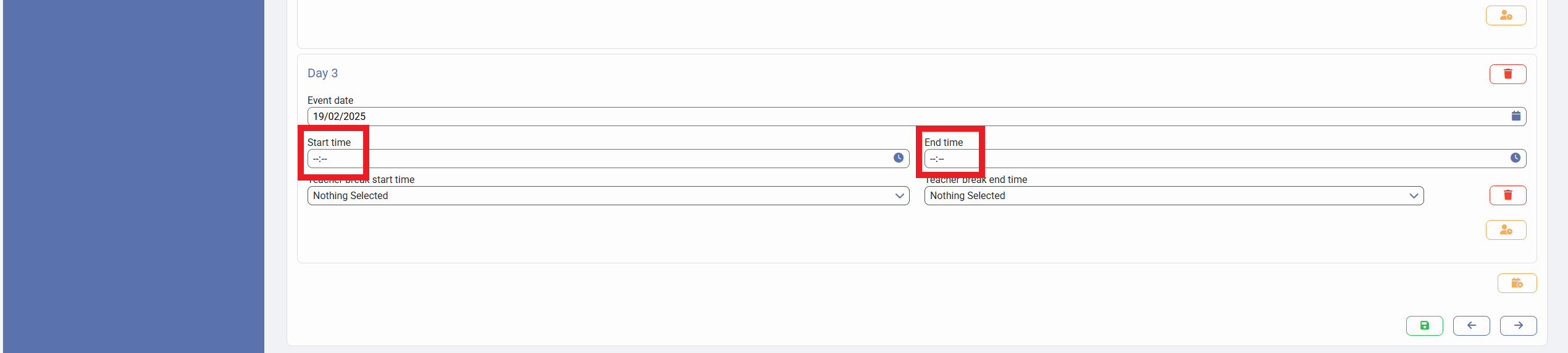
6) Click on "Add another day" which will add another event date configuration block with the "Event date" field pre-populated to the day after the preceding date i.e. if date was 18/02/2025 the new Event Date will auto populate as 19/02/2025
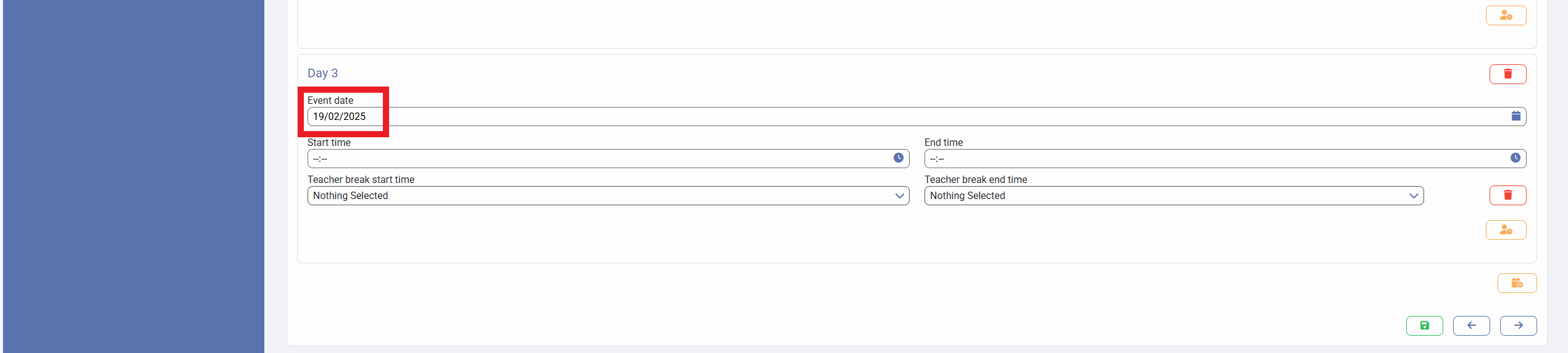
7) Define the Start Time, End Time, Teacher break start time and Teacher break end time
8) Click on "Save" to accept your changes