To configure all the Notifications we offer, please follow the below steps:
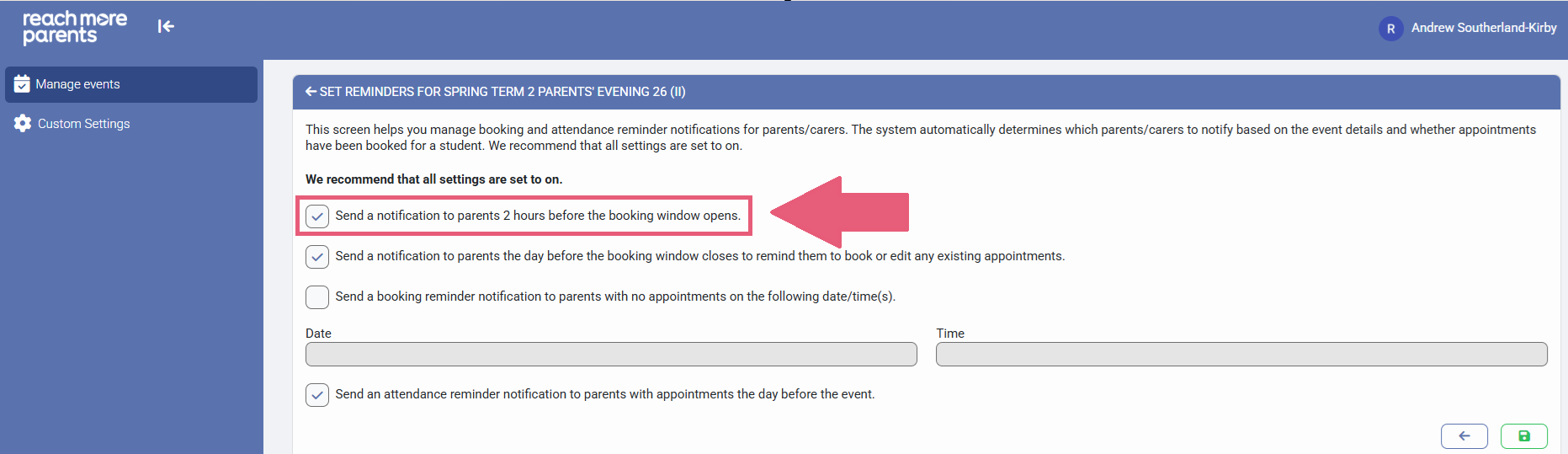
1) The "Send a notification to parents 2 hours before the booking window opens" option will be set to "true" automatically - This notification, as labelled, will send a push notification and bell notification to your parents via the ReachMoreParents App 2 hours prior to your set booking window start time
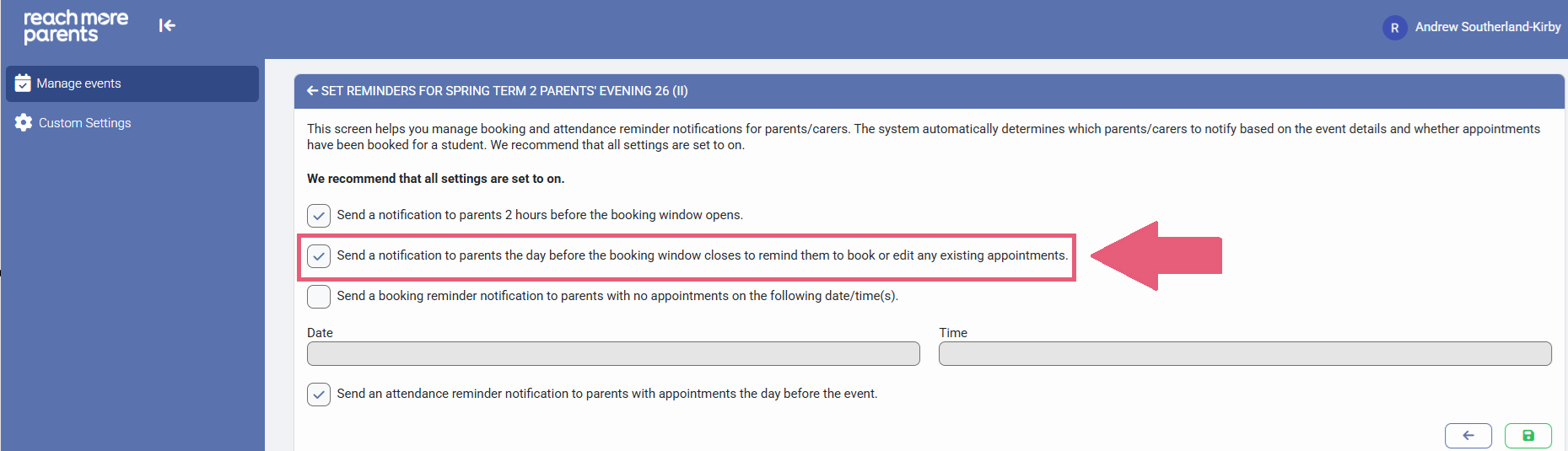
2) The "Send a notification to parents the day before the booking window closes to remind them to book or edit any existing appointments" option will be set to "true" automatically - This notification, as labelled, will send a push notification and bell notification to your parents via the ReachMoreParents App the day prior to the booking close date / time at 12:00
3) The "Send a booking reminder notification to parents with no appointments on the following date/time(s)" is disabled as standard, but if you would like to configure this, click on the check box beside it and set the date and time you would like the notification to be sent. This will send a Push and Bell notification to the ReachMoreParents App at the date and time of your choosing.
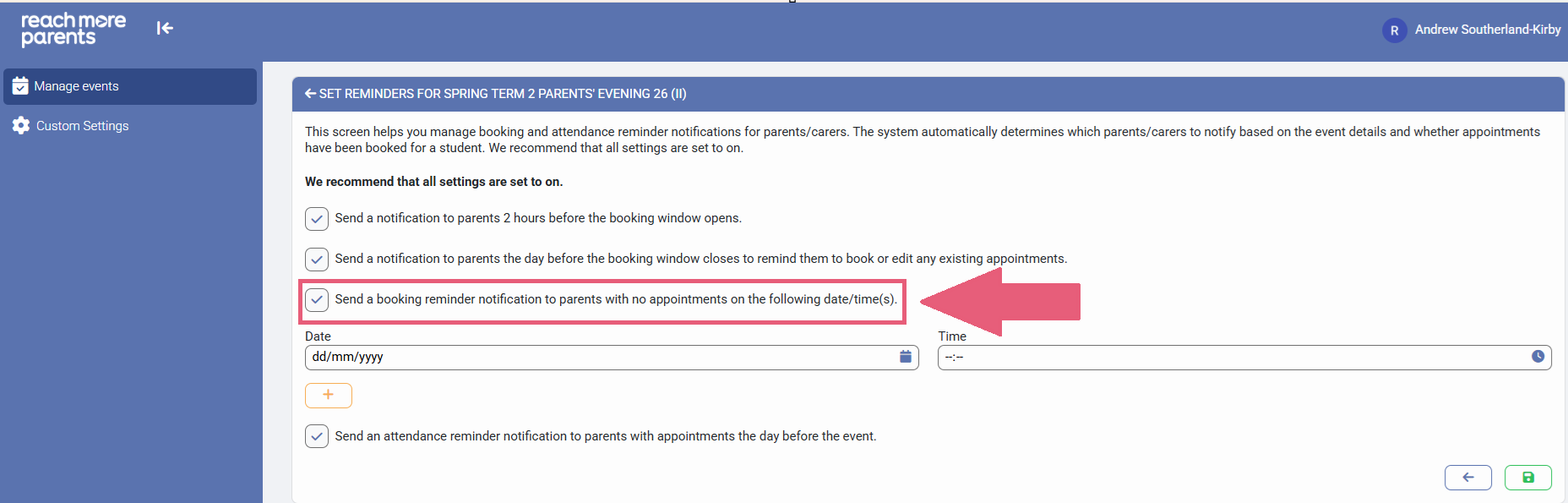
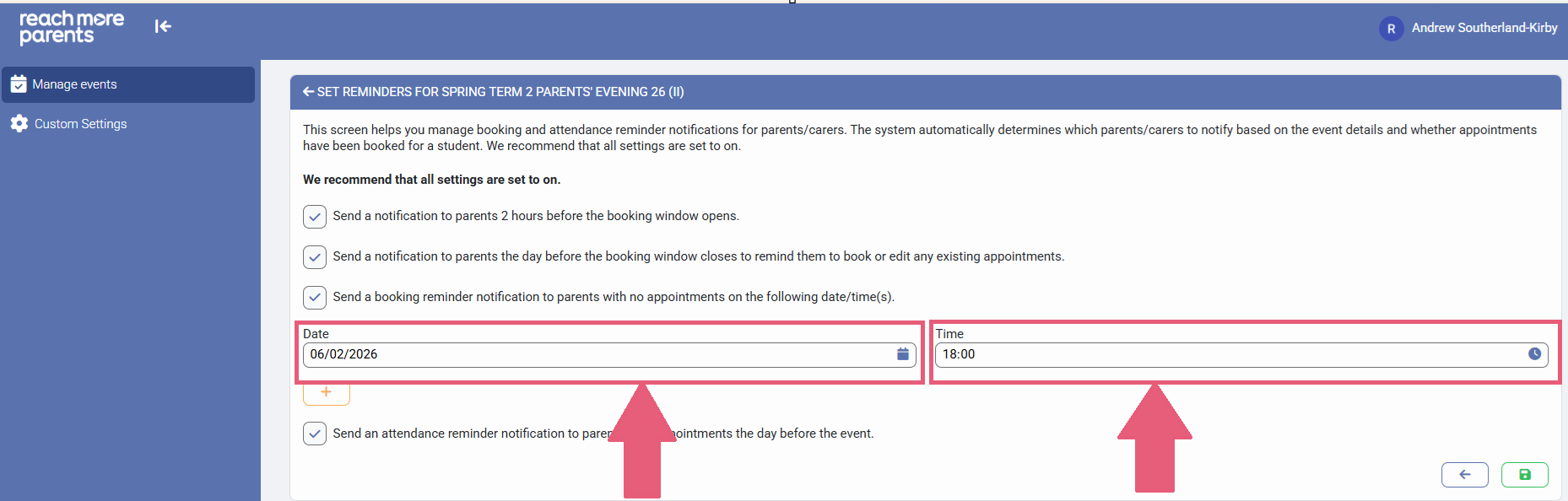
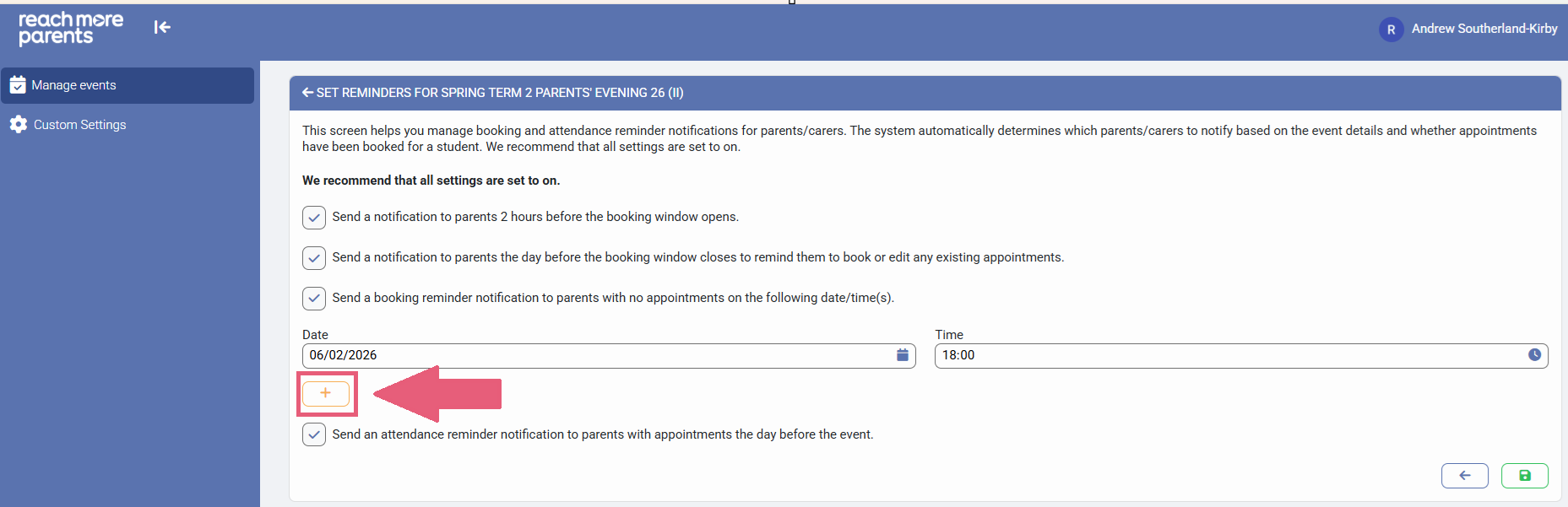
Click on "+" if you want to add another Custom Reminder and add in the extra date(s) and time(s) for additional reminders.
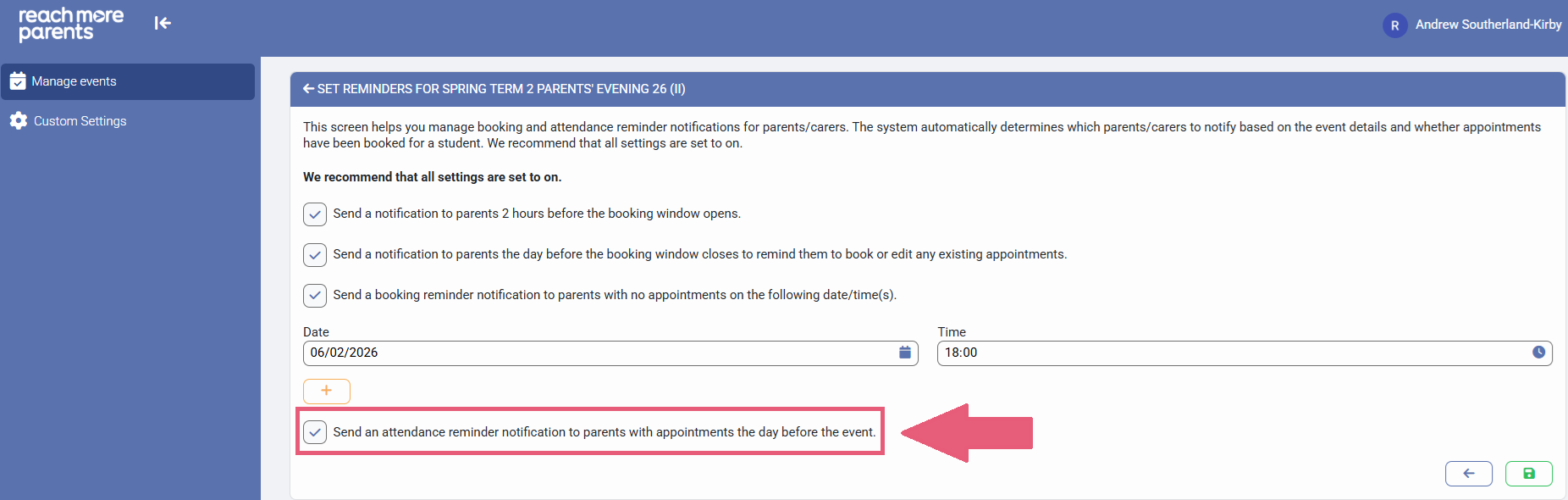
4) The "Send an attendance notification to parents with appointments the day before the event" option will be set to "true" automatically - This notification, as labelled, will send a push notification and a bell notification to your parents via the ReachMoreParents App for any parents who have appointment bookings
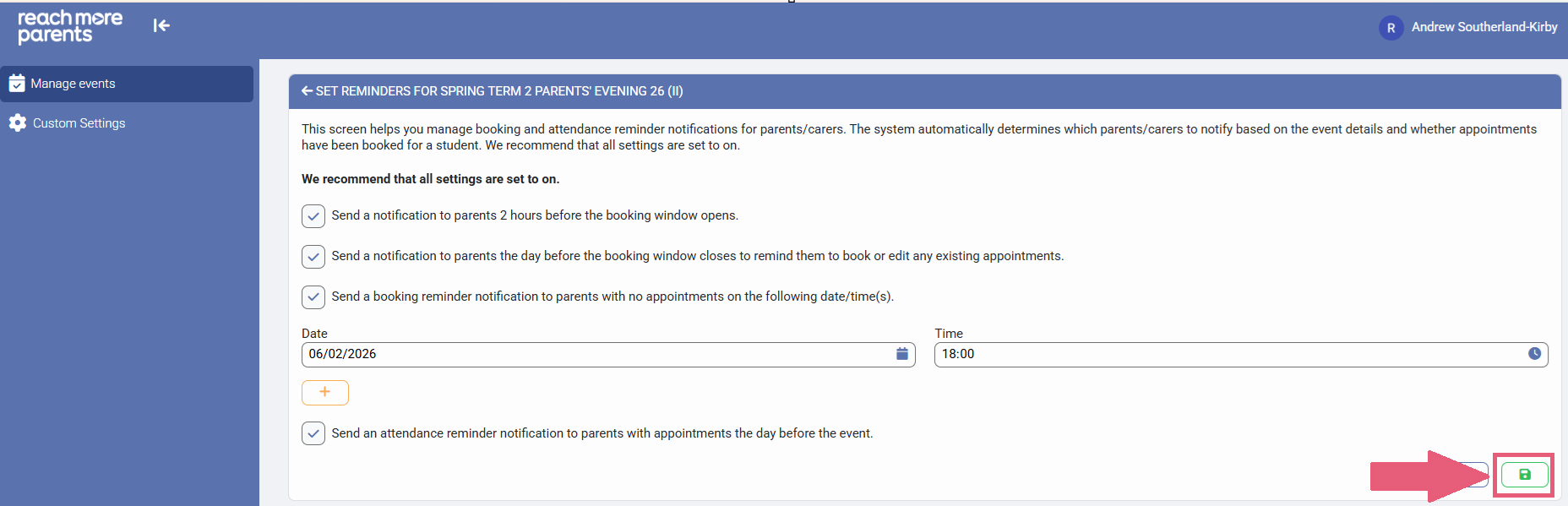
5) Click on "Save" and a confirmation will show