Firstly, you need to access PEMS as an Admin:
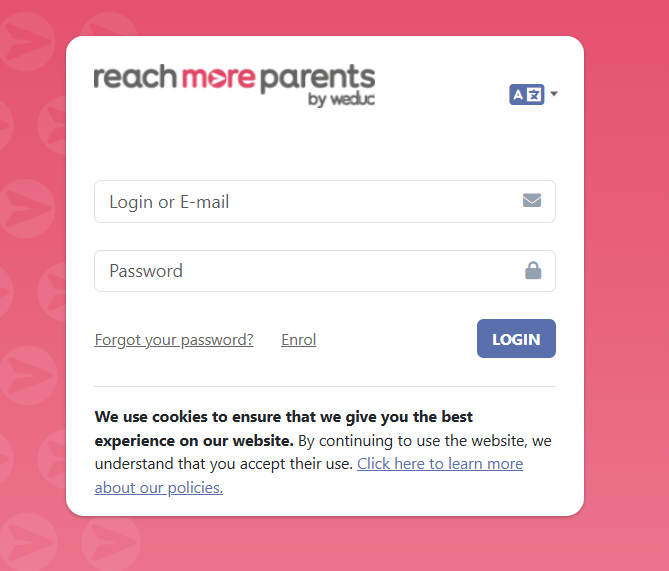
1) Log in to ReachMoreParents.
2) Click on the Parent Meetings icon

From this point, you need to carry out the below steps:
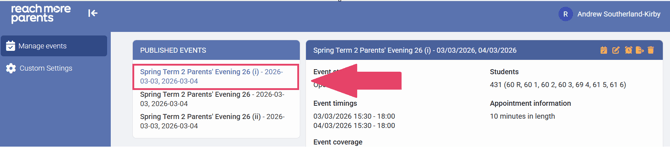
3) Click on the "Event Title" where you need to amend the Notification Settings
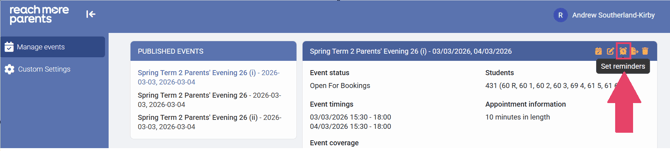
4) Click on "Set Reminders" in the Event Summary block
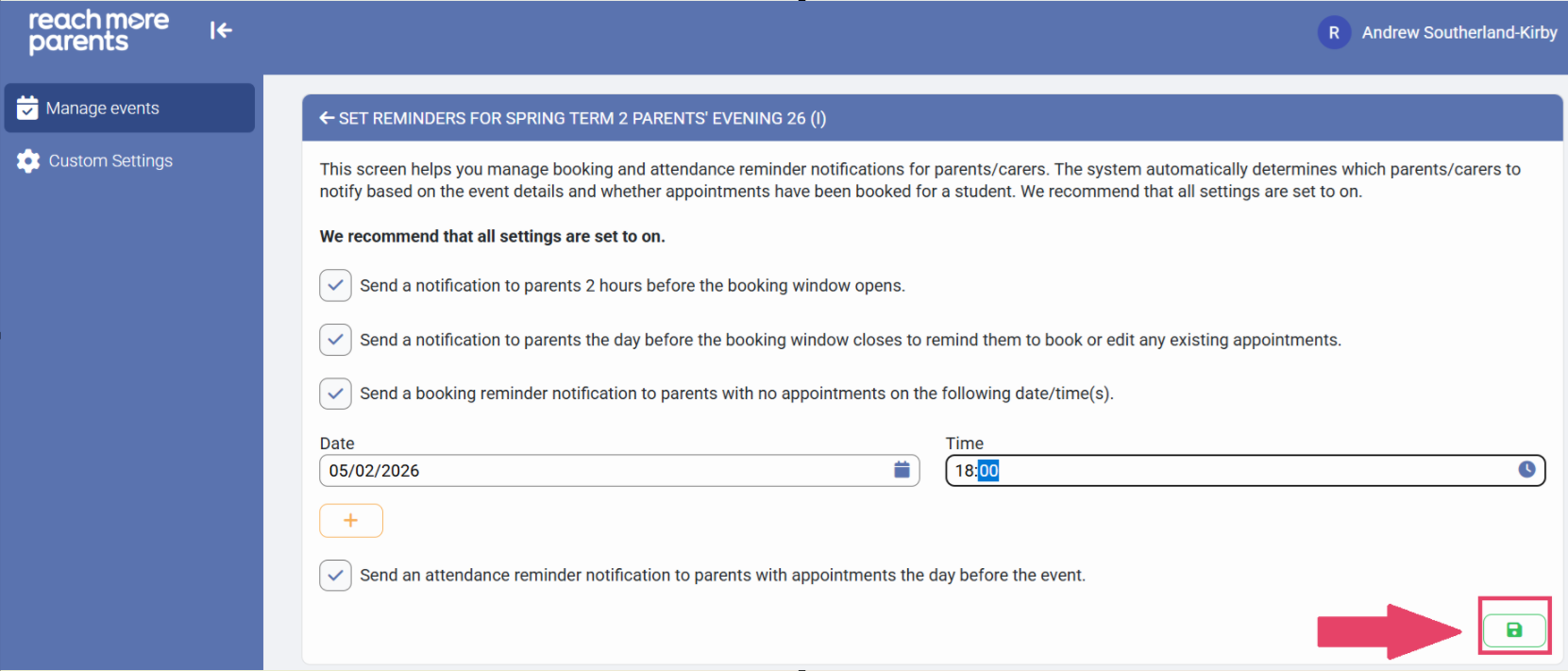
5) In the "Set Reminders for [Event Name]" screen, configure the notifications from the following notification types:
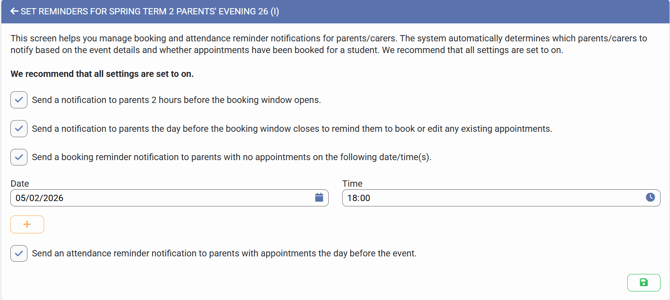
- Send a notification to parents 2 hours before the booking window opens
- Send a notification to parents the day before the booking window closes to remind them to book or edit any existing appointments
- Send a booking reminder notification to parents with no appointments on the following date/time(s)
- if you set this to "true" you can define a custom date and time for a reminder notification to attendees
- you can "+" add another if you wish too
- Send an attendance reminder notification to parents with appointments the day before the event
6) Click on "Save" when you're happy with your notification settings