
If you have children, or you have a parent who has children, across multiple schools using Weduc, the parent can merge the accounts themselves.
To do this, simply send them an enrolment code in the normal way but use the options for either SMS or Letter.
Note: If the parent cannot remember their password, we would advise they reset their password once they complete step 1.
Once done, please ask the parent to follow the below.
1. Logout of Weduc
1a. Click the 3 lines to open the menu

1b. Scroll down and select App Settings

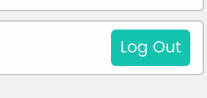
1c. Click Logout
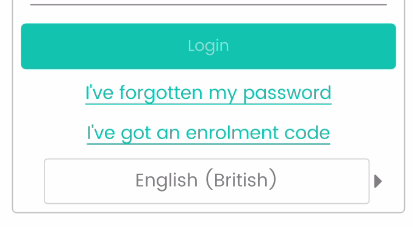
2. Click "I've got an enrolment code"
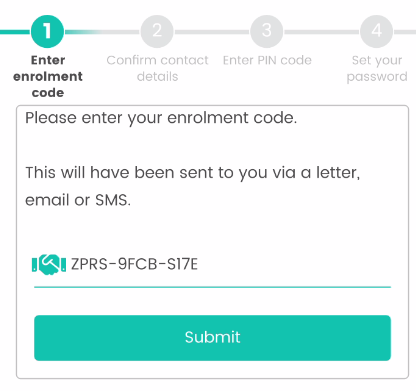
3. Enter the new code
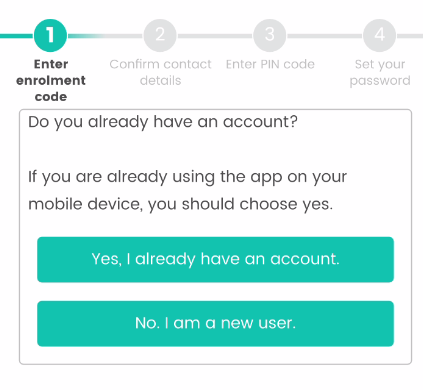
4. Click on "Yes, I already have an account"
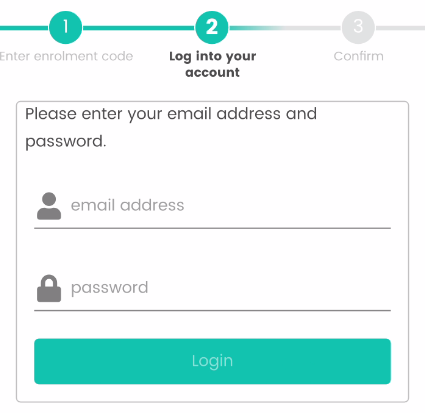
5. Enter the existing logins details when prompted
 200 KB