
Logging In
Logging into the Weduc Websites CMS (Content Management System) is a very simple task.
First, go to your own website.
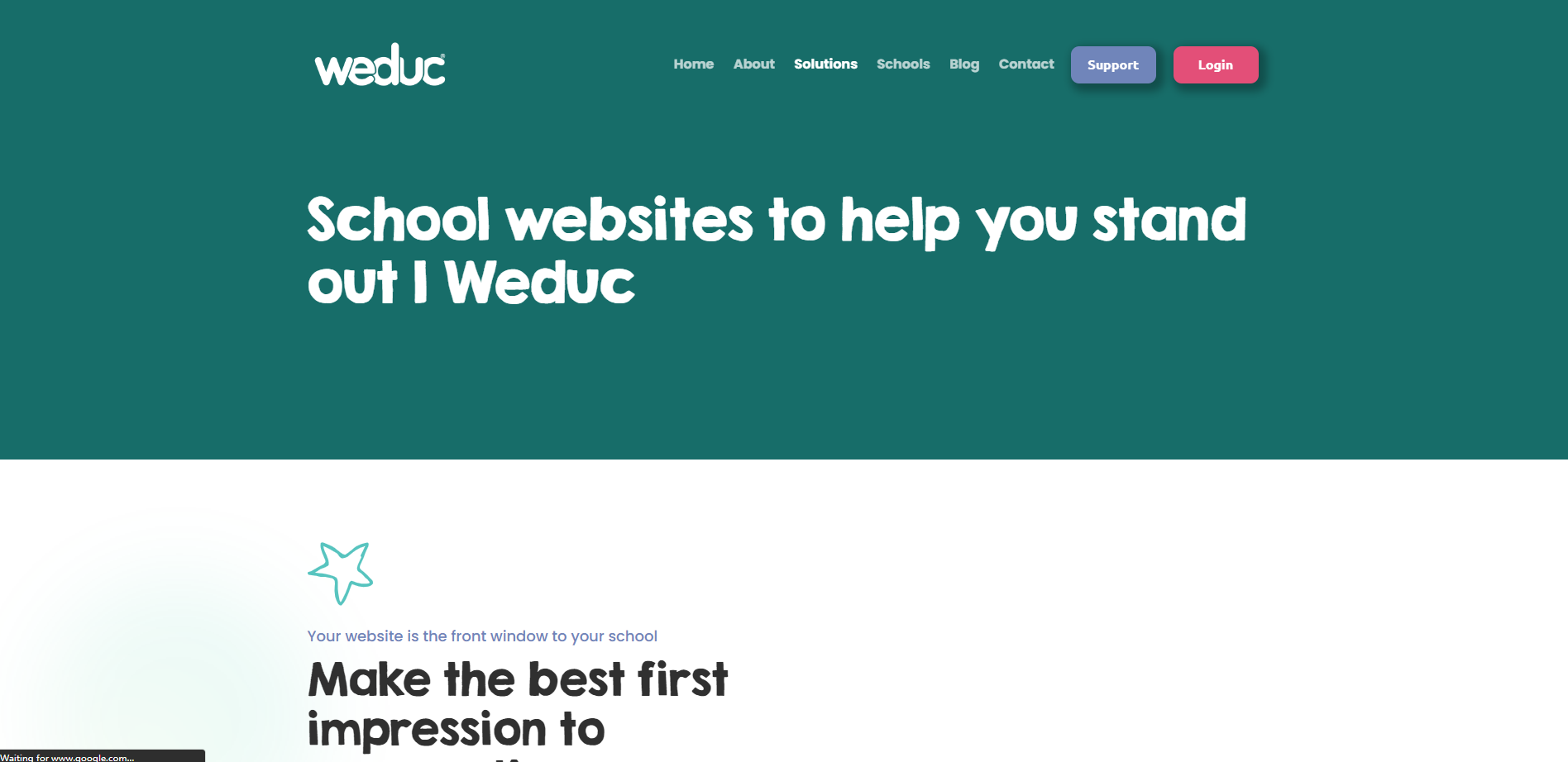
Next, go to the web address bar at the top of your screen and click into it to edit it.

At the end of your website address (domain name), type in /weduc-cms-login and press Enter.

You will then be taken to the main login page for your website.
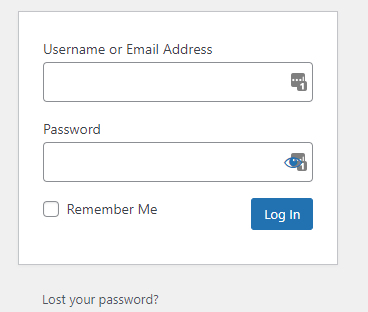
Now just enter your email and password to login.
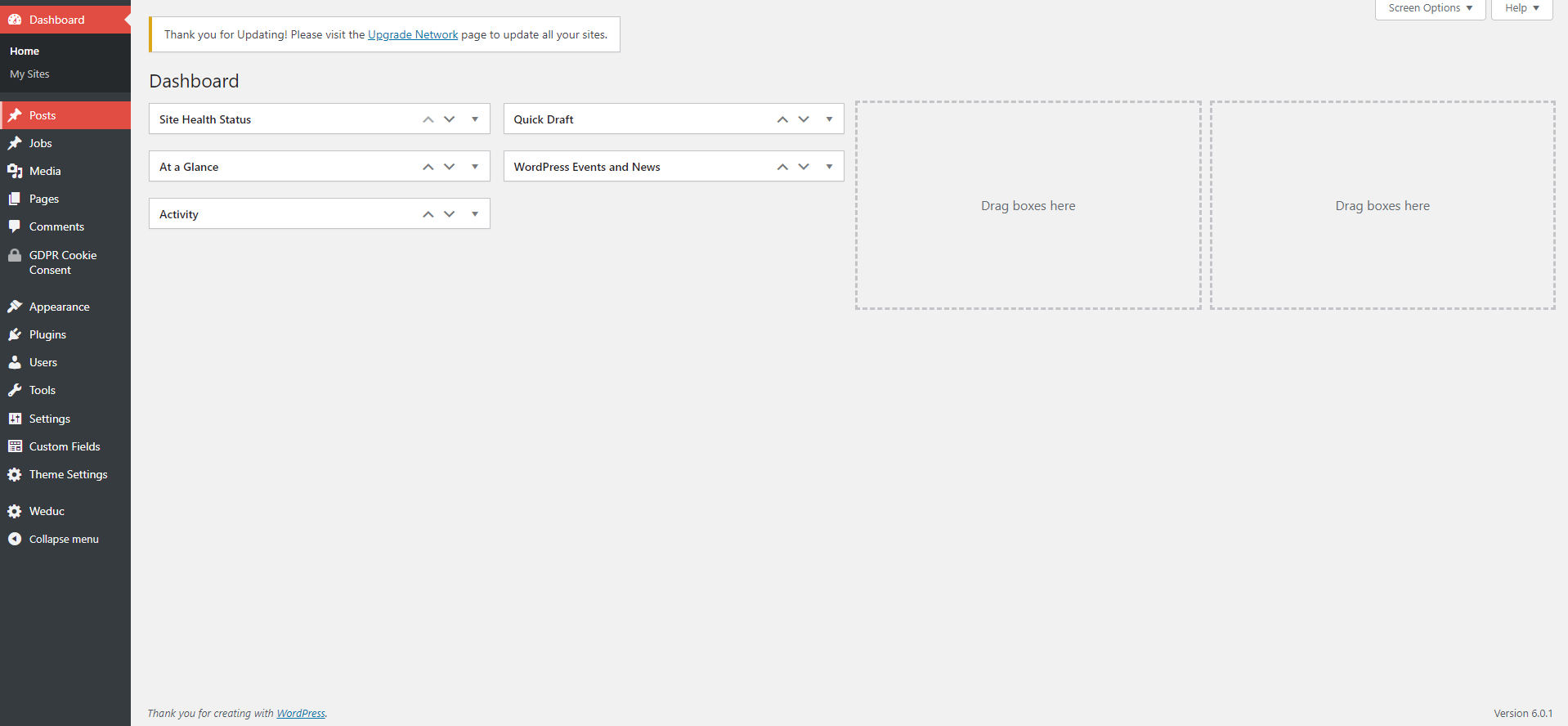
If you do not have a login, please contact your main Website Administrator in school who can assist with this.